Domain RegistrationFind and register the perfect domain for your website.
 .COM DomainChoose a widely recognized domain to build global credibility.
 Domain TransferSeamless domain transfers with zero downtime and complete control.
 All TLDsFind and register your perfect domain. Choose from local and global extensions.
 SSL CertificatesKeep your website safe with reliable SSL Certificates that protect customer data and build trust.
 whoisCheck domain ownership details, expiration dates, and registrar information.
 US DomainRegister a .US domain and build trust in the USA.
 Web HostingEverything your website needs to run smoothly
 WordPress HostingWordPress hosting that just works
 Windows HostingReliable hosting for Windows environments
 Reseller HostingTurn hosting into your business
 Email HostingEmail that looks professional and works anywhere
 cPanel HostingFull control of your hosting with cPanel
 Affiliate ProgramJoin as a partner and earn commissions on every referral you send our way.
 Vps HostingScalable virtual servers that expand as you need.
 Dedicated ServersGet complete access and full control over your dedicated physical server.
 Managed vpsNot tech-savvy? We will take care of everything with our fully managed VPS hosting for you.
 AI Website BuilderCreate stunning websites in seconds with AI.
 Online ShopSet up a professional online store. No coding required.
 Web design serviceGet a tailored website designed to match your brand and support your goals.
 BlogFind helpful guides on web hosting, online selling, digital marketing, and more.
 Contact USYou can reach us anytime, day or night, through chat or email.
 SupportBrowse helpful guides and answers for all of our services.
Your store hits its biggest sale of the year. Orders pile up quickly, then the checkout page freezes. Customers refresh, wait, and leave.
That single moment tells you something real. Your hosting plan has hit a wall it cannot climb over.
This happens more often than most site owners expect. Shared hosting and even many VPS plans split resources across several accounts. Once traffic climbs high enough, that shared setup falls behind.
A dedicated server removes that limit entirely. You get the full CPU, RAM, storage, and bandwidth of one physical machine. No other account touches your resources, ever.
Before the signs, it helps to know what changes when you upgrade. A dedicated server hands you the entire machine, not a slice of one.
Here is what that includes:
- Full CPU, RAM, storage, and bandwidth. Nothing gets shared with other websites or accounts.
- Root-level access. You install any operating system, software stack, or configuration your project needs.
- A dedicated IP address with no neighbors. Shared servers can suffer when one account misbehaves. A dedicated server is not affected by anyone else.
- Full hardware control. You choose the processor, memory, and storage type that fit your workload.
So how do you know your business has reached that point? Below are seven clear signs, along with what each one looks like in practice.
Sign 1: Your Traffic Has Outgrown Shared or VPS Limits
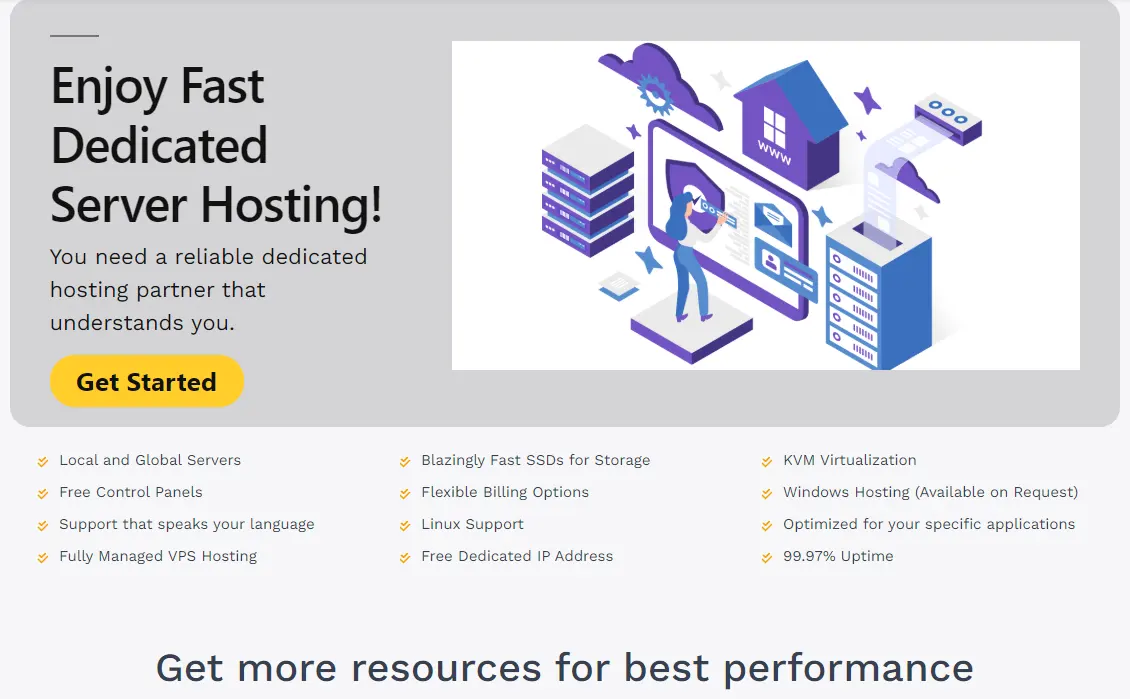
Traffic growth is the most common reason businesses move to a dedicated server.
Shared plans and smaller VPS plans have a ceiling, and that ceiling is lower than most owners assume.
Watch for these signals:
- Your site regularly serves several thousand visitors a day, with spikes during sales or launches.
- Page load times climb even after you have optimized images and code.
- Your host has flagged your account for high CPU or memory use.
- Time to First Byte (TTFB) stays high no matter what front-end changes you make.
Seasonal spikes make this worse. A holiday sale, a product launch, or a viral post can send traffic far past your normal range.
Shared and VPS plans often buckle under that kind of sudden load. A dedicated server gives you the entire machine to yourself.
Sign 2: You Handle Security-Sensitive or Compliance-Bound Data
Some businesses cannot risk a shared environment, no matter how small their traffic looks. Data type, not visitor count, drives this decision.
Consider a dedicated server if any of these apply to your business:
- You process credit card payments and need to comply with PCI DSS standards.
- You store patient records or other health-related data.
- You handle financial records, legal documents, or other sensitive customer information.
- Your industry requires an isolated environment with no shared tenants.
An isolated, physically separate server gives you far more control over how data is stored, encrypted, and accessed. That control is often required, not optional, once you cross into regulated territory.
Sign 3: Your Application Needs a Specific Setup
Some projects will not run properly on a standard shared stack. A custom operating system, an unusual database engine, or a heavy processing job all point toward a dedicated server.
Common examples include:
- Custom software stacks that shared hosts do not support.
- Large databases that need dedicated memory and quick storage.
- Video processing, rendering, or other resource-heavy workloads.
- Early-stage AI or machine learning tools that need consistent processing capacity.
Shared hosting blocks most of this by design. A dedicated server removes that block, since you control the operating system and every setting on it.
Sign 4: You Run an Online Store With Growing Order Volume
Speed and reliability translate directly into revenue for an online store. A slow checkout page does not just annoy shoppers; it costs sales.
Studies on cart abandonment show that each extra second of load time can cut conversions.
Delays of more than 3 seconds can push abandonment rates well above 40 percent. That kind of drop hits your bottom line directly.
Watch for these store-specific signs:
- Your product catalog has grown into thousands of items.
- Checkout slows down during busy hours or sales.
- Order volume has grown to the point where database queries take longer to run.
- You need to store and process customer data securely at scale.
A dedicated server keeps your store quick even as your catalog and order volume grow.
Sign 5: Downtime Now Puts Revenue or Reputation at Risk
A personal blog going down for an hour is an inconvenience. A business-critical site going down for an hour is a financial event.
Ask yourself these questions:
- Would an hour of downtime cost you real revenue?
- Do customers depend on your site being available around the clock?
- Would repeated outages damage trust with your audience or clients?
- Does your current host offer an uptime guarantee that fits your risk level?
If downtime carries real cost, a dedicated server gives you a level of reliability that shared plans cannot match.
You are not sharing hardware with any other account that could bring the machine down.
Sign 6: You Manage Multiple High-Traffic Sites or Client Projects
Agencies and developers running several sites face a different version of this problem. One client’s traffic spike should never slow down another client’s site.
Signs you have reached this point:
- You host multiple active, high-traffic sites for different clients.
- One client’s growth is starting to affect others’ performance.
- You need to allocate resources differently across separate projects.
- Your team wants full control over server configuration for each client.
A dedicated server, or several dedicated servers split by client group, keeps every project isolated. No single client’s growth spills over into another’s performance.
Sign 7: You Have Hit a Wall With Managed VPS
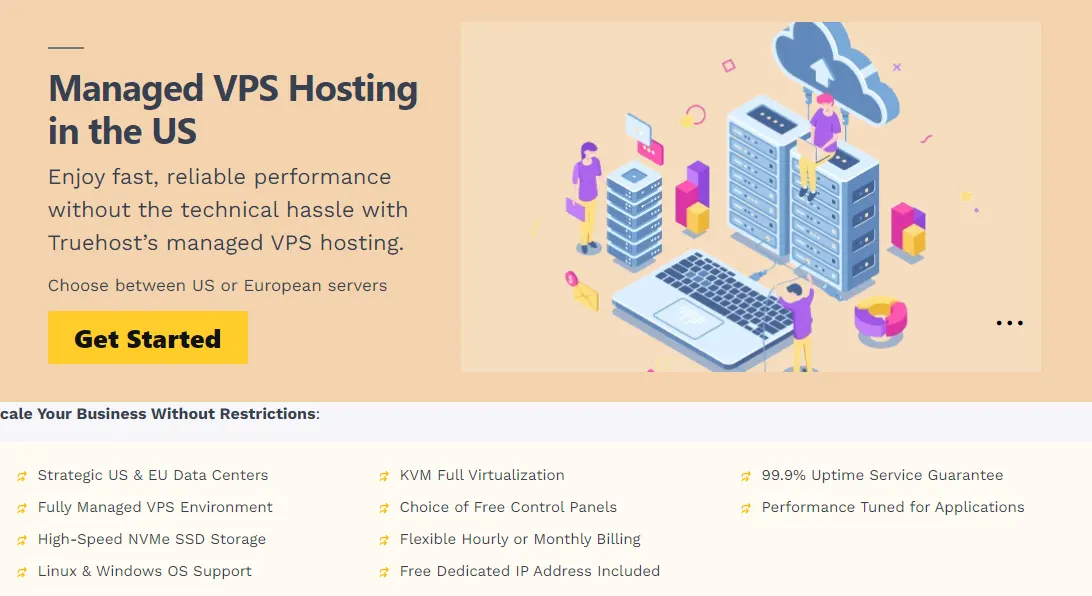
Many businesses treat VPS hosting as a stepping stone. It works well for a while, and then it does not.
Here is what that wall usually looks like:
- Repeated memory shortages even after upgrading your VPS plan.
- CPU limits hit during normal daily traffic, not just spikes.
- Your workload behaves like a small physical server on its own, with steady demand and heavy caching.
- You are paying for virtualization overhead on resources you would rather have directly.
At this stage, moving from VPS straight to a dedicated server is the natural next step.
You get the same resources without the layer of virtualization sitting between you and the hardware.
Managed vs Unmanaged Dedicated Hosting: Which Fits Your Business
Once you decide a dedicated server fits your business, one more choice remains. Do you want a managed plan or an unmanaged one?
Managed dedicated hosting typically includes:
- Your host handles security patching and software updates.
- Server monitoring and support from a technical team.
- Backup management and configuration help.
- A good fit for teams without in-house server administrators.
Unmanaged dedicated hosting typically requires:
- Your team will handle updates, patching, and security hardening.
- In-house monitoring for uptime and performance.
- Full responsibility for backups and disaster recovery.
- A good fit for teams with strong technical staff who want full control.
Neither option is better on its own. The right pick depends on how much server administration your team can handle in-house.
FAQs
Is a dedicated server worth it for a small business?
It depends on what the business does, not just its size. A small store handling sensitive payment data or quick growth can benefit as much as a larger company.
What size business needs a dedicated server?
There is no fixed size cutoff. The better markers are traffic volume, data sensitivity, and how much downtime your business can absorb.
How much does a dedicated server cost in the US?
Prices vary widely based on hardware specs, managed versus unmanaged support, and data center location. Compare providers directly for current pricing on the plan size you need.
What are the downsides of a dedicated server?
Cost is the main factor, since dedicated servers are more expensive than shared or VPS plans. Unmanaged plans also require real technical skill from your team.
Make the Move Before Downtime Makes It For You
Growth signals rarely show up all at once. Slow load times, resource warnings, and near-miss outages tend to build up over weeks, not days.
Each sign in this guide points to the same conclusion. Your current hosting plan was built for a smaller version of your business.
Before you commit to a dedicated server, check your current resource usage in your hosting dashboard. Look at CPU, memory, and bandwidth trends over the past few months.
If those numbers keep climbing, take the next step and compare Truehost’s dedicated server plans for your business.