Domain RegistrationFind and register the perfect domain for your website.
 .COM DomainChoose a widely recognized domain to build global credibility.
 Domain TransferSeamless domain transfers with zero downtime and complete control.
 All TLDsFind and register your perfect domain. Choose from local and global extensions.
 SSL CertificatesKeep your website safe with reliable SSL Certificates that protect customer data and build trust.
 whoisCheck domain ownership details, expiration dates, and registrar information.
 US DomainRegister a .US domain and build trust in the USA.
 Web HostingEverything your website needs to run smoothly
 WordPress HostingWordPress hosting that just works
 Windows HostingReliable hosting for Windows environments
 Reseller HostingTurn hosting into your business
 Email HostingEmail that looks professional and works anywhere
 cPanel HostingFull control of your hosting with cPanel
 Affiliate ProgramJoin as a partner and earn commissions on every referral you send our way.
 Vps HostingScalable virtual servers that expand as you need.
 Dedicated ServersGet complete access and full control over your dedicated physical server.
 Managed vpsNot tech-savvy? We will take care of everything with our fully managed VPS hosting for you.
 AI Website BuilderCreate stunning websites in seconds with AI.
 Online ShopSet up a professional online store. No coding required.
 Web design serviceGet a tailored website designed to match your brand and support your goals.
 BlogFind helpful guides on web hosting, online selling, digital marketing, and more.
 Contact USYou can reach us anytime, day or night, through chat or email.
 SupportBrowse helpful guides and answers for all of our services.
Your store just hit its biggest sale hour of the year. Traffic spikes, carts fill quickly, and then the checkout page freezes.
Every second of delay costs you a sale that was almost done. This exact moment forces many store owners to ask a hard question.
Is shared or VPS hosting still enough for a growing online store? For many stores, the honest answer is no.
A dedicated server gives your store its own hardware, so no other website competes for the same resources.
This guide walks through how to choose one, step by step, without wasted specs or hidden costs.
Signs Your Online Store Has Outgrown Shared or VPS Hosting
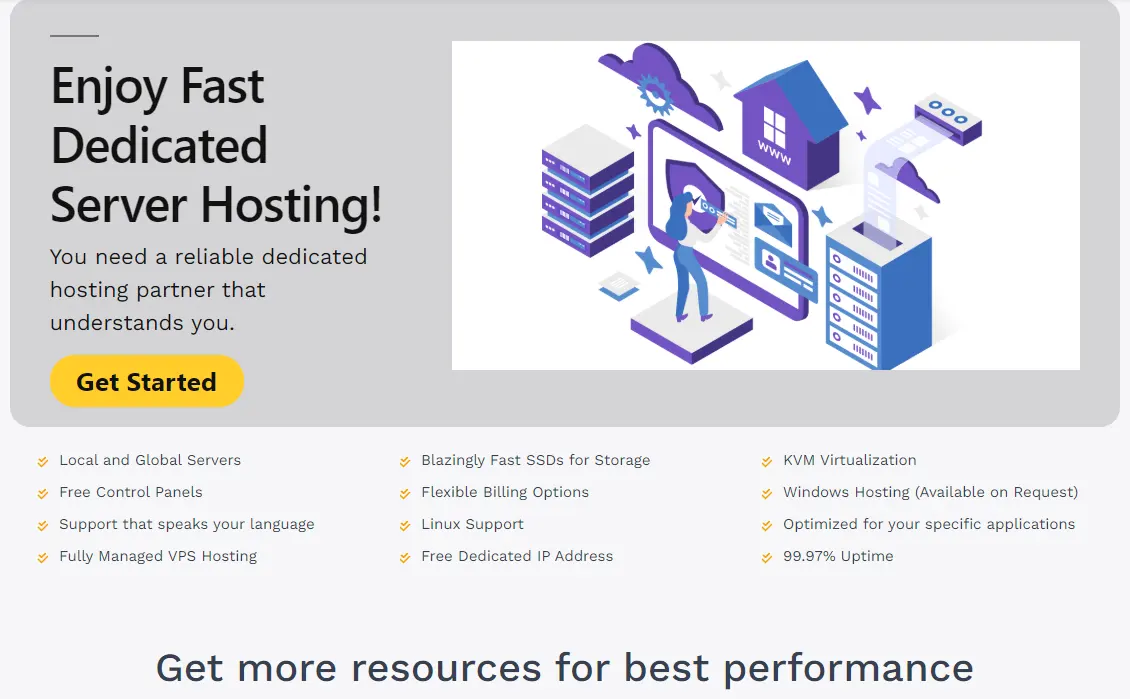
A few clear signs tell you when shared or VPS hosting no longer fits your store.
- Checkout pages slow down or time out during flash sales and heavy traffic.
- The database strains when many orders come in at the same time.
- Compliance gaps show up when your store cannot fully separate itself from other tenants.
- Other websites on the same server slow your store during their own busy periods.
- Your product catalog grows past what shared hosting can index and serve well.
If two or more of these sound familiar, a dedicated server is worth a closer look.
Step 1: Start by Mapping Your Stack and Traffic Pattern
Before you compare specs, write down everything your store depends on to run. This list becomes your baseline for every decision that follows.
- Your web server, database, cache layer, and search engine.
- Background jobs such as queues and scheduled tasks are often called cron jobs.
- Where are you storing product images and other media files?
- Payment gateways, shipping services, email tools, and analytics.
Next, separate your average traffic from your peak traffic. A store that sizes its server for a normal Tuesday will struggle on its busiest sale day.
Note any current pain points, too, such as slow database queries or a low cache hit rate. These details tell you exactly what specs actually solve your problem.
Step 2: Core Server Specs to Evaluate Before You Buy
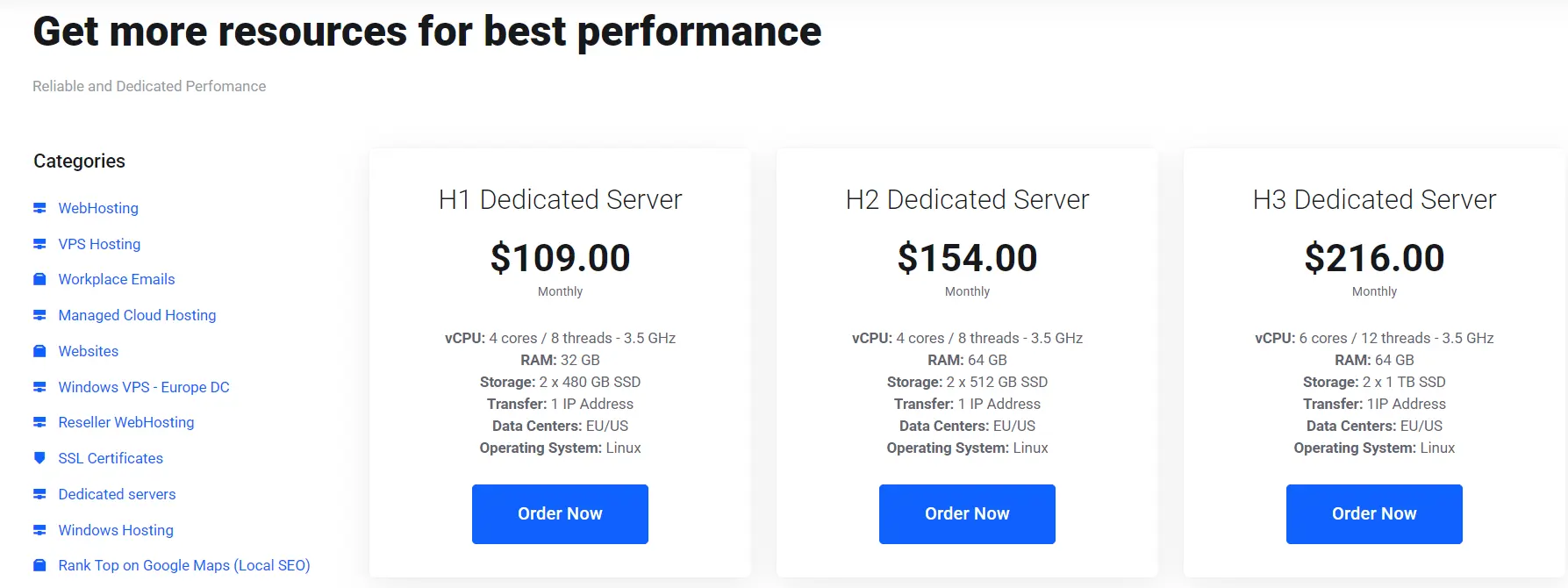
1) CPU and RAM Sizing by Store Size
CPU and RAM needs change with catalog size and shopper traffic, not guesswork. A small store often runs well on four to eight cores and 16 to 32 GB of RAM.
A medium or large store usually needs 64 to 128 GB of RAM for smooth performance. An enterprise catalog with heavy traffic can need double that amount.
Match your pick to the traffic pattern you mapped earlier, not to a generic number.
2) Storage and RAID
NVMe storage loads pages quicker than a standard SSD, especially under load.
Pair NVMe with a RAID 10 setup for both speed and redundancy. RAID protects against a single disk failure, but nothing more than that.
It does not protect your data from deletion, corruption, or ransomware. You still need a separate, tested backup plan alongside any RAID setup.
3) Bandwidth, Uplink Speed, and CDN Offload
Choose a plan with at least a 1 Gbps uplink, or 10 Gbps for busy stores. Bandwidth needs grow with product images, video, and file downloads on your site.
Pairing your server with a CDN moves static files closer to your shoppers. Images, CSS, and JavaScript then load from edge locations instead of your origin server.
This frees your dedicated hardware to handle checkout and live catalog queries.
4) Server Location and Latency
Pick a server location close to where most of your customers live. A server near your customers loads pages more quickly and keeps checkout responsive.
If your store sells across several regions, weigh a CDN against multiple server locations. Either option cuts the distance data travels between your server and the shopper.
5) Operating System and Control Panel Choice
Linux remains the common pick for ecommerce servers, thanks to its stability and support.
A control panel, such as cPanel or Plesk, speeds up daily server management.
Skipping a control panel can lower your monthly cost if your team already knows Linux well. Weigh convenience against licensing fees before you commit to either path.
Step 3: Security and Compliance Requirements
Any store that handles card payments has to meet PCI DSS security standards. A dedicated server lets you isolate cardholder data into its own segment.
This isolation narrows your audit scope and limits damage if a breach happens. Ask your provider for a clear PCI readiness statement before you sign a contract.
I) Firewalls, WAF, and TLS/SSL
Set up a firewall and a web application firewall to block common attacks. Encrypt every connection with TLS, using a current certificate from a trusted source.
Renew certificates automatically so an expired one never takes your checkout offline. These layers work together, and skipping one weakens the rest of your setup.
II) DDoS Protection and Monitoring
DDoS protection keeps a flood of fake traffic from taking your store offline. Pair it with active monitoring that flags unusual spikes in real time.
A provider offering both gives your store a stronger defense during peak shopping periods. Without monitoring, an attack can run for hours before anyone notices.
Step 4: Platform-Specific Server Requirements
I) WooCommerce
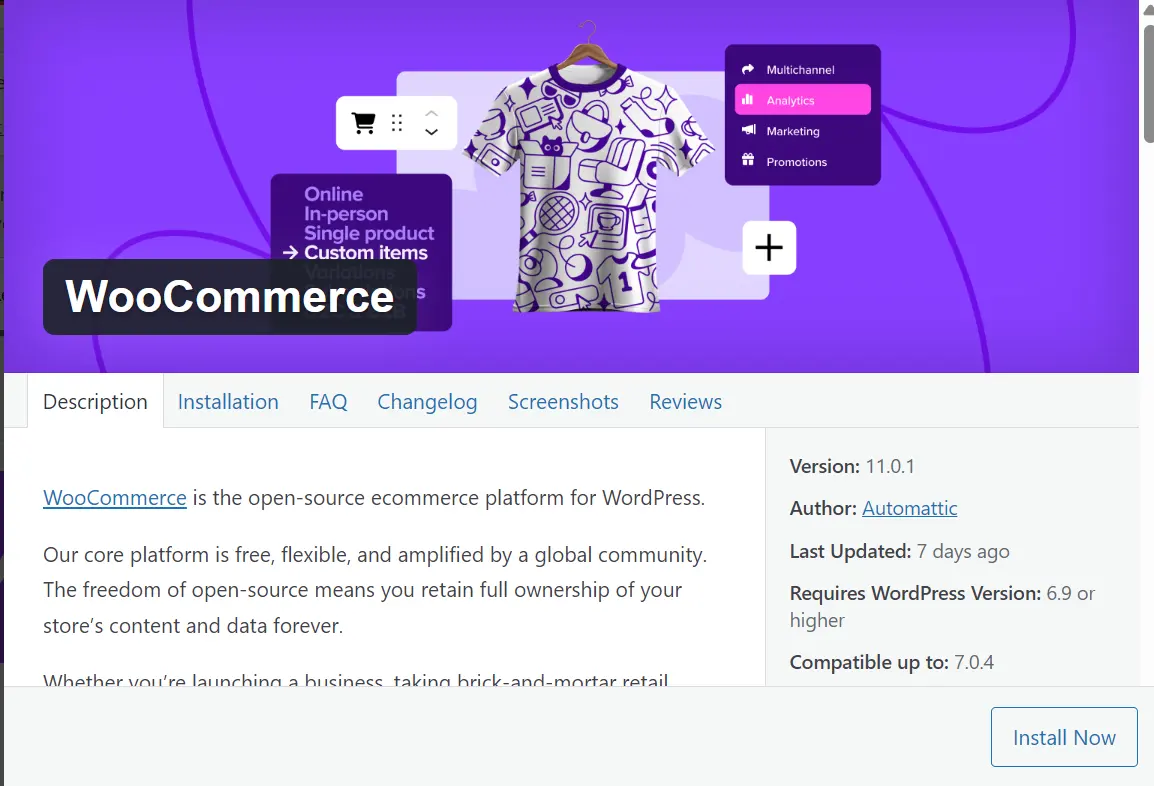
WooCommerce runs on PHP and MySQL, so tune both for your traffic level.
Add a caching layer, such as Redis, to cut repeated database queries. Most small to medium stores run well on a moderately sized server plan.
II) Magento
Magento needs more processing capacity than most other ecommerce platforms from the start.
Add Redis and Elasticsearch to keep catalog search and page loads quick. A higher baseline of RAM and CPU pays off once your catalog grows large.
III) Shopify Plus and Other Hosted Platforms
Shopify Plus handles most hosting on its own, so a dedicated server plays a smaller role here.
Some stores still use one for a headless setup, where the storefront lives on separate infrastructure. In that case, apply the same specs and security steps covered above.
Across every platform, queue slow tasks instead of running them during checkout.
Inventory updates, payment gateway calls, and order emails should run in the background. This keeps the checkout page responsive even when the store gets busy.
Step 5: Managed vs Unmanaged Dedicated Hosting: Which Fits Your Team
Unmanaged hosting fits a team that already handles patching, monitoring, and incident response. It costs less each month, but every fix and update falls on you.
Managed hosting fits a smaller team without in-house server experience. The provider handles setup, security patches, and day-to-day maintenance for you.
Weigh your team’s skill and time against the price difference before you choose.
Ask any provider how quickly their support team responds during a live outage. Remote hands support makes a real difference for physical fixes when you run unmanaged hosting.
Step 6: Scaling, High Availability, and Redundancy Planning
As a store grows, split the web server, database, and cache onto separate resources. This stops one heavy process from slowing down every other part of the store.
Many stores make this move once traffic climbs past what one server can handle well.
i) Load Balancing Across Multiple Application Servers
A load balancer spreads traffic across two or more application servers at once.
Health checks remove a failed server from rotation before shoppers notice any issue. This setup keeps your store online even if one server runs into trouble.
II) Database Replication with a Tested Failover Process
Database replication keeps a live copy of your data on a second server. If the main database fails, a tested failover process switches traffic to the copy.
Test this process on a regular schedule, since an untested failover often fails when you need it most.
III) Backup Cadence, Off-Site Storage, and Tested Restores
Schedule backups daily, weekly, and monthly, and store copies in more than one location.
Test your restore process on a regular basis, not only after something breaks. A backup you have never restored is a plan, not a guarantee.
IV) Load Testing Before Major Sale Events
Simulate your expected peak traffic on a staging server before your next big sale.
This shows you the real limit of your current setup ahead of time. Fixing a weak point before a sale costs far less than fixing it during one.
Dedicated Server vs VPS for E-Commerce: When Each Makes Sense
A VPS still works well for many growing stores. It gives you dedicated resources on shared hardware, which costs less than a full server.
Stores with moderate traffic and smaller catalogs often run smoothly on a well-sized VPS. If your budget is tight and your traffic stays steady, a VPS remains a sound choice.
Where Dedicated Hosting Pulls Ahead
A dedicated server gives your store full hardware, not a shared slice of it. Performance stays steady even when traffic spikes hard during a sale.
You also get deeper control over configuration, security settings, and installed software. Stores with strict compliance needs or large catalogs benefit most from this control.
Total Cost of Ownership
The monthly price on a provider’s page rarely tells the full cost story. Check for setup fees, extra IP charges, and overage fees before you sign anything.
Read the contract length and any penalty for canceling or upgrading early. Factor in support scope, security add-ons, and control panel licensing fees, too.
Add administrator time, CDN costs, monitoring tools, and migration work to the real total. A clear, itemized quote from a provider is a good sign of how they operate.
How to Evaluate and Compare Providers
Compare the uptime SLA across providers, and ask what a missed SLA actually costs you. A 99.99% guarantee allows far less downtime each year than a 99.9% one.
Ask how quickly support responds during a live outage, not just during sign-up.
Confirm remote hands availability for physical server issues if you choose unmanaged hosting. Look for pricing that stays clear and itemized as your store grows larger.
FAQs
How much does a dedicated server for ecommerce cost?
Pricing depends on CPU, RAM, storage type, RAID setup, and network capacity. A basic server plan can cost far less than a full redundant setup. Add support, backups, security tools, and licensing to get a realistic monthly total.
How do I migrate my store from shared hosting to a dedicated server?
Start by mapping your full stack, as covered earlier in this guide. Set up the new server, then move your database, files, and configuration over. Test everything on the new server before you switch your domain over. Keep the old server running for a short window in case you need it.
Do I need more than one dedicated server for a large store?
Many large stores split their setup across a web server, a database server, and a cache server. This separation improves performance and limits the damage from any single failure. A store with heavy traffic and a large catalog often outgrows a single server.
Get The Best Dedicated Server For Your Ecommerce Business
Choosing a dedicated server comes down to matching real specs to your real traffic.
Map your stack, size your hardware, lock down security, and plan for growth.
Skip any of these steps, and you risk paying for the wrong setup. If your store already shows the signs covered at the start, waiting costs more than choosing does.
Talk to our hosting team about sizing a dedicated server around your catalog and traffic pattern, not a generic plan.