Domain RegistrationFind and register the perfect domain for your website.
 .COM DomainChoose a widely recognized domain to build global credibility.
 Domain TransferSeamless domain transfers with zero downtime and complete control.
 All TLDsFind and register your perfect domain. Choose from local and global extensions.
 SSL CertificatesKeep your website safe with reliable SSL Certificates that protect customer data and build trust.
 whoisCheck domain ownership details, expiration dates, and registrar information.
 US DomainRegister a .US domain and build trust in the USA.
 Web HostingEverything your website needs to run smoothly
 WordPress HostingWordPress hosting that just works
 Windows HostingReliable hosting for Windows environments
 Reseller HostingTurn hosting into your business
 Email HostingEmail that looks professional and works anywhere
 cPanel HostingFull control of your hosting with cPanel
 Affiliate ProgramJoin as a partner and earn commissions on every referral you send our way.
 Vps HostingScalable virtual servers that expand as you need.
 Dedicated ServersGet complete access and full control over your dedicated physical server.
 Managed vpsNot tech-savvy? We will take care of everything with our fully managed VPS hosting for you.
 AI Website BuilderCreate stunning websites in seconds with AI.
 Online ShopSet up a professional online store. No coding required.
 Web design serviceGet a tailored website designed to match your brand and support your goals.
 BlogFind helpful guides on web hosting, online selling, digital marketing, and more.
 Contact USYou can reach us anytime, day or night, through chat or email.
 SupportBrowse helpful guides and answers for all of our services.
Most people who rent a dedicated server only ever use a small slice of what it can do.
They point it at one website, call it done, and let the rest of the machine sit idle.
That’s a shame, since a dedicated server is a full physical computer, not a single-purpose hosting plan. It can run several separate projects at once, side by side.
Here are ten ways to get real value out of that hardware, along with the specs behind each one.
1) Run Your Own AI Model Instead of Paying for API Access
Every prompt sent to a paid AI service leaves your infrastructure and lands on someone else’s servers.
For general use, that’s fine. For customer data, proprietary code, or regulated information, it can turn into a problem fast.
Ollama has become the simplest tool for running open-source language models on your own hardware.
It handles model downloads and memory management, and it gives you an API that works with most existing AI tools. Setup on Linux takes a single command-line install.
The hardware you need depends on the size of the model:
- 7B to 8B models, like Llama 3 8B or Mistral 7B, need 8 to 16 GB of RAM. They run on CPU alone, though a GPU speeds things up.
- 13B to 14B models run better with 16 GB of RAM. They start to slow down on CPU-only machines.
- 33B and larger models need 32 GB of RAM. A GPU is recommended at that size.
- 70B models need 64 GB of RAM and a GPU with enough video memory to hold the model.
A dedicated server with an L40S GPU can run Llama 3 8B at 50 to 80 tokens per second. That’s quick enough for real-time chat. The same card fits a 70B model with room left over.
Teams already spending on AI subscriptions each month can save by hosting a mid-size model instead. That often pays off within a few months of heavy daily use.
Difficulty: moderate, since GPU driver setup takes some patience.
Cost: higher upfront for a GPU-equipped plan, though it evens out against ongoing API bills.
2) Build a Personal Cloud Storage System
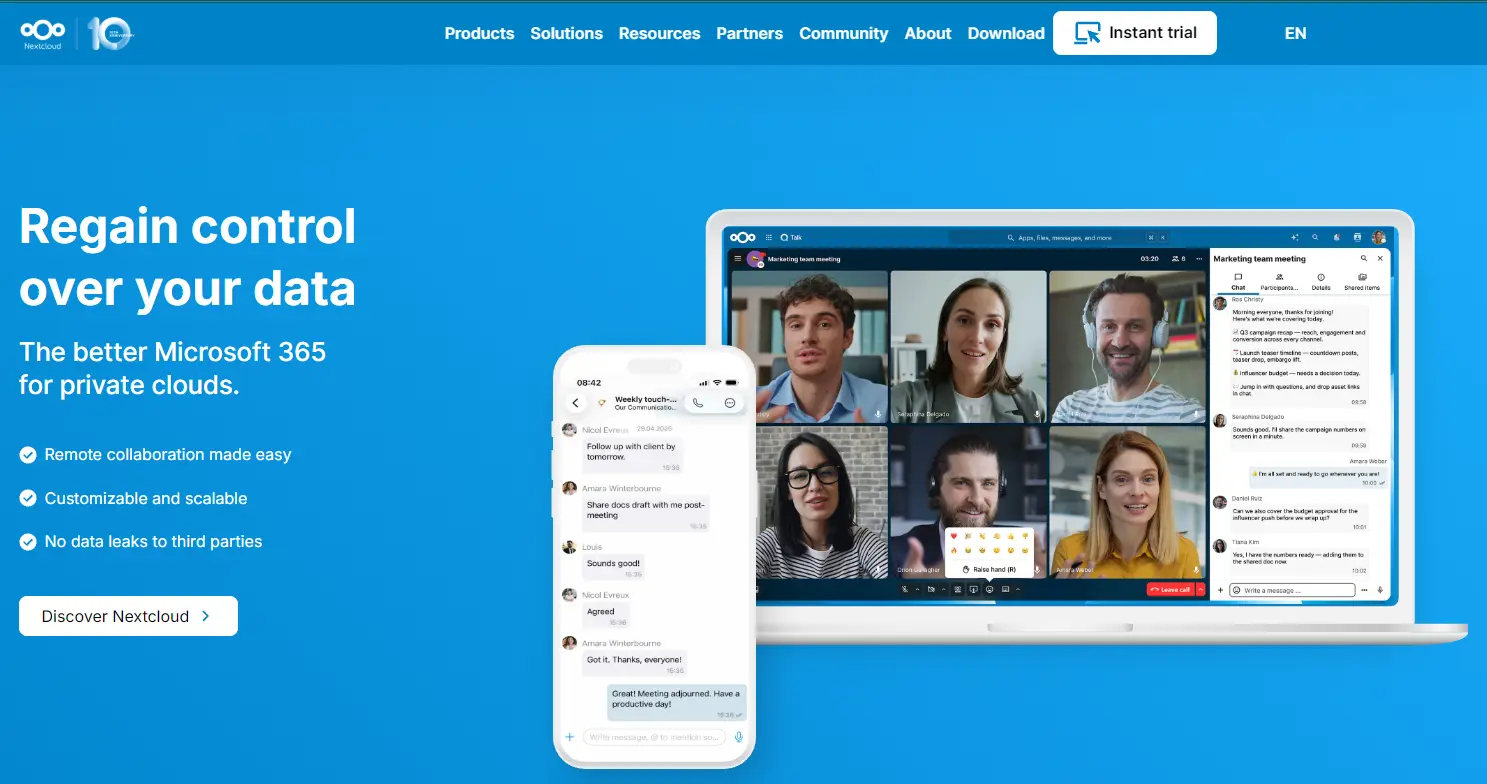
A dedicated server can replace the cloud storage plan you’re currently renting from someone else.
Nextcloud and Seafile are the two most common open-source options. Both work like a private version of Dropbox or Google Drive.
Instead of paying per gigabyte, your storage limit is whatever your server’s drives can hold.
Many dedicated server plans include several hundred gigabytes of storage by default. Some include a few terabytes, which covers most personal or small team needs.
File encryption, access permissions, and sharing links stay fully in your control.
Nextcloud also supports two-factor login, activity logs, and file version history. Most consumer cloud plans charge extra for those features.
Syncing works across phones, laptops, and desktops once the client app connects to your server.
Teams that need shared folders across a small office often find this cheaper than a business cloud subscription. That’s particularly true once a team passes five or six users.
Difficulty: easy to moderate, depending on how much customization you want.
Cost: low, since you’re already paying for the server.
3. Set Up a Media Server for Movies, Music, and Photos
A dedicated server can turn into a personal streaming service for your own media collection.
Plex and Jellyfin are the two leading options for this. The choice between them usually comes down to convenience versus control.
Plex offers a polished setup process and handles remote access with little manual work.
Jellyfin is fully open-source and skips any subscription tier. It also includes free hardware-accelerated transcoding, a feature Plex places behind a paid plan.
A 2024 self-hosting survey put Jellyfin’s share among home server users at 51 percent.
Plex came in around 40 percent in that same survey. That gap shows how much ground the open-source option has picked up.
Streaming 4K video to a phone or a slow connection requires transcoding. Transcoding converts the file to a smaller size in real time. This step leans on your CPU or GPU.
A dedicated server with hardware transcoding support avoids maxing out the processor during playback.
Look for support through Intel QuickSync, NVIDIA NVENC, or AMD VAAPI. Once your library is uploaded and tagged, you can stream from anywhere with an internet connection.
Difficulty: easy for a basic setup, moderate if you want hardware transcoding tuned well.
Cost: low, though extra storage may be needed for a large library.
4) Host a Multiplayer Game Server
Gamers often turn to dedicated servers to run their own private worlds. This beats renting space on a shared game hosting platform.
Minecraft, Valheim, CS2, and ARK are some of the most common choices.
A dedicated server gives you steadier performance than shared hosting. You’re not competing with other tenants for CPU cycles during peak hours.
That steadiness shows up as less lag and fewer dropped connections.
Minecraft servers with ten or more players typically run well on 4 to 8 GB of RAM. Larger modded servers can need 16 GB or more.
Game server hosting also gives you full control over mods, plugins, and map backups. Most rented game hosting plans restrict those or charge extra for them.
Friend groups often split the monthly server cost. That brings the price per person close to what a single paid subscription would cost.
Difficulty: easy to moderate, depending on the game and how many mods you add.
Cost: low, particularly when shared across a group.
5) Run a Private VPN for Yourself or Your Team
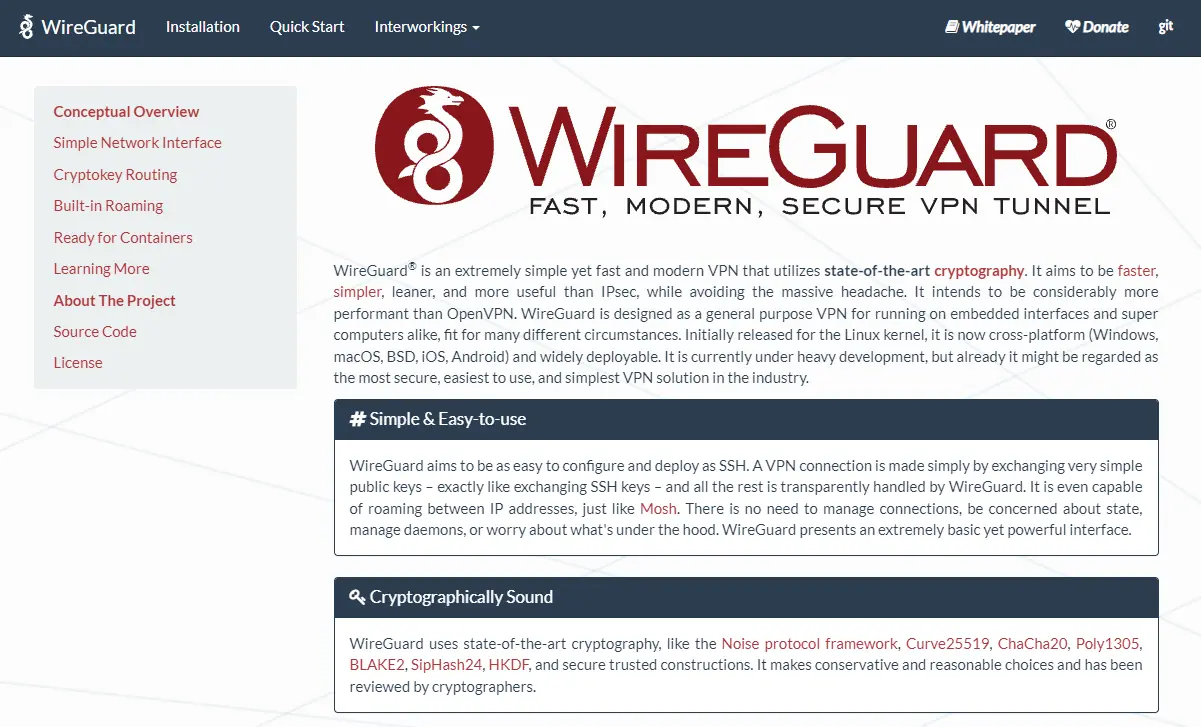
A dedicated server can double as your own personal or business VPN. This gives you a private, encrypted connection instead of a commercial VPN provider.
WireGuard and OpenVPN are the two most reliable, well-documented tools for this.
WireGuard has become the more common choice in recent years. Its codebase is smaller, its connection speeds tend to be quicker, and it uses less battery on mobile devices.
Setup usually takes under an hour for a single-server configuration.
Businesses use a self-hosted VPN for secure remote access to internal systems and file shares.
This avoids exposing those systems directly to the internet. Individuals use it to protect their traffic on public wifi, at airports, hotels, or coffee shops.
Running your own VPN also means you control the logging policy yourself. You’re not trusting a third-party provider’s privacy claims.
That’s a meaningful difference for anyone who has read a VPN provider’s terms and found it vague on data retention.
Difficulty: moderate, mostly around firewall and routing configuration.
Cost: low, since the core software is free to use.
6) Spin Up a Development and Testing Environment
Before pushing changes to a live site, developers need a safe place to test first.
Docker containers or full virtual machines let you isolate a test project from your production environment. Both can run on the same physical server.
This setup means a bug or a bad deployment stays contained. It won’t take down something real users depend on.
Multiple isolated environments can run on the same server without conflicting. Each container keeps its own dependencies separate.
This setup helps agencies or freelancers juggling several client projects at once.
Each client’s staging site can run in its own container, be tested independently and then deployed once it’s confirmed working.
Spinning up a new test environment usually takes minutes once Docker is installed. Compare that to provisioning a whole new cloud instance for a short-lived test.
Difficulty: moderate, since Docker and container networking take some learning.
Cost: none extra, assuming the server already has spare capacity.
7) Self-Host Your Own Analytics Instead of Google Analytics
Site owners who care about visitor privacy often look for alternatives to third-party trackers.
Plausible and Matomo are the two most established self-hosted analytics platforms. Both skip the cookie banners that tracking scripts usually require.
Self-hosting analytics means the data stays on infrastructure you control. It doesn’t pass through a third-party company’s servers.
That distinction tends to make compliance with rules like the GDPR simpler, since less personal data leaves your system.
Page load speed can also improve slightly, since fewer external tracking scripts load in the background.
Plausible in particular markets itself around a lightweight script, often under 1 KB. Compare that to the far larger script standard analytics tools load on every page.
For a site already running on a dedicated server, adding self-hosted analytics costs little beyond setup time. The resource use is small compared to hosting the main site itself.
Difficulty: moderate, mostly around initial configuration.
Cost: low, limited mainly to the time spent setting it up.
8. Set Up a CI/CD Pipeline or Build Server
Developers who push code often can save real time by automating the build and test process.
Jenkins, GitLab Runner, and self-hosted GitHub Actions runners are the most common tools for this.
Self-hosted runners give you full control over the hardware and software environment a build runs in. Shared cloud runners often queue you behind other jobs.
Some self-hosted setups report close to 30 percent faster raw CPU performance than default hosted runners. Cost per build minute tends to drop, too.
Persistent caching is another advantage. A self-hosted runner keeps dependencies and Docker layers cached between builds.
That speeds up repeat builds noticeably compared to a fresh cloud instance starting from zero each time.
Your source code and build artifacts stay on the infrastructure you manage. This setup cuts down on how much sensitive code ever leaves your own systems.
Difficulty: moderate to advanced, since runner configuration and security settings need attention.
Cost: low, once the pipeline is set up and running.
9) Run a Blockchain or Crypto Node
Some dedicated server owners use their hardware to support a blockchain network directly.
Running a full node means storing and checking a copy of the entire chain. This helps keep the network decentralized instead of relying only on large providers.
For an Ethereum full node in 2025, recommended hardware includes an 8-core CPU and 32 to 64 GB of RAM. Storage runs 4 to 8 TB of NVMe SSD, since the chain’s stored data has passed 3 TB.
Network speed affects sync reliability, with 300 to 500 Mbps recommended for smooth syncing.
An archive node stores the full history of every account and contract state since the genesis block.
That needs far more, often over 15 TB of storage and 64 to 128 GB of RAM. That level sits outside what most home or small business setups can reasonably support.
Node operators typically do this to support a network they believe in, or to run their own validator.
Some do it to avoid depending on a third-party provider for blockchain data.
Difficulty: advanced, since syncing and maintaining a node takes ongoing attention.
Cost: moderate to high, mostly driven by storage size and bandwidth.
10) Build a Home Lab for Learning IT and Networking Skills
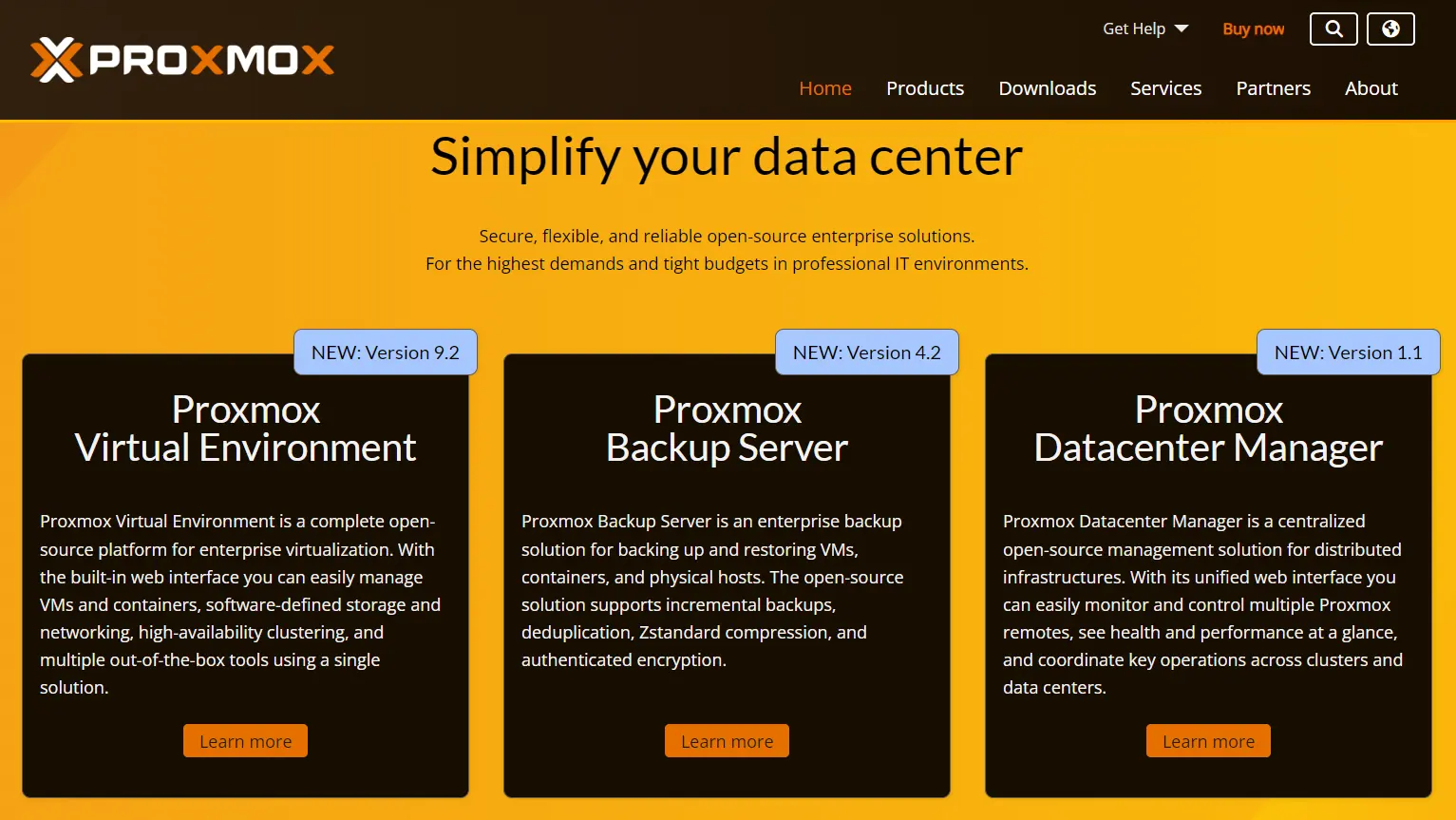
A dedicated server can double as a personal training ground for IT and networking skills.
Proxmox and VMware ESXi are the two most common virtualization platforms used for this.
Both let you split one physical server into several virtual machines. Each one can run its own operating system, network configuration, or test application.
This gives you a sandbox for practicing server administration and firewall rules without risking anything you rely on daily.
IT students and career switchers often build a home lab while preparing for certifications. Common targets include CompTIA Network+, CCNA, or various cloud certifications.
Reading about a concept and actually configuring it yourself tends to build very different levels of skill.
Since the environment is virtual, mistakes are easy to undo. You can break a configuration, roll back a snapshot, and try again without any lasting damage.
Difficulty: moderate to advanced, depending on how deep you go into networking topics.
Cost: low, since Proxmox and most home lab tools are free.
FAQs
Is a dedicated server worth it for personal use?
It depends on what you plan to run. Several projects at once, like a media server plus a VPN, favor a dedicated server. That beats juggling several smaller hosting plans.
Can I run multiple projects on one dedicated server at the same time?
Yes. A dedicated server gives you the full resources of a physical machine. It can handle several separate projects without much conflict. That’s true as long as you manage them with tools like Docker.
What is the difference between a dedicated server and a VPS for these kinds of projects?
A VPS shares physical hardware with other customers through virtualization. A dedicated server gives you the entire physical machine instead. That means steadier performance and more room for demanding projects like AI models or game servers.
Do I need coding skills to use a dedicated server?
Some projects on this list, like a media server, need little more than following the setup instructions. Others, like a CI/CD pipeline or blockchain node, benefit from a technical background.
How much does a dedicated server cost per month?
Pricing varies by provider, hardware specs, and region. Plans typically range from moderate monthly rates for basic configurations to higher rates for GPU-equipped or high-storage servers.
Is a dedicated server better than cloud hosting for hobby projects?
For a small, single-purpose hobby project, cloud hosting can be cheaper and simpler to manage. For hobbyists running several projects at once, or ones that need steady performance, a dedicated server often works out better.
Get Started With Dedicated Server Hosting
A dedicated server sits closer to a personal data center than a single-purpose hosting plan.
It can run an AI model, a media library, a game server, and a VPN. All of that can happen on the same machine without one project slowing down another.
Before adding anything new, check your current server’s specs. Look at RAM, storage, and GPU availability to see which of these ten projects fits what you already have.
If your server is already maxed out, compare dedicated server plans and find one with more room to grow.