Domain RegistrationFind and register the perfect domain for your website.
 .COM DomainChoose a widely recognized domain to build global credibility.
 Domain TransferSeamless domain transfers with zero downtime and complete control.
 All TLDsFind and register your perfect domain. Choose from local and global extensions.
 SSL CertificatesKeep your website safe with reliable SSL Certificates that protect customer data and build trust.
 whoisCheck domain ownership details, expiration dates, and registrar information.
 US DomainRegister a .US domain and build trust in the USA.
 Web HostingEverything your website needs to run smoothly
 WordPress HostingWordPress hosting that just works
 Windows HostingReliable hosting for Windows environments
 Reseller HostingTurn hosting into your business
 Email HostingEmail that looks professional and works anywhere
 cPanel HostingFull control of your hosting with cPanel
 Affiliate ProgramJoin as a partner and earn commissions on every referral you send our way.
 Vps HostingScalable virtual servers that expand as you need.
 Dedicated ServersGet complete access and full control over your dedicated physical server.
 Managed vpsNot tech-savvy? We will take care of everything with our fully managed VPS hosting for you.
 AI Website BuilderCreate stunning websites in seconds with AI.
 Online ShopSet up a professional online store. No coding required.
 Web design serviceGet a tailored website designed to match your brand and support your goals.
 BlogFind helpful guides on web hosting, online selling, digital marketing, and more.
 Contact USYou can reach us anytime, day or night, through chat or email.
 SupportBrowse helpful guides and answers for all of our services.
You are likely already using n8n or were close to committing to it when something stopped you.
Maybe n8n cloud pricing crept past your budget. Maybe you hit a rate limit on a free tier tool you tested. Or maybe you want to run your own stack before locking into anything.
Whatever brought you here, you want to know what else is out there before you decide.
This is a walk-through of seven free workflow automation tools that are worth your time, covering what each one is genuinely good at and where each one lets you down.
We’ve gathered enough for you to have a clearer idea if it’s worth switching or if there’s a better way to keep using n8n without the cloud costs.
Quick Comparison Table
| Tool | Free Tier Limit | Self-Hosted? | Best For | Skill Level |
|---|---|---|---|---|
| Activepieces | 1,000 tasks/month (unlimited if self-hosted) | Yes | Open-source, AI-native automation with no-code + code | Beginner+ |
| Make | 1,000 operations/month, 2 scenarios | No | Complex visual workflows with advanced branching logic | Intermediate |
| Zapier | 100 tasks/month | No | Fastest setup, largest app integration library | Beginner |
| Node-RED | Unlimited (self-hosted only) | Yes | IoT, hardware, and event-driven wiring | Developer |
| Pipedream | 10,000 invocations/month | No | Code-first workflows using Node.js, Python, Go, and Bash | Developer |
| Windmill | Unlimited if self-hosted | Yes | Internal tools + scripted automation with auto-generated UIs | Developer |
| Automatisch | Unlimited (self-hosted, AGPLv3) | Yes | Simple, privacy-first Zapier-style flows on your own server | Beginner+ |
The 7 Free WorkFlow Automation Tools
1) Activepieces
Activepieces is the closest like-for-like alternative to n8n and the one most worth trying first.
It’s an open-source automation platform that combines a visual workflow builder with the option to write custom code, making it suitable for both beginners and more experienced users.
One of its biggest advantages is its MIT license, making it genuinely open source.
If you self-host Activepieces, you can also remove the task limits found on the free cloud plan, giving you unlimited automations without worrying about monthly usage caps.
Another feature that helps it stand out is its native AI support. Instead of relying on third-party integrations to connect with large language models, Activepieces includes built-in AI actions that make it easier to create AI-powered workflows from the start.
That said, its integration library is still smaller than n8n’s.
While it’s growing quickly, it still doesn’t match the number of apps and community integrations available in n8n.
If your workflows depend on niche SaaS applications or specialized connectors, you may find yourself creating custom integrations more often.
2) Make
Make is often one of the most popular workflow automation platforms people compare with n8n because both let you build workflows visually.
So, if you enjoy seeing your automation mapped out on a canvas, Make does an excellent job of keeping even complex workflows organized and easy to follow.
Its biggest strength is the visual builder. Features like routers, filters, and aggregators make it simple to create workflows with multiple branches, conditions, and data transformations without everything becoming difficult to manage.
Combined with its extensive library of integrations, Make works well for businesses that connect many popular cloud applications.
Unfortunately, it’s not as flexible. Unlike n8n and several other tools on this list, Make is entirely cloud-based, so there’s no option to self-host it.
The free plan also comes with limits, giving you 1,000 operations per month and only two active scenarios, which may be enough for personal projects but can quickly become restrictive as your automations grow.
Since pricing is based on operations, costs can also become less predictable when workflows run frequently.
If you’re considering Make, here’s what to expect:
- A polished drag-and-drop workflow builder
- Strong support for complex branching and automation logic
- 3000+ ready-to-use app integrations
Make is a great choice if you want a refined visual automation experience and don’t mind relying on a fully managed cloud platform.
3) Zapier
If you want to start building automations with as little learning curve as possible, Zapier is your go-to.
Its clean interface and guided setup make it simple to connect apps and create workflows in just a few minutes, even if you’ve never used an automation tool before.
Another reason Zapier remains so popular is its massive app library. It supports 9000+ integrations, making it easy to connect many of the business tools people use every day without writing code or creating custom connectors.
The biggest drawback is its free plan. You’re limited to just 100 tasks per month, which can disappear quickly if your workflows run frequently.
Since Zapier is a cloud-only service, there’s also no option to self-host. As your automation needs grow, you’ll likely find yourself moving to one of its paid plans, and costs can add up quickly.
If getting started quickly is your top priority, Zapier is hard to beat. Just keep its free-tier limits and long-term pricing in mind before committing.
4) Node-RED
Node-RED comes from a different world entirely. Originally developed by IBM, it’s an open-source platform designed for event-driven automation, with a strong focus on IoT devices, hardware, and system integrations.
Like n8n, Node-RED uses a visual editor where you connect nodes to build workflows.
The difference is that it’s built with developers and technical users in mind. If you’re comfortable working with JavaScript and managing your own server, it gives you a great deal of flexibility.
Because Node-RED is self-hosted, there are no usage limits or monthly task quotas to worry about.
Once it’s running on your own infrastructure, you can create as many workflows as you need without paying for additional executions.
The downside, though, is its learning curve. The interface is functional rather than polished, and it isn’t as beginner-friendly as tools like Zapier or Make. It’s also geared more toward hardware, IoT, and event-driven applications than everyday business app automation.
Basically, if you’re looking for a free platform that offers complete control and unlimited workflows, Node-RED is an excellent choice, as long as you’re comfortable with a more technical setup.
5) Pipedream
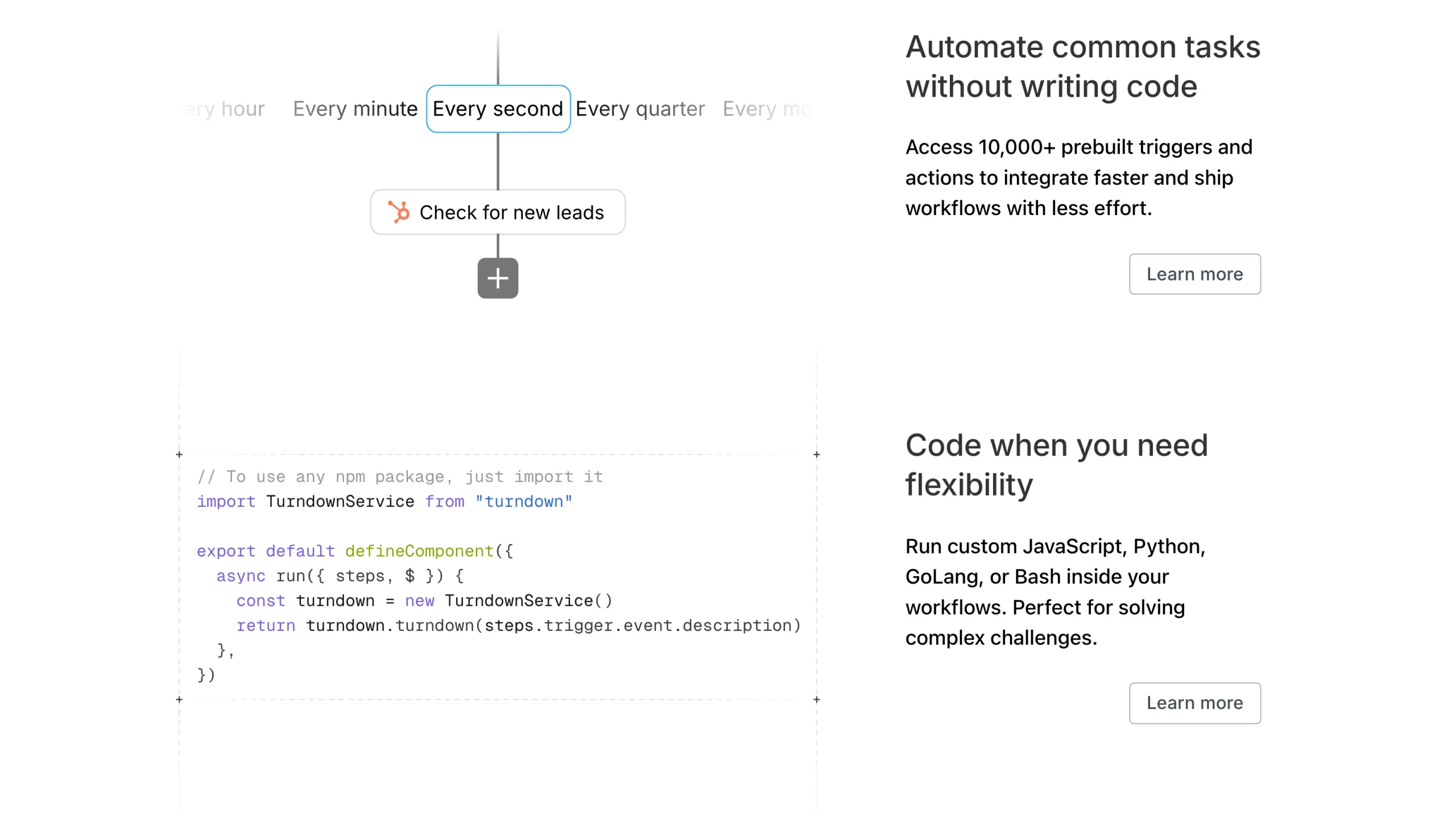
Pipedream sits between a visual builder and a developer platform. Pre-built integrations are there when you want them, and real code is there when you need it, so you are not forced into one mode or the other.
Pipedream stands out with its generous free tier.
You get up to 10,000 workflow invocations per month, giving you plenty of room to build and test automations before needing a paid plan.
It also supports multiple programming languages, including Node.js, Python, Go, and Bash, making it a flexible choice for code-first workflows.
One thing though, Pipedream is a cloud-only platform. There’s no self-hosting option, so you’re relying on its hosted infrastructure. While the visual builder helps simplify workflow creation, you’ll get the most value if you’re comfortable writing and maintaining code.
If you’re looking for a workflow platform that gives developers the freedom to mix code with automation, Pipedream is one of the strongest free options available.
6) Windmill
Windmill is built for teams that want automation and internal tools from a single platform.
Instead of focusing solely on connecting apps, it lets you write scripts and automatically generates user interfaces that teammates can use without touching the underlying code.
Now, it’s a good thing that the self-hosted edition is free to use, so you can build as many workflows as you need without worrying about execution limits.
It also supports several popular programming languages, making it easy to fit into existing development workflows.
Some of Windmill’s standout features include:
- Unlimited workflows when self-hosted
- Support for Python, TypeScript, Go, and Bash
- Auto-generated user interfaces for scripts and workflows
- Built-in scheduling, permissions, and collaboration tools
While Windmill’s interface is modern and intuitive, you’ll get the most value from the platform if you’re comfortable writing and maintaining scripts. For users who only need simple no-code automations, it can feel more advanced than necessary.
If your team wants to build internal tools and automate development workflows on a self-hosted platform, Windmill will work for you.
7) Automatisch
If you like the simplicity of Zapier but want the freedom to host everything on your own server, Automatisch is worth considering.
It’s an open-source workflow automation platform designed to make app-to-app automation straightforward without adding unnecessary complexity.
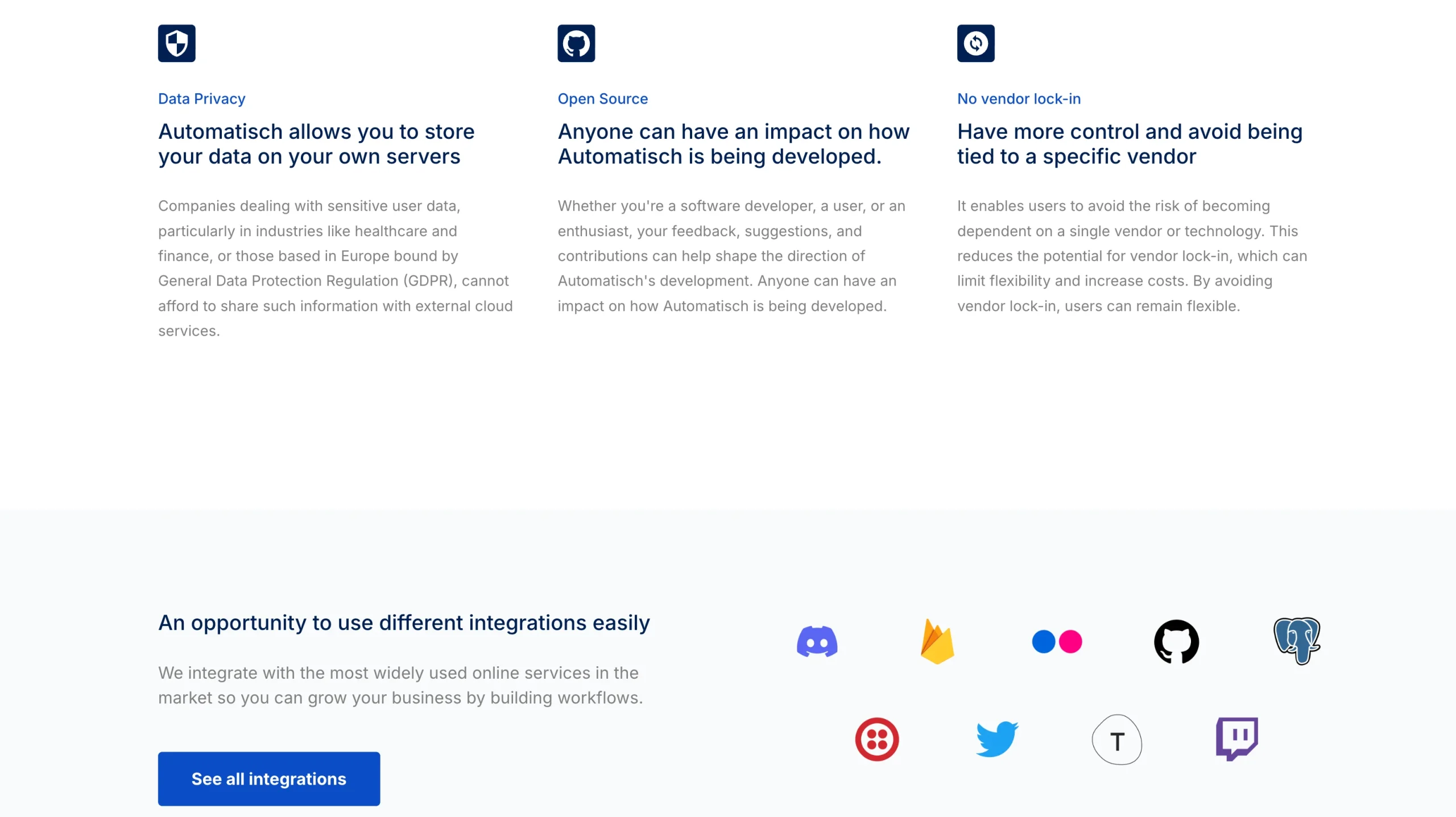
One of its biggest strengths is privacy and control. Because you can self-host Automatisch, your workflows and data stay on infrastructure you manage instead of being tied to a third-party cloud service.
The self-hosted edition is also unlimited, so you don’t have to worry about monthly task or workflow limits.
Automatisch focuses on simplicity, so it doesn’t offer the same depth of advanced features, integrations, or workflow logic as more mature platforms like n8n. So if you need highly customized automations or an extensive connector library, you may eventually outgrow it.
For users who want an easy-to-use, privacy-first automation platform that they can run on their own server, Automatisch is an excellent alternative.
Why Self-Host Instead of Switch?
Most alternatives on this list trade one limitation for another. For some, you trade off cost for control; for others, control for complexity; and for others, convenience for lock-in.
Make and Zapier are easy to start with, but you have no exit once your pricing changes. Node-RED and Windmill give you unlimited freedom, but they ask for real technical investment upfront.
If you’ve been happy with n8n’s workflow builder, integrations, and flexibility, switching to another platform may not be the only option.
Self-hosting lets you keep the features you already like while removing the pricing ceiling that comes with n8n Cloud.
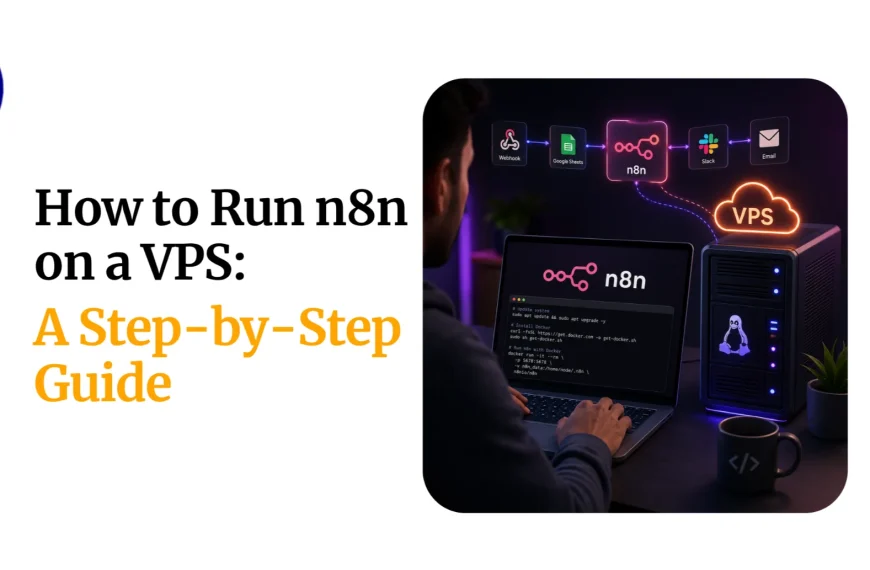
The only remaining challenge is managing the server yourself. That’s where we at Truehost come to help.
Instead of spending time on server setup, updates, security, and maintenance, you get a managed environment so you can focus on building and running your automations.
So, go ahead and try out our n8n self-hosting and leave the codes to us!