Domain RegistrationFind and register the perfect domain for your website.
 .COM DomainChoose a widely recognized domain to build global credibility.
 Domain TransferSeamless domain transfers with zero downtime and complete control.
 All TLDsFind and register your perfect domain. Choose from local and global extensions.
 SSL CertificatesKeep your website safe with reliable SSL Certificates that protect customer data and build trust.
 whoisCheck domain ownership details, expiration dates, and registrar information.
 US DomainRegister a .US domain and build trust in the USA.
 Web HostingEverything your website needs to run smoothly
 WordPress HostingWordPress hosting that just works
 Windows HostingReliable hosting for Windows environments
 Reseller HostingTurn hosting into your business
 Email HostingEmail that looks professional and works anywhere
 cPanel HostingFull control of your hosting with cPanel
 Affiliate ProgramJoin as a partner and earn commissions on every referral you send our way.
 Vps HostingScalable virtual servers that expand as you need.
 Dedicated ServersGet complete access and full control over your dedicated physical server.
 Managed vpsNot tech-savvy? We will take care of everything with our fully managed VPS hosting for you.
 AI Website BuilderCreate stunning websites in seconds with AI.
 Online ShopSet up a professional online store. No coding required.
 Web design serviceGet a tailored website designed to match your brand and support your goals.
 BlogFind helpful guides on web hosting, online selling, digital marketing, and more.
 Contact USYou can reach us anytime, day or night, through chat or email.
 SupportBrowse helpful guides and answers for all of our services.
Most buyers frame this choice as taste versus price. Windows feels familiar, and Linux costs less. That framing sends people to the wrong plan.
Your software makes the call. Everything else only breaks ties. If your site runs on WordPress, PHP, or Node.js, you already have your answer. Likewise, if it needs ASP.NET Framework or classic ASP, you have that answer too.
This guide covers the gray area in between, the real costs, and a five-question checklist. It is written for site owners, developers, and small businesses buying a VPS. Start with the quick rule below.
Linux vs Windows VPS: The Quick Decision Rule
Choose Linux unless your application requires a Windows technology. That single rule settles most purchases.
| Factor | Linux VPS | Windows VPS |
|---|---|---|
| Typical software | WordPress, PHP, Node.js, Python, Ruby | ASP.NET Framework, classic ASP, MSSQL tools |
| Web server | Apache, Nginx, LiteSpeed | IIS |
| License cost | Free in most distributions | Paid license added to the plan |
| Resource use | Lower baseline overhead | Higher baseline overhead |
| Management | SSH, command line, control panels | Remote Desktop, graphical tools |
| Best fit | Websites, stores, APIs, containers | Microsoft-dependent applications |
Usage data backs up this default. W3Techs reports that Linux runs on 62.6% of websites with a known operating system, while Windows runs on 8.1% (as of September 2026).
Those shares overlap slightly, since one site can expose more than one system.
The gap narrows at the top, though. W3Techs figures show Windows on 22.8% of the top 100,000 sites (as of August 2026).
Large organizations running Microsoft software likely explain much of that rise. For a typical small site, the overall figure applies better. In short, the data supports a default, not a mandate.
Start With Your Software Stack
Your application’s requirements determine the operating system, not price or comfort. Check them first. The three sections below cover the clear Windows cases, the clear Linux cases, and the gray area.
When a Windows VPS Is the Right Choice
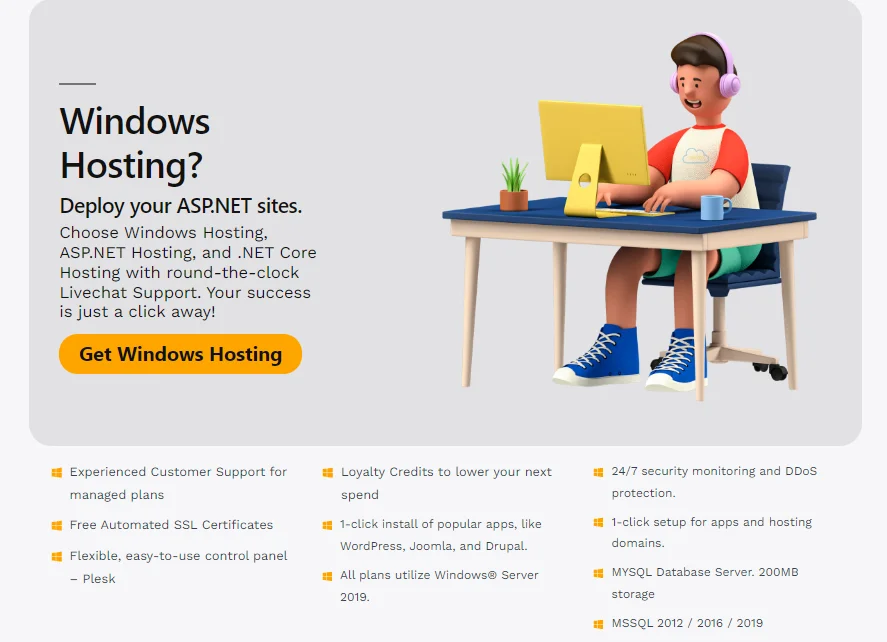
Choose Windows when your application cannot run anywhere else. These situations usually qualify:
- ASP.NET Framework 4.x apps and classic ASP run on IIS and need Windows Server.
- Some Microsoft SQL Server setups depend on Windows-only tools or features.
- Vendor software lists Windows Server as its only supported platform.
- Apps that rely on Active Directory or Windows authentication need a Windows host.
Does MSSQL always force Windows? No. The gray area section below explains why. Still, if a vendor says “Windows only,” believe the vendor. Support teams will not help you with an unsupported setup.
When a Linux VPS Is the Right Choice
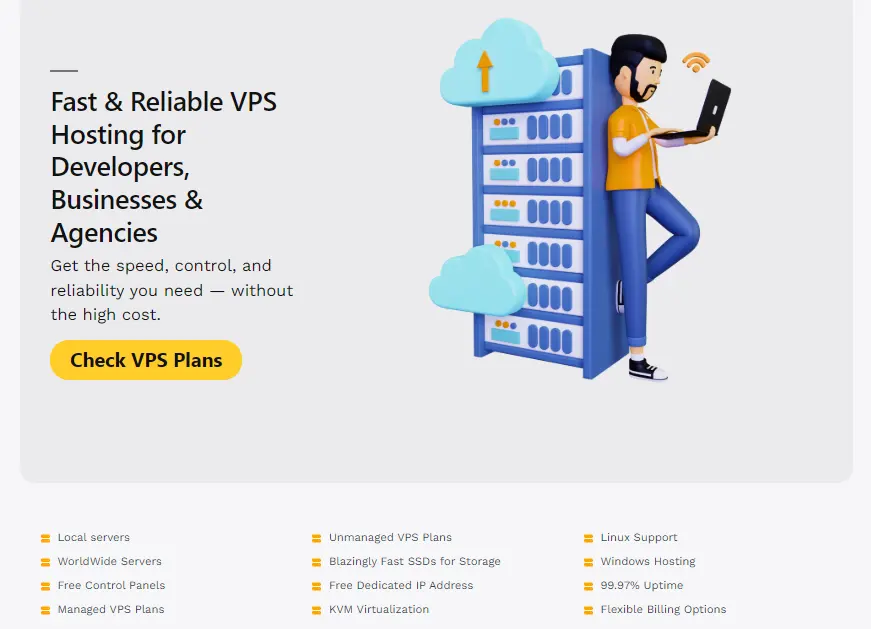
Linux fits nearly every open-source web stack. LAMP means Linux, Apache, MySQL, and PHP. LEMP swaps Apache for Nginx.
Both run WordPress, WooCommerce, Laravel, and Magento well. Node.js, Python, and Ruby apps also run on Linux, and most container images are built for it.
Can you run WordPress on Windows? Yes, with IIS, PHP, and MySQL. However, few guides, plugins, and support threads assume that setup. You will spend more effort, usually for no gain.
Linux also gives you a choice of distributions. Ubuntu, Debian, and AlmaLinux are the usual picks. Choose the one your team or control panel supports best.
The Gray Area: Windows-Origin Stacks on Linux
Not every Microsoft technology needs Windows anymore. Modern .NET, the cross-platform line that replaced .NET Framework, runs on Linux.
SQL Server also has a Linux edition. Some features differ, so compare the feature list against your needs. Verify that the current version is supported in Microsoft’s documentation before you commit.
Use this quick test on your own app:
- Identify the framework. .NET Framework 4.x needs Windows. Modern .NET does not.
- List your dependencies. Windows-only libraries, COM components, and registry settings block a move.
- Run a test deployment. Use a short-term Linux VPS before you commit to a plan.
Porting an old Framework app to modern .NET takes development time. Price that works before you compare hosting bills. For some teams, a Windows VPS stays cheaper than a rewrite.
Linux VPS vs Windows VPS Cost
Linux distributions are free. Windows Server is commercial software, so providers add a license fee to the plan. One 2026 hosting guide puts the gap at 30-50% for equivalent plans. Treat that range as a rough guide.
The table below shows a worked example. These figures are illustrative, so replace them with your provider’s current prices.
| Line item (monthly) | Linux VPS | Windows VPS |
|---|---|---|
| Base plan (2 vCPU, 4GB RAM) | $20 | $20 |
| Operating system license | $0 | $12 |
| Control panel | $0 (free panel) or $15 (paid panel) | $0 (IIS Manager and Remote Desktop) |
| Monthly total | $20 to $35 | $32 |
Two patterns appear in the example. First, the license is a fixed extra line on every Windows bill. Second, a paid control panel can erase the Linux savings. Free panels exist, though, so you can often avoid that fee.
Memory adds a hidden cost. Windows tends to need more RAM for the same workload. That can push you into a larger, pricier plan. The same budget on Linux often buys more memory.
Performance and Resource Use
Linux usually runs with a smaller baseline footprint. One provider reports roughly 200 MB of idle RAM on Linux, compared to 800 MB on Windows. Idle figures vary by version, edition, and setup, so test your own image.
The difference hits small plans hardest. On a 2GB plan, 600MB of overhead accounts for nearly a third of your memory. That leaves less room for your database and cache.
Why does Windows use more? It runs a full graphical environment, while most Linux servers run from the command line.
Windows Server also offers a command-line install called Server Core. Many VPS images still ship with the full desktop, though.
Resource use makes the biggest difference in three situations: small plans, traffic spikes, and many simultaneous connections. Even so, a badly tuned app runs poorly on either system.
Caching, database indexes, and PHP settings usually move the needle more than the operating system does.
Security and Maintenance
Neither system is secure by default. Your configuration and patching habits decide your risk more than the logo on the operating system.
Patching works differently on each side. Windows ships monthly security updates that often require a reboot.
Linux updates through package managers, and you can schedule many of them to install automatically. Either way, a server that skips updates becomes a target.
Exposure is similar to. Remote Desktop (port 3389) and SSH (port 22) both attract automated login attempts around the clock. Lock down whichever one you use.
Linux hardening checklist
- Use SSH keys, and turn off password and root logins.
- Enable a firewall such as UFW or firewalld.
- Install Fail2ban to block repeated failed logins.
- Turn on automatic security updates.
- Remove services you do not use.
Windows hardening checklist
- Set strong passwords and an account lockout policy.
- Restrict Remote Desktop to trusted IP addresses or a VPN.
- Enable Network Level Authentication.
- Schedule Windows Update and keep Defender active.
- Remove server roles you do not use.
Management and Learning Curve
Linux servers use SSH and the command line. Windows servers use Remote Desktop and graphical tools. Control panels narrow the gap.
cPanel and DirectAdmin run on Linux, while Plesk runs on both Linux and Windows. Free panels such as HestiaCP and CloudPanel also cover basic hosting tasks.
You also choose between managed and unmanaged plans. On an unmanaged plan, you handle updates, security, and fixes.
On a managed plan, the provider handles them. If you lack sysadmin skills, buy managed Linux rather than unmanaged Windows.
So is Windows easier for beginners? Only for the desktop. A familiar screen does not make hosting easier.
IIS, DNS, and certificates still demand server knowledge. A new user faces a similar learning curve on either system.
Routine tasks give a rough sense of the effort:
- Installing an SSL certificate: Minutes on either system. Certbot handles it on Linux, and win-acme handles it on Windows.
- Your first attempt: Plan on an hour while you learn the steps.
- Adding a new site: A few minutes with a panel, and longer by hand.
Treat these as rough estimates. Your provider’s tools and your own experience will change them.
Which Should You Choose? A Five-Question Checklist
Answer these in order. Stop at the first firm answer.
- Does your application require ASP.NET Framework, IIS, or Windows-only MSSQL features? If yes, choose Windows.
- Does your team already deploy on Linux? If yes, choose Linux.
- What is your monthly ceiling, including licenses and panels? A tight budget points to Linux.
- Who will manage the server, and what do they know? If nobody has server skills, buy a managed plan on either system.
- Do you need a Windows desktop for other work? That is a separate need from hosting. A separate Windows VPS can cover it while your site stays on Linux.
Now compare your project against these common scenarios:
| Scenario | Best fit | Reason |
|---|---|---|
| WordPress or WooCommerce store | Linux | Open-source stack and lower cost |
| Business app built on ASP.NET Framework | Windows | Needs IIS and Windows Server |
| Modern .NET API | Linux, after a test | Runs on Linux and avoids the license |
| Agency hosting mixed client sites | Linux, plus Windows for .NET clients | Keeps costs low and compatibility intact |
| Developer testing an app | Match production | Fewer surprises at launch |
FAQs
Do I need a Windows VPS to use Remote Desktop?
No. Remote Desktop lets you control a Windows desktop. It does not decide how your website runs. A Linux VPS has its own remote access through SSH. You can add a graphical session if you want one. Buy Windows only if your software or your work needs a Windows desktop.
Can I switch my VPS operating system later?
Yes, but plan for a rebuild, not a toggle. Switching usually means reinstalling the operating system and migrating your data. Back up files, databases, and configuration first. Then retest your site, email, scheduled jobs, and SSL certificates. Since the move takes real effort, choose correctly up front.
Choose by Software First, Then Budget
The costliest mistake is picking an operating system before checking your software. Check the stack, choose the system it supports, and then compare prices. Comfort and habit should only break ties.
Now pick your path:
- Running PHP, WordPress, Node.js, or Python? Start with a Linux VPS plan.
- Need ASP.NET Framework or Windows-only MSSQL features? Start with a Windows VPS plan.
Not sure which applies? Run the five-question checklist above. Then pick the plan that matches your answers.