Domain RegistrationFind and register the perfect domain for your website.
 .COM DomainChoose a widely recognized domain to build global credibility.
 Domain TransferSeamless domain transfers with zero downtime and complete control.
 All TLDsFind and register your perfect domain. Choose from local and global extensions.
 SSL CertificatesKeep your website safe with reliable SSL Certificates that protect customer data and build trust.
 whoisCheck domain ownership details, expiration dates, and registrar information.
 US DomainRegister a .US domain and build trust in the USA.
 Web HostingEverything your website needs to run smoothly
 WordPress HostingWordPress hosting that just works
 Windows HostingReliable hosting for Windows environments
 Reseller HostingTurn hosting into your business
 Email HostingEmail that looks professional and works anywhere
 cPanel HostingFull control of your hosting with cPanel
 Affiliate ProgramJoin as a partner and earn commissions on every referral you send our way.
 Vps HostingScalable virtual servers that expand as you need.
 Dedicated ServersGet complete access and full control over your dedicated physical server.
 Managed vpsNot tech-savvy? We will take care of everything with our fully managed VPS hosting for you.
 AI Website BuilderCreate stunning websites in seconds with AI.
 Online ShopSet up a professional online store. No coding required.
 Web design serviceGet a tailored website designed to match your brand and support your goals.
 BlogFind helpful guides on web hosting, online selling, digital marketing, and more.
 Contact USYou can reach us anytime, day or night, through chat or email.
 SupportBrowse helpful guides and answers for all of our services.
Do you want your site to show up on Google? Well, that is the end goal, but how do you make your website show up on Google? First things first, install an SEO plugin. Maybe two. Maybe five.
But here is the truth: not every SEO plugin actually helps you rank.
- Some slow your site down.
- Some repeat the same features as each other.
- Others are so complex that you give up before you even set them up properly.
And yet, SEO plugins are everywhere. In fact, Yoast SEO alone has nearly 10 million active installations on WordPress right now. That tells you just how many site owners are relying on these tools every single day.
So in 2026, the question is not “which SEO plugin should I download?” The real question is “which SEO plugin is going to move the needle for my site?”
This guide breaks it all down. We are diving into 9 SEO plugins that work, along with a simple explanation of what each one does, even if you are building your very first website.
We will look at;
- Yoast SEO
- All in One SEO (AIOSEO)
- Rank Math
- SEOPress
- The SEO Framework
- WP Rocket
- Smush
- Schema Pro
- Redirection
So let’s look at the SEO plugins that are actually helping sites rank higher in 2026.
1) Yoast SEO
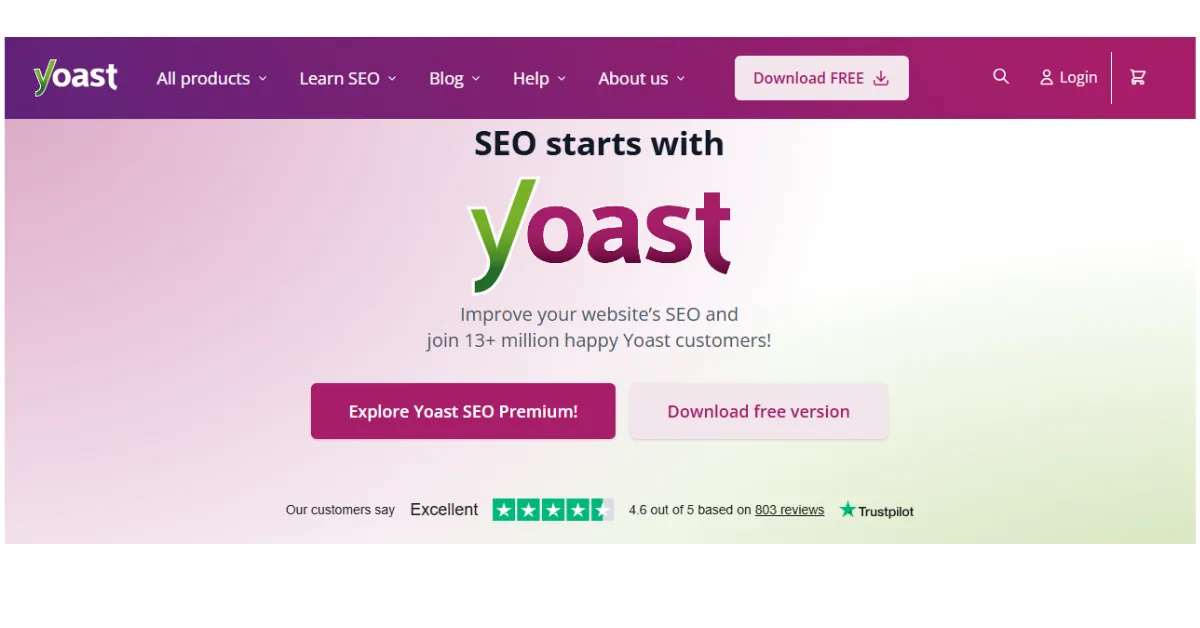
If you have heard of any SEO plugin before reading this, it is probably Yoast. And for good reason.
Yoast SEO helps you do the basics really well. Think of it like a checklist that runs behind the scenes as you write. It tells you if your page title is too long, if your focus keyword appears enough times, or if your sentences are too hard to read. As a first-time website owner, that kind of guidance is gold.
It helps you with:
- Writing better page titles and meta descriptions (the small text that shows up under your link in Google)
- Checking your content readability so real people actually enjoy reading it
- Creating an XML sitemap (basically a map of your site that tells Google where everything is)
The best part? It gives you a colour-coded score. Green means good, orange means try harder, red means fix this now.
And that is exactly why this SEO plugin has stayed at the top for so long.
2) All in One SEO (AIOSEO)
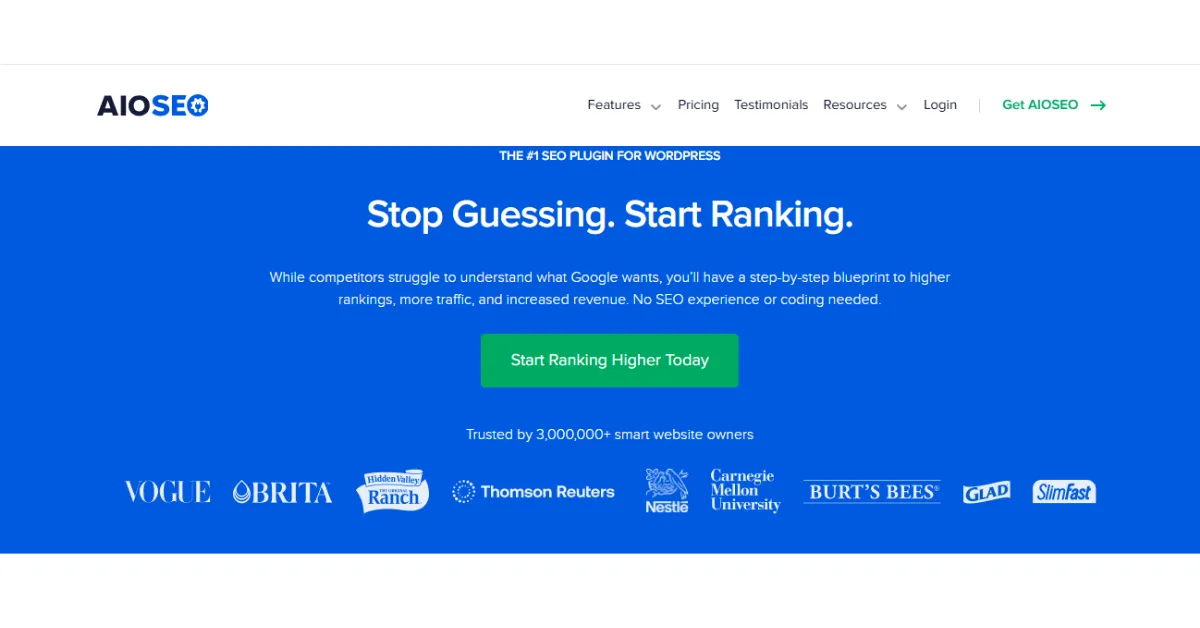
All in One SEO, often called AIOSEO, is one of those SEO plugins that does exactly what the name says. Everything in one place.
It handles on-page SEO (that means optimizing the actual words and settings on each page), XML sitemaps, and schema markup.
Schema markup, by the way, is a bit of hidden code that helps Google understand what your page is about, like whether it is a recipe, a product, or an article.
AIOSEO is great because:
- It walks you through the setup with a simple wizard
- One SEO works really well with WooCommerce if you sell products
- It has been downloaded over 100 million times, meaning it’s well-tested
If you want one SEO plugin that covers most of the bases without needing five others, AIOSEO is a very solid pick.
3) Rank Math
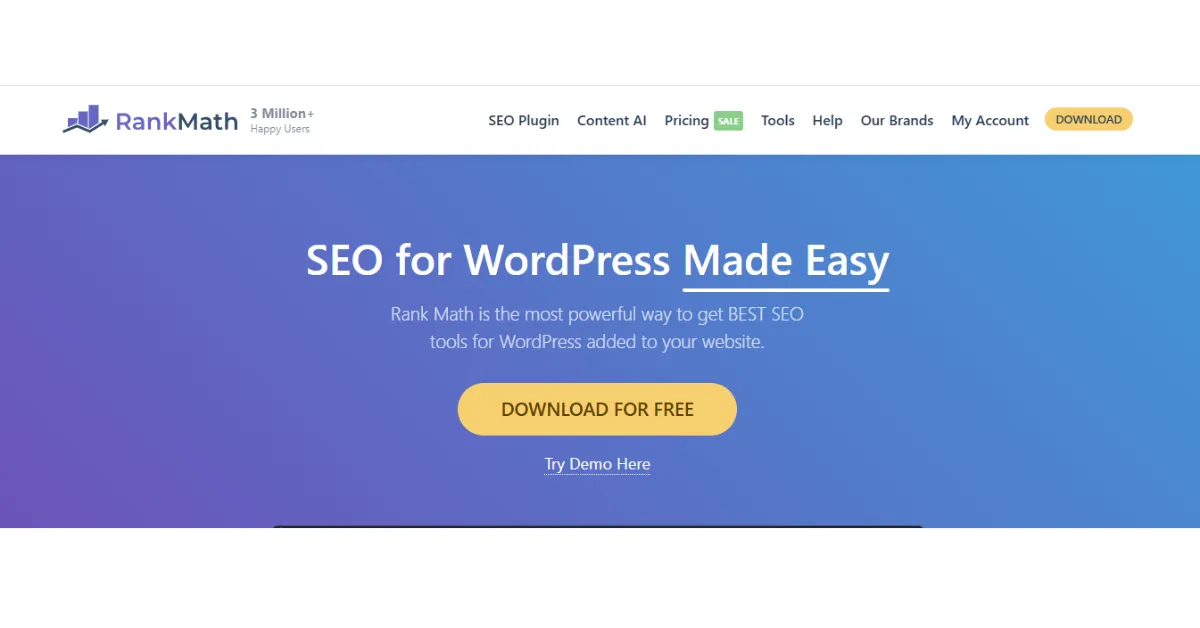
Rank Math is the new kid on the block, but it is growing really fast. And honestly, it is catching up to Yoast quickly.
What makes this SEO plugin stand out is how much you get in the free version. Most tools lock their best features behind a paywall. Rank Math gives you keyword tracking, built-in schema types, and even a direct connection to Google Search Console (the tool Google gives you to see how your site is performing), all without paying a cent.
You also get:
- The ability to optimize for multiple keywords at once
- An SEO score for every page, with specific tips to improve
- 404 error monitoring (a 404 error means a page on your site is broken or missing)
Consequently, if you are on a tight budget but still want a powerful SEO plugin, Rank Math is probably your best bet right now.
4) SEOPress
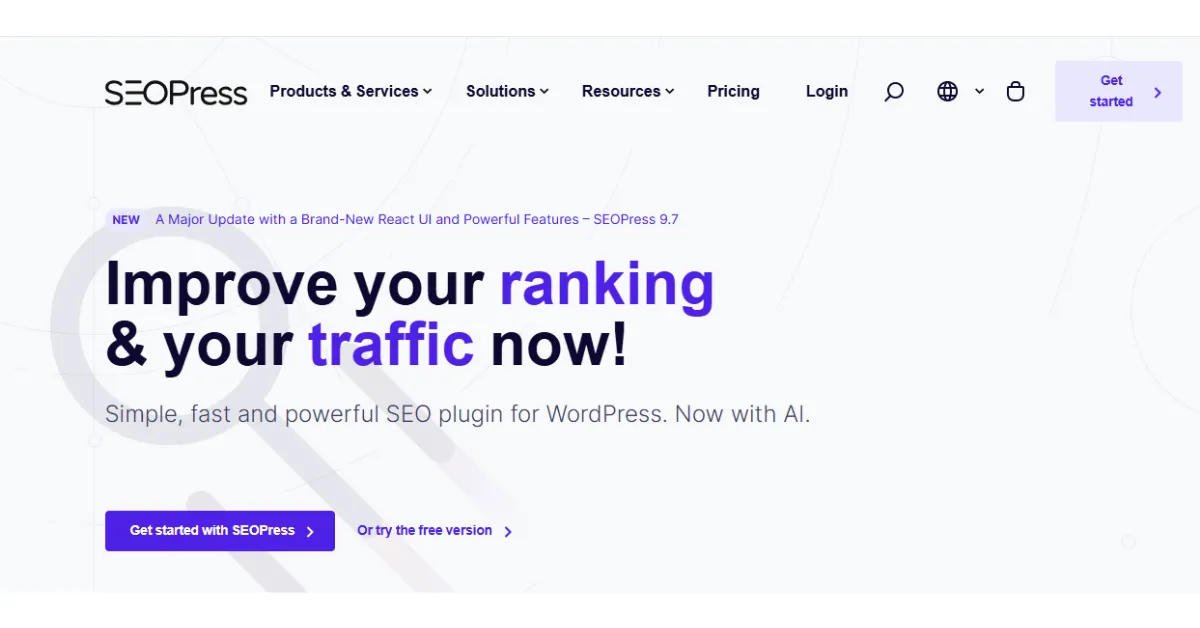
SEOPress is a clean, no-nonsense SEO plugin that many developers love for its simplicity.
It handles all the usual stuff, meta tags, sitemaps, social sharing previews, and even Google Analytics integration.
What makes the SEOPress plugin different is the experience of using it. There are no ads inside the plugin itself, no upsell popups every five minutes, and no clutter. Just the tools.
Additionally, if you’re a site owner who just wants to get things done without the noise, SEOPress is a refreshing choice. It is lightweight, too, which means it won’t drag your site speed down.
And as you will see in a moment, speed matters a lot for SEO.
5) The SEO Framework
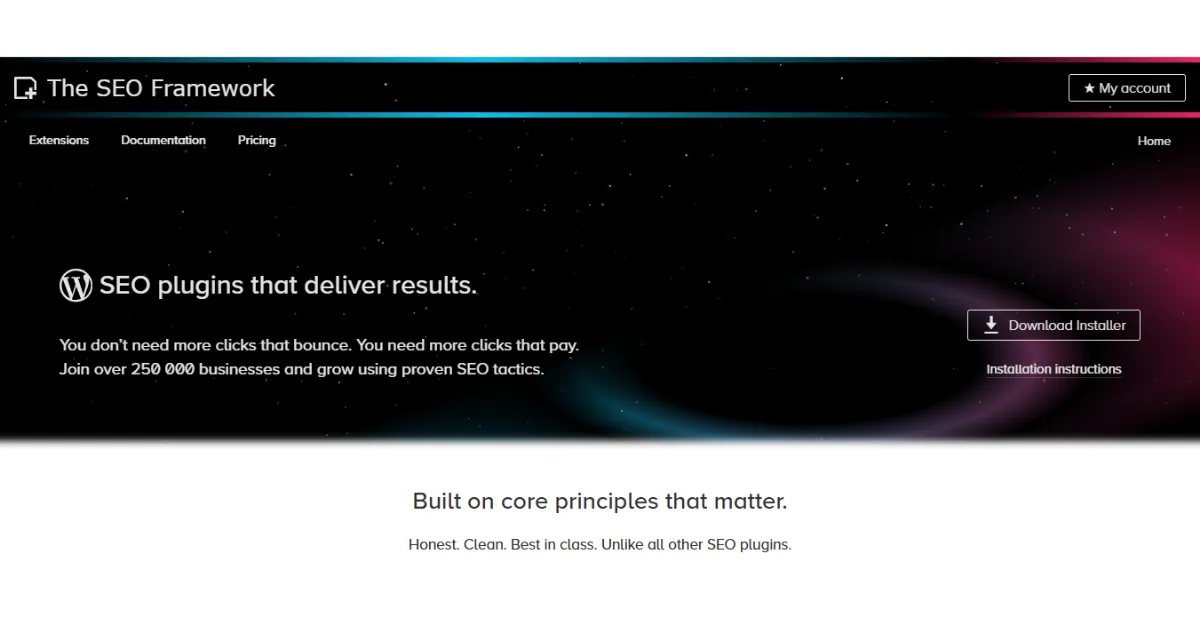
If you have never heard of The SEO Framework, it’s one of the lesser-known SEO plugins on this list, but it is seriously underrated.
This SEO plugin runs quietly in the background. It automatically sets up your titles, descriptions, and canonical URLs (these tell Google which version of a page is the “real” one when you have similar pages). You rarely need to touch it after setup.
Furthermore, it is built to be fast and lightweight. So if you are worried about plugins slowing your site down, this one is worth a look. It is a brilliant set-it-and-forget-it SEO plugin for beginners.
6) WP Rocket

Now here is something a little different. WP Rocket is not a traditional SEO plugin; it is a speed plugin. But speed and SEO are so closely linked that leaving it off this list would be a mistake.
Google uses something called Core Web Vitals to measure how fast and smooth your site is to use. A slow site gets punished in the rankings.
WP Rocket helps by storing a version of your pages, so they load faster (called caching), and by cutting down the size of your code.
In short, a faster site = better rankings. Therefore, while WP Rocket is not technically an SEO plugin in the traditional sense, it does some of the heaviest SEO lifting of any tool on this list.
7) Smush
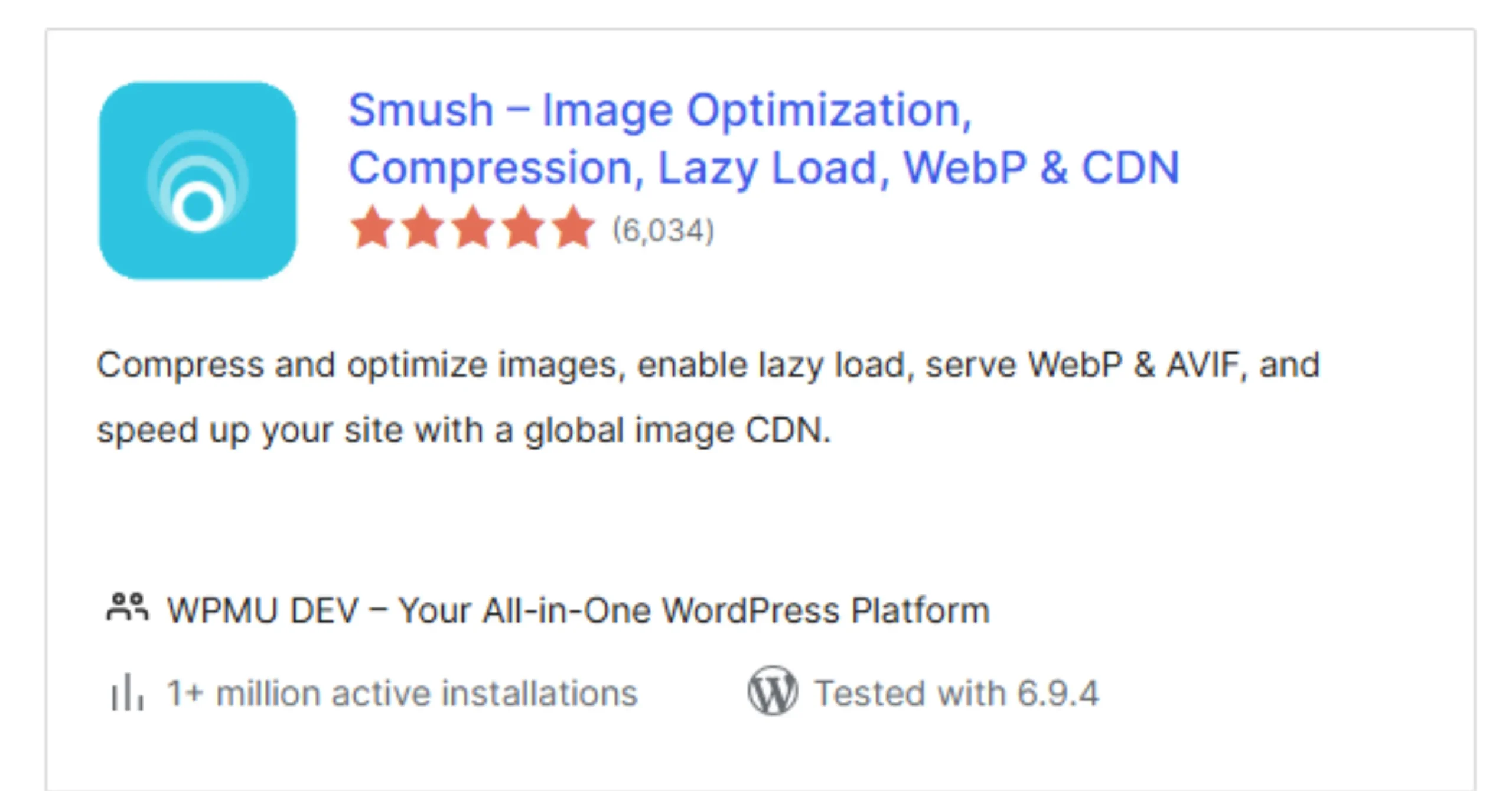
Images are often the biggest reason a website loads slowly. And a slow site, as we just covered, hurts your search rankings.
Smush is an image compression plugin that automatically shrinks the file size of every photo you upload — without making the image look blurry or bad. It also adds something called lazy loading, which means images only load when someone scrolls to them. That makes your pages feel much snappier.
You probably do not think of Smush as an SEO plugin, but because it directly improves page speed (which Google measures), it absolutely belongs in your toolkit. Moreover, it requires almost zero effort to set up and run.
8) Schema Pro

Have you ever searched for something on Google and seen a result that shows star ratings, prices, or a fancy FAQ section right in the search results? That is called a rich snippet, and it is powered by something called structured data or schema markup.
Schema Pro is an SEO plugin that adds this structured data to your site automatically. You tell it what type of content you have, a product, a review, an event, a recipe, and it handles the rest. Google then uses that information to display your result in a more attractive, click-worthy way.
Rich snippets do not directly push you to number one, but they make your result look so much better that more people click on it. And more clicks signal to Google that your page is useful. That, over time, helps you climb the rankings.
9) Redirection
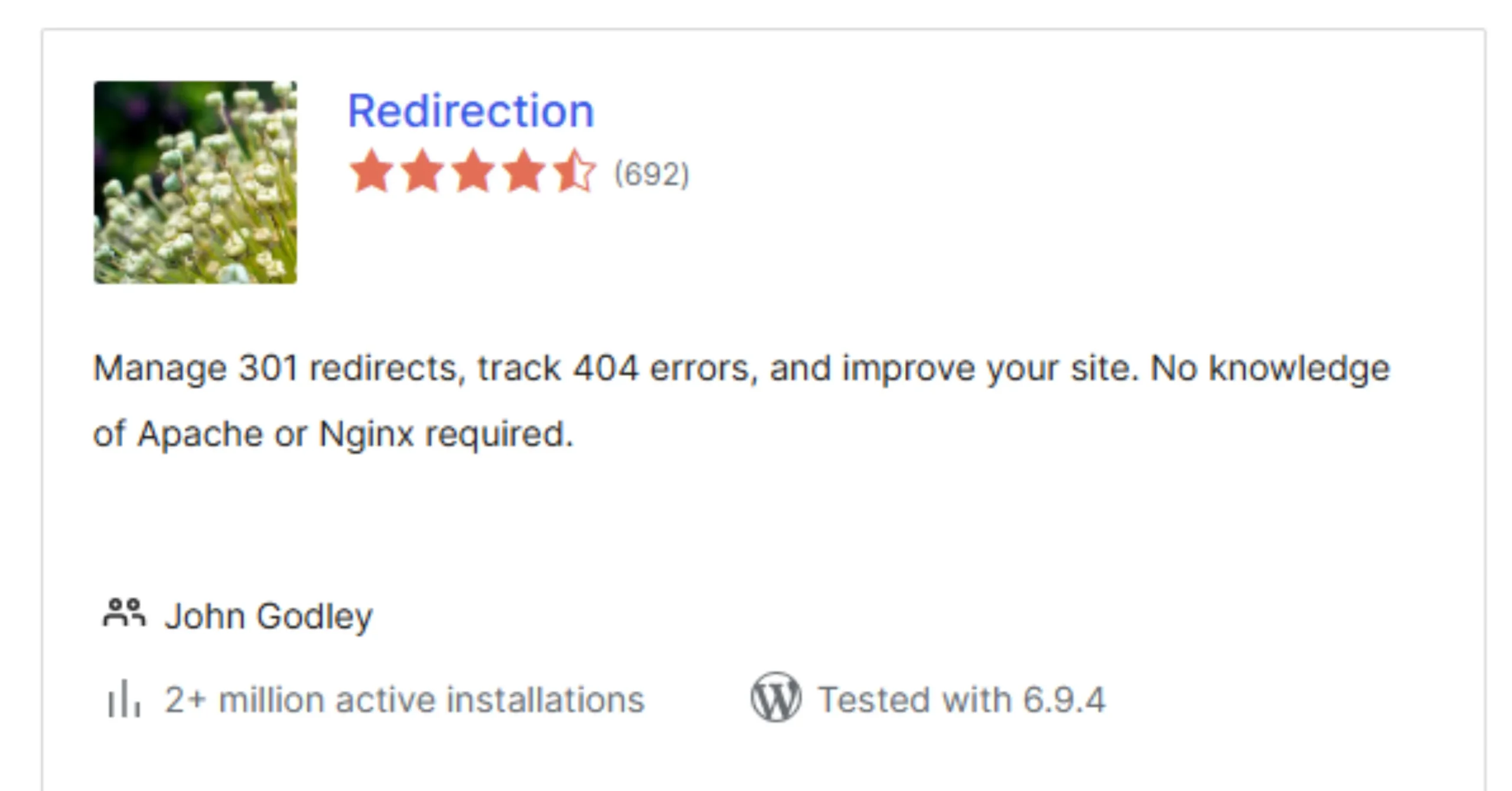
This last SEO plugin is a quiet hero. You might not think you need it until you do.
When you delete a page, change a URL, or restructure your site, you can end up with broken links. These are called 404 errors, and they are bad for SEO because Google finds a dead end instead of useful content. It also makes for a frustrating user experience.
The Redirection plugin lets you set up redirects, basically signposts that say “the page moved over here.” It also logs all your 404 errors in one place so you can fix them.
In other words, it protects the SEO work you have already done. Think of it as a safety net for your rankings.
Wait, You Do Not Need All of These SEO Plugins
This is really important, so pay attention here.
Installing too many SEO plugins at once can actually hurt your site. Here is why:
- They can slow your site down by adding extra code that runs on every page load
- They can conflict with each other, especially if two SEO plugins are both trying to set your meta tags
- They create duplicate settings that confuse Google and confuse you
So instead, keep it simple. Pick:
- One main SEO plugin, Yoast, Rank Math, AIOSEO, or SEOPress
- One speed tool, WP Rocket or Smush (or both, since they do different things)
- One extra plugin, Schema Pro if you want rich snippets, or Redirection if you manage a lot of pages
Run Your SEO Plugins Better With Truehost
Here is the thing that most beginners miss. You can choose the best SEO plugin in the world, but if your hosting is slow, unreliable, or poorly set up, that plugin cannot do its job properly.
Your SEO plugins need a strong foundation to perform, and that foundation is your hosting.
That is where Truehost comes in. Truehost gives you fast servers that improve your page speed scores, strong uptime so your site stays live and visible to Google, and an optimized WordPress setup that makes every SEO plugin run smoother from day one.
When your hosting works well, your SEO plugins work better. When your SEO plugins work better, your rankings improve.
Start with Truehost hosting today and let your SEO plugins work the way they were always meant to.