Domain RegistrationFind and register the perfect domain for your website.
 .COM DomainChoose a widely recognized domain to build global credibility.
 Domain TransferSeamless domain transfers with zero downtime and complete control.
 All TLDsFind and register your perfect domain. Choose from local and global extensions.
 SSL CertificatesKeep your website safe with reliable SSL Certificates that protect customer data and build trust.
 whoisCheck domain ownership details, expiration dates, and registrar information.
 US DomainRegister a .US domain and build trust in the USA.
 Web HostingEverything your website needs to run smoothly
 WordPress HostingWordPress hosting that just works
 Windows HostingReliable hosting for Windows environments
 Reseller HostingTurn hosting into your business
 Email HostingEmail that looks professional and works anywhere
 cPanel HostingFull control of your hosting with cPanel
 Affiliate ProgramJoin as a partner and earn commissions on every referral you send our way.
 Vps HostingScalable virtual servers that expand as you need.
 Dedicated ServersGet complete access and full control over your dedicated physical server.
 Managed vpsNot tech-savvy? We will take care of everything with our fully managed VPS hosting for you.
 AI Website BuilderCreate stunning websites in seconds with AI.
 Online ShopSet up a professional online store. No coding required.
 Web design serviceGet a tailored website designed to match your brand and support your goals.
 BlogFind helpful guides on web hosting, online selling, digital marketing, and more.
 Contact USYou can reach us anytime, day or night, through chat or email.
 SupportBrowse helpful guides and answers for all of our services.
Workflow automation is one of those things that sounds simple until you are actually in it. What starts as connecting two apps together can quickly turn into a full afternoon of debugging nodes, chasing webhooks, and untangling a canvas that made sense when you built it but looks like chaos three weeks later.
While n8n offers real power for self-hosted automation, its node-and-wire model becomes a maintenance project of its own as complexity grows. Non-technical teams especially feel that weight, spending more time managing the system than actually benefiting from it.
According to Gartner, over 70% of new applications developed by organizations will use low-code or no-code technologies by 2025, which tells you exactly where business automation is heading.
The best n8n alternatives close that gap. They prioritize simplicity, speed, and accessibility without stripping out the power that makes automation worth building in the first place.
This article cuts through the noise. We cover six platforms that are actually worth your time in 2026, each one looked at from the angle of real use rather than feature lists.
You will get a clear picture of what each tool does well, where it falls short, and which type of business or user it fits best.
At Truehost, we help businesses set up automation infrastructure every day, and this list reflects the tools that come up in those conversations most often.

Why People Look for n8n Alternatives
1) The Setup Gets Heavy Fast
n8n is open-source, which means you get a lot of freedom. But freedom comes with responsibility. You have to manage the server, handle updates, sort out SSL, monitor uptime, and troubleshoot when things break.
For developers who enjoy that kind of control, it is a natural fit. For everyone else, it adds a layer of work that was never really part of the plan.
2) The Learning Curve is Real
The node-based canvas in n8n is powerful, but it takes time to get comfortable with. Simple workflows are manageable, but once you start adding conditional logic, loops, and error handling, the canvas fills up fast and becomes harder to follow.
Not every team has the patience or the time to climb that curve, especially when the automation is just one part of a much bigger workload.
3) Pricing and Scalability Concerns
The self-hosted version of n8n is free, but as soon as you move to the cloud plan, you are paying for execution limits. For businesses running high-volume workflows, those limits start to feel restrictive quickly.
Some teams also find that the cost of managing their own server, including hosting, maintenance, and the time it takes, adds up to more than a straightforward paid subscription would.
Top n8n Alternatives Compare
| Tool | Best For | Interface | Pricing Model |
| Zapier | General business users | Visual, linear | Per task |
| Make | Technical marketers, ops | Visual canvas | Per operation |
| Pipedream | Developers, engineers | Code and visual hybrid | Compute-based |
| Activepieces | Startups, developers | Visual canvas | Per task |
| IFTTT | Solo users, simple tasks | Simple trigger-action | Flat monthly |
| Workato | Large enterprises | Visual with governance | Custom |
The 6 Best n8n Alternatives in 2026
1) Zapier
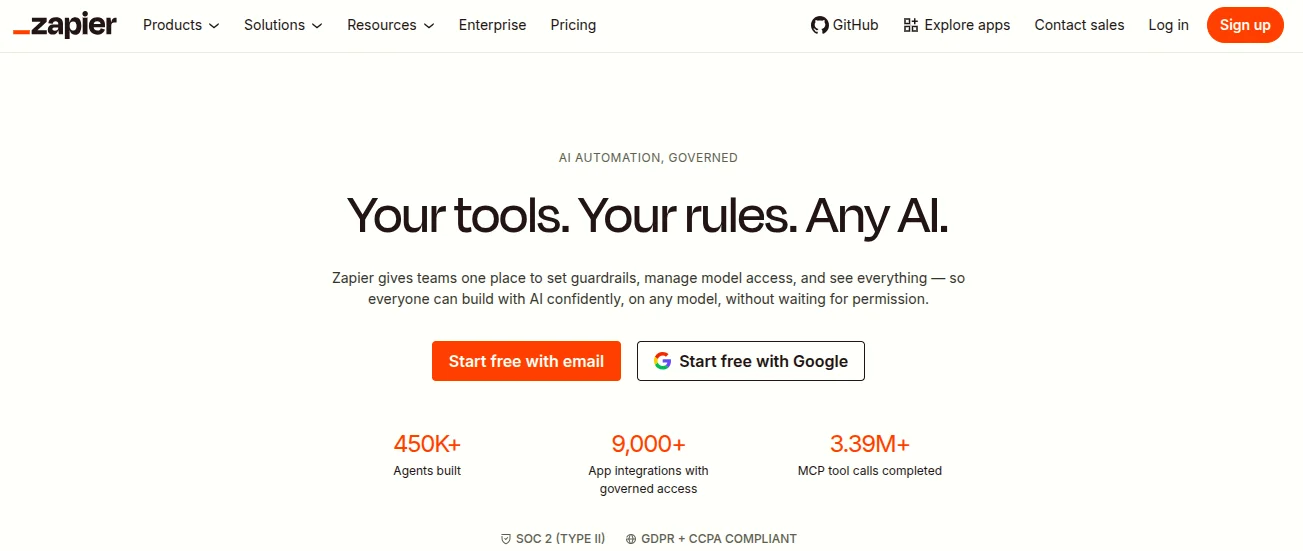
Zapier is the most established name in business automation and has been for years. It connects over 7,000 apps through a clean, linear workflow builder that most people can pick up in under an hour.
You create a Zap by choosing a trigger and one or more actions. There is no canvas to navigate and no server to manage. The whole thing runs in the cloud and Zapier handles the rest.
Its real strength is the app library. If you use common business tools like Gmail, Slack, Shopify, HubSpot, or QuickBooks, there is almost certainly a pre-built connection already available. You do not have to build from scratch.
The downside is pricing. Zapier charges per task, and those tasks multiply quickly across multi-step workflows. High-volume users often find themselves bumping up against plan limits faster than expected.
When you need something running today with no setup time, no server management, and no technical knowledge required. Zapier is the path of least resistance for most standard business automations.
2) Make
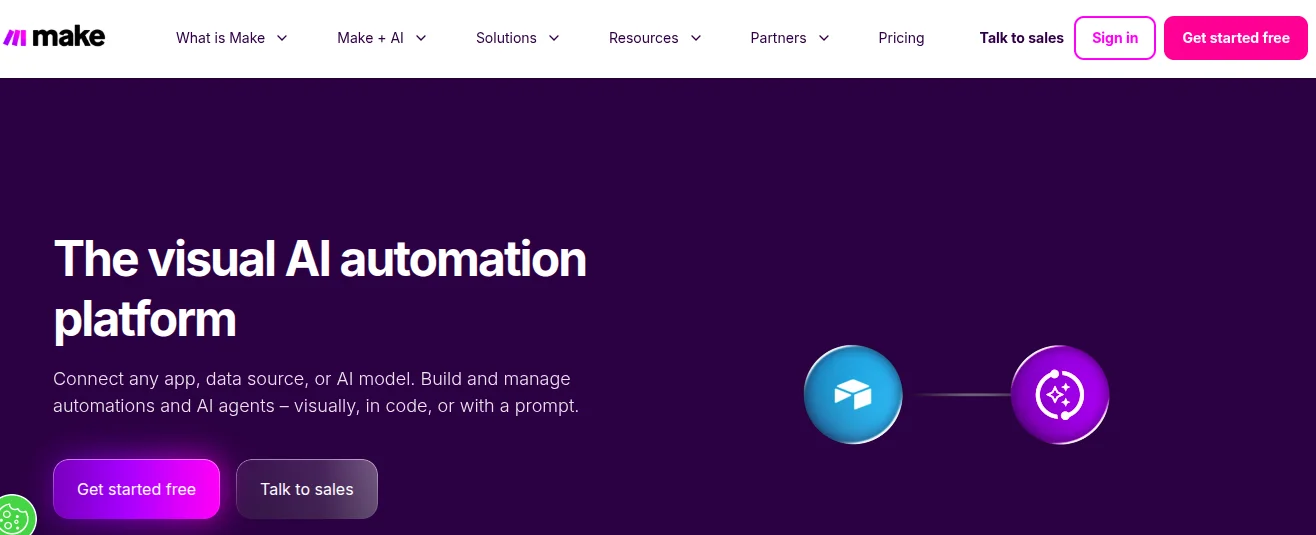
Make, formerly known as Integromat, gives you a visual canvas that is more detailed and flexible than Zapier but without the complexity of n8n’s node system.
You build scenarios by linking app modules together on a drag-and-drop canvas. Each module shows exactly where data is coming from and where it is going, which makes it easier to follow the logic of a multi-step workflow.
Make handles complex branching well. You can add routers, filters, and iterators without writing any code. It is particularly popular with operations teams and technical marketers who want more control than Zapier offers but are not ready to step into a developer-focused tool.
Pricing is based on operations rather than tasks, which gives you more visibility into what you are actually consuming. It is generally more affordable than Zapier at higher volumes, though careful monitoring is still needed as complexity grows.
When you need a visual, code-free workflow builder that can handle complex logic without the overhead of managing your own infrastructure.
3) Pipedream
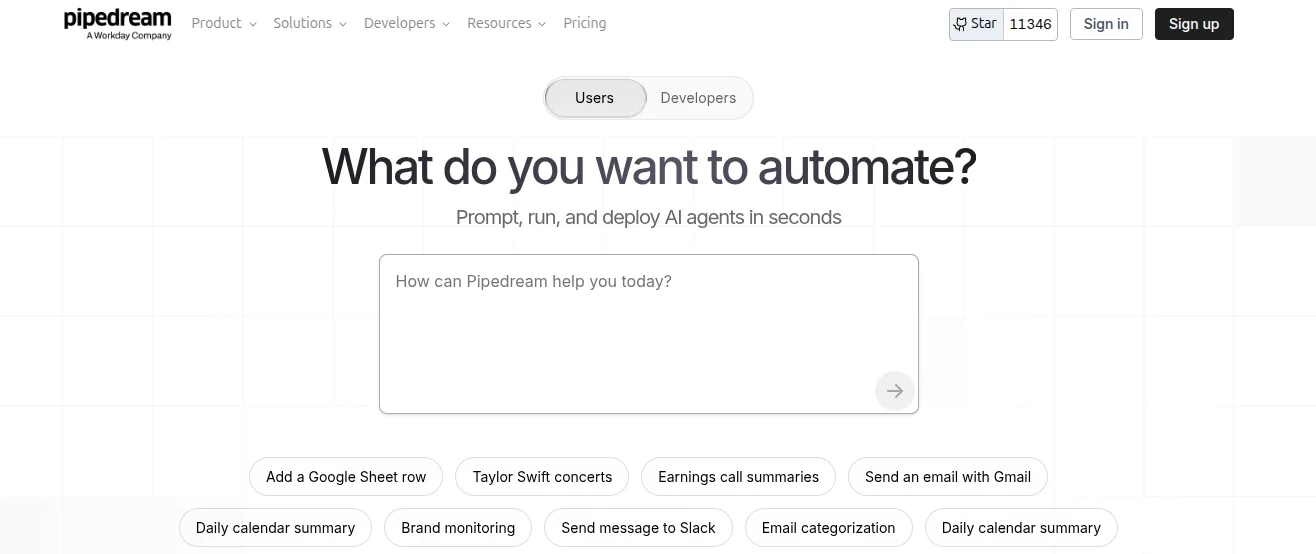
Pipedream sits between the no-code world and a full development environment. It lets you build workflows using a visual interface but also allows you to drop into Node.js, Python, or Go code at any step in the process.
That hybrid approach makes it a strong choice for developers who want the speed of a pre-built integration library but also need the flexibility to write custom logic where the standard options fall short.
The platform is event-driven by design, which makes it a natural fit for engineering teams building internal tools, API integrations, or automations that need to react to real-time data. Execution is serverless, so you do not have to think about infrastructure.
Pricing is based on compute time rather than task counts, which rewards efficient workflows and tends to work out well for teams running complex automations at scale.
When you are a developer who wants pre-built connectors and a managed execution environment, but still needs code-level control for the parts that require it.
4) Activepieces
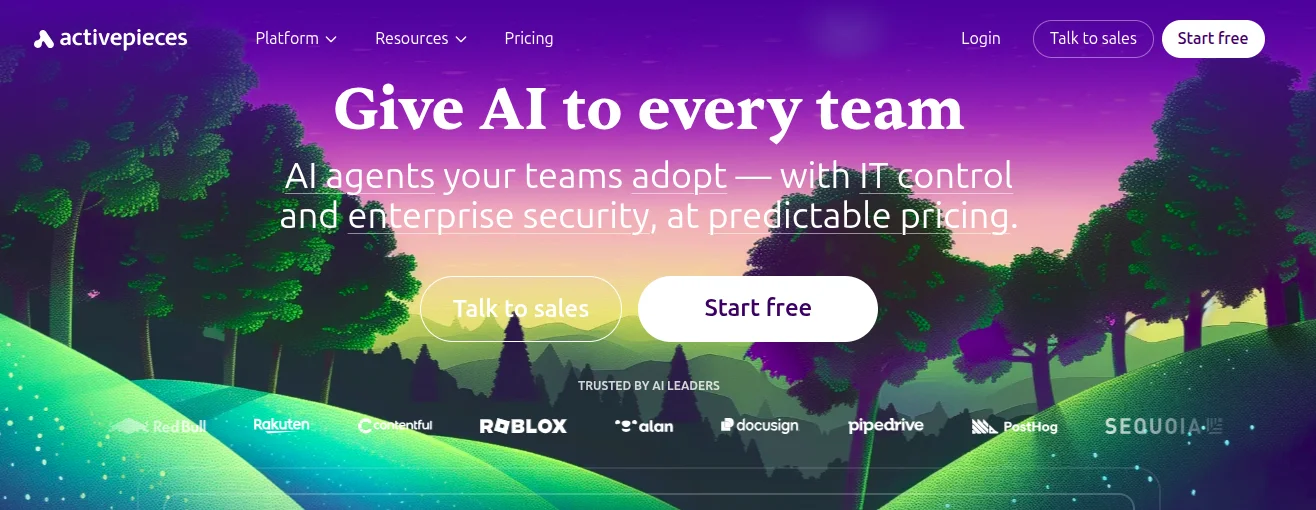
Activepieces is an open-source automation platform that gives you the flexibility of self-hosting alongside the option of a managed cloud version. It is community-driven, developer-friendly, and designed to grow with you as your needs expand.
The interface is visual and approachable, with support for custom code steps and AI agent capabilities built in. The open-source version runs under an MIT license, which means you have full control to modify and deploy it however you need.
What makes Activepieces stand out is its pricing philosophy. Paid tiers come with unlimited tasks rather than metered execution, which makes costs predictable and removes the anxiety of watching your usage climb every month.
If you are currently running n8n self-hosted through a provider like Truehost’s n8n self hosting and looking for a similar self-hosted alternative with a more approachable interface, Activepieces is worth a close look.
When you want the control of an open-source tool and the cost predictability of unlimited tasks, but you also want an interface that is easier for non-technical teammates to navigate.
5) IFTTT
IFTTT, short for If This Then That, is the simplest automation tool on this list. It is built around a single trigger connected to a single action, which makes it fast to set up and easy to follow but also limits what it can do.
It is not designed for complex business workflows. But for solo users, personal projects, smart home setups, and lightweight social media automations, it does exactly what it needs to do without any learning curve at all.
The app library covers a wide range of consumer tools and devices alongside standard business apps. Pricing is low and transparent, with a free tier available for basic use.
When your automation needs are genuinely simple and you want something you can configure in five minutes without touching a single setting beyond the basics.
6) Workato
Workato is built for organizations that need automation at a different scale entirely. It is an enterprise-grade integration platform with deep governance features, audit logs, role-based access, and support for complex multi-department deployments.
Workflows in Workato can include human-in-the-loop steps, meaning a process can pause for a manual review or approval before continuing. That makes it useful for workflows that cannot be fully automated, like contract reviews or compliance checks.
Pricing is not publicly listed and requires a conversation with their sales team, which tells you something about who this tool is aimed at. It is not for small teams or solo operators.
When you are in a large organization that needs automation governance, security compliance, and the ability to manage workflows across multiple departments from a single platform.
Self-Hosted vs Cloud Automation Tools
Self-hosting an automation tool means running it on your own server. You have full control over your data, your uptime, and your costs. Nothing flows through a third-party platform and you are not subject to usage limits set by someone else’s pricing model.
The trade-off is that self-hosting requires technical setup and ongoing maintenance. Updates, security patches, backups, and server monitoring all fall on you. For teams without a developer or a managed hosting solution, that overhead can become its own distraction.
Cloud-based tools remove all of that. You pay a monthly fee and the platform handles everything in the background. Setup is faster, support is available, and you never have to think about the infrastructure.
The right choice depends on your team’s skills and your priorities. If data control and cost predictability matter most, self-hosting through a reliable provider like Truehost is worth the setup investment. If speed and simplicity matter more, a cloud tool gets you running without friction.
How to Choose the Right Automation Tool
There is no single best tool for everyone. The right choice depends on where you are right now and where you are trying to go. Here are the key things to work through before you decide.
- Your technical level. If no one on your team is comfortable with servers, webhooks, or API keys, a cloud-based tool with a visual builder will serve you better than any self-hosted option regardless of how powerful it is. Ease of use matters more than raw capability if the tool is going to sit unused.
- Your budget. Task-based pricing models like Zapier’s can be affordable at low volumes but grow quickly as your workflows expand. If you are running high volumes, flat-rate tools or self-hosted options tend to work out cheaper over time. Know what your automation volume looks like before committing to a plan.
- Your integrations. Most tools support the major platforms, but if you use something niche, check the integration library before signing up. A tool with 7,000 integrations is only useful if the ones you actually need are in there.
- Your team size. Solo users and small teams have different needs than larger organizations. Some tools are built for individual use and become harder to manage at scale. Others have collaboration and access control features that only start to matter once more people are involved.
- Where you are headed. A tool that works fine for your current setup might not scale with you in twelve months. Choosing something that fits both where you are now and where you are going saves you a painful migration later. Think one step ahead, not just about today’s workflow.
- Data privacy requirements. If your business handles sensitive customer data or operates under strict compliance rules, where your data lives matters. Self-hosted tools keep everything on your own infrastructure. Cloud tools process data on third-party servers, which is fine for most use cases but worth considering before you connect anything critical.
Who Should Stick with n8n
Not everyone reading this needs to switch. n8n is still the right tool for a lot of situations.
If you are a developer or have technical teammates who are comfortable managing a self-hosted environment, n8n gives you more flexibility and control than almost anything else at the same price point. The self-hosted version is free, and the level of customization it supports is hard to match.
If data privacy is a priority and you need your automation running entirely on your own infrastructure, n8n is one of the few tools that genuinely supports that without compromise.
And if you are already running n8n smoothly through a managed provider like Truehost’s n8n self hosting and it is meeting your needs, there is no reason to migrate just because alternatives exist.
Switching costs time. If n8n is working, the right move is often to optimize it rather than replace it.
Getting Started with Automation Tools
If you are new to automation, start small. Pick one repetitive task you do every week, something like moving form responses into a spreadsheet or sending a notification when a new order comes in, and automate just that one thing first.
Getting one workflow running teaches you more than reading ten articles about automation theory. Once it works, you will have a much clearer sense of what you want to build next and which tool fits your actual workflow rather than an imagined one.
For cloud tools like Zapier or Make, signing up takes a few minutes and most have a free tier to explore before you commit to a plan.
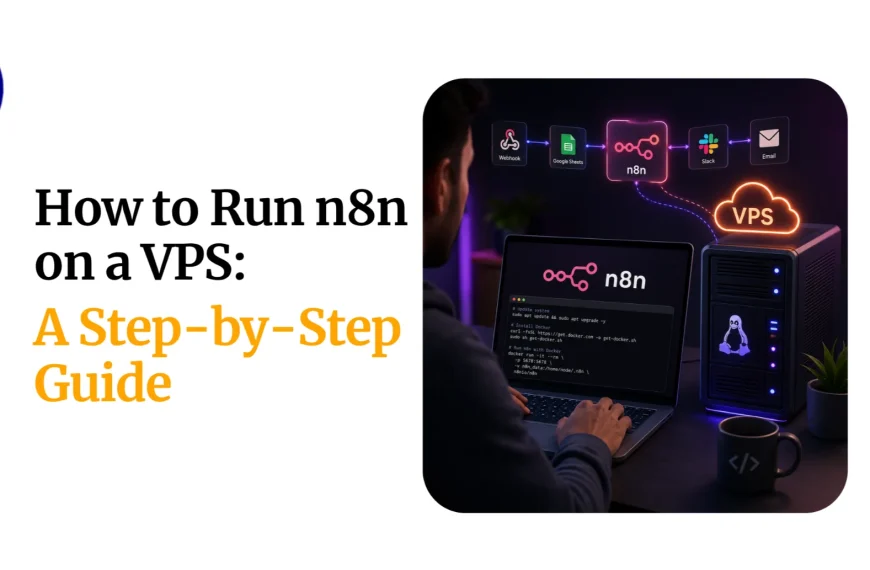
For self-hosted tools like n8n or Activepieces, you will need a server. If you want the benefits of self-hosting without the setup complexity, Truehost offers n8n self hosting with everything pre-configured so you can start building workflows instead of configuring infrastructure.
FAQs
Is n8n still worth it in 2026?
Yes, for the right user. If you are comfortable with self-hosting and need deep customization at a low cost, n8n is still one of the best options available. It becomes less ideal when the maintenance overhead outweighs the benefits or when your team cannot maintain it without dedicated technical support.
What is the easiest n8n alternative?
Zapier is the easiest. It has the most polished onboarding experience, the largest template library, and the least amount of setup required. Most people can have their first automation running within fifteen minutes of signing up.
Which automation tool is cheapest?
For low volumes, IFTTT is the most affordable entry point. For high volumes, self-hosted n8n or Activepieces come out cheapest since they do not charge per task. On the cloud side, Make tends to offer better value than Zapier at higher operation counts.
Can I move workflows from n8n to other tools?
Not directly through an import feature, but most workflows can be recreated manually. The core logic, triggers, and actions usually have equivalents in Zapier, Make, or Activepieces. The migration takes time but is straightforward for most standard workflows.
Do I need coding skills for automation tools?
Not for most tools. Zapier, Make, IFTTT, and Activepieces are all designed to be used without writing code. Pipedream and n8n benefit from coding knowledge for advanced use cases, but basic workflows on both platforms are achievable without it.
Which tool is best for beginners?
apier for cloud-based automation and Activepieces for anyone who wants a beginner-friendly open-source option. Both have clean interfaces, good documentation, and enough pre-built templates to get started without feeling lost.
Which Direction Should You Take?
If you are running a small team and just need reliable automations connecting your everyday tools, Zapier or Make will get you there with the least friction.
If you are a developer or have technical resources available and want full control without per-task billing, n8n or Activepieces on a self-hosted plan gives you the most for your money.
If your business is at enterprise scale and needs governance, security, and multi-department workflows, Workato is built for exactly that situation.
And if you are somewhere in the middle, exploring your options and figuring out what actually fits, start with a free trial on one of the cloud tools and run a real workflow through it. Theory only takes you so far. Using the tool on an actual task tells you everything you need to know.
For self-hosted automation without the server headaches, visit truehost.com to explore hosting options built for tools like n8n and get your automation running without the usual setup friction.