Domain RegistrationFind and register the perfect domain for your website.
 .COM DomainChoose a widely recognized domain to build global credibility.
 Domain TransferSeamless domain transfers with zero downtime and complete control.
 All TLDsFind and register your perfect domain. Choose from local and global extensions.
 SSL CertificatesKeep your website safe with reliable SSL Certificates that protect customer data and build trust.
 whoisCheck domain ownership details, expiration dates, and registrar information.
 US DomainRegister a .US domain and build trust in the USA.
 Web HostingEverything your website needs to run smoothly
 WordPress HostingWordPress hosting that just works
 Windows HostingReliable hosting for Windows environments
 Reseller HostingTurn hosting into your business
 Email HostingEmail that looks professional and works anywhere
 cPanel HostingFull control of your hosting with cPanel
 Affiliate ProgramJoin as a partner and earn commissions on every referral you send our way.
 Vps HostingScalable virtual servers that expand as you need.
 Dedicated ServersGet complete access and full control over your dedicated physical server.
 Managed vpsNot tech-savvy? We will take care of everything with our fully managed VPS hosting for you.
 AI Website BuilderCreate stunning websites in seconds with AI.
 Online ShopSet up a professional online store. No coding required.
 Web design serviceGet a tailored website designed to match your brand and support your goals.
 BlogFind helpful guides on web hosting, online selling, digital marketing, and more.
 Contact USYou can reach us anytime, day or night, through chat or email.
 SupportBrowse helpful guides and answers for all of our services.
You have created a great site, with solid content and SEO in place, but your site is still slow. A slow website is a problem that quietly undoes everything else you have worked on.
The average page speed of a first-page Google result is just 1.65 seconds. If your site takes 4 or 5 seconds, you are competing at a serious disadvantage from the moment someone types a search.
The good news is, you do not need to rebuild your entire website to fix your speed. Most of the time, the right speed and performance plugins can handle the heavy lifting for you. They work quietly in the background, making your pages load faster without you needing to touch a single line of code.
This guide breaks down nine of the best speed and performance plugins available in 2026.
We’ll cover;
- WP Rocket
- LiteSpeed Cache
- W3 Total Cache
- NitroPack
- Autoptimize
- Perfmatters
- Smush
- WP Fastest Cache
- Cloudflare
Here are the best speed and performance plugins that deliver results 2026.
1) WP Rocket

If you only install one item from this list of speed and performance plugins, WP Rocket is the strongest candidate.
WP Rocket works by doing several things at once.
- It handles page caching: This saves a ready-made version of your pages so they load faster the next time someone visits.
- It also minifies your site’s files: a fancy way of saying it trims unnecessary spaces and characters from your code to make those files smaller.
- It does lazy loading: this means images only load when a visitor scrolls to them, rather than all at once when the page first loads.
The best part is that WP Rocket starts working immediately after you install it.
2) LiteSpeed Cache
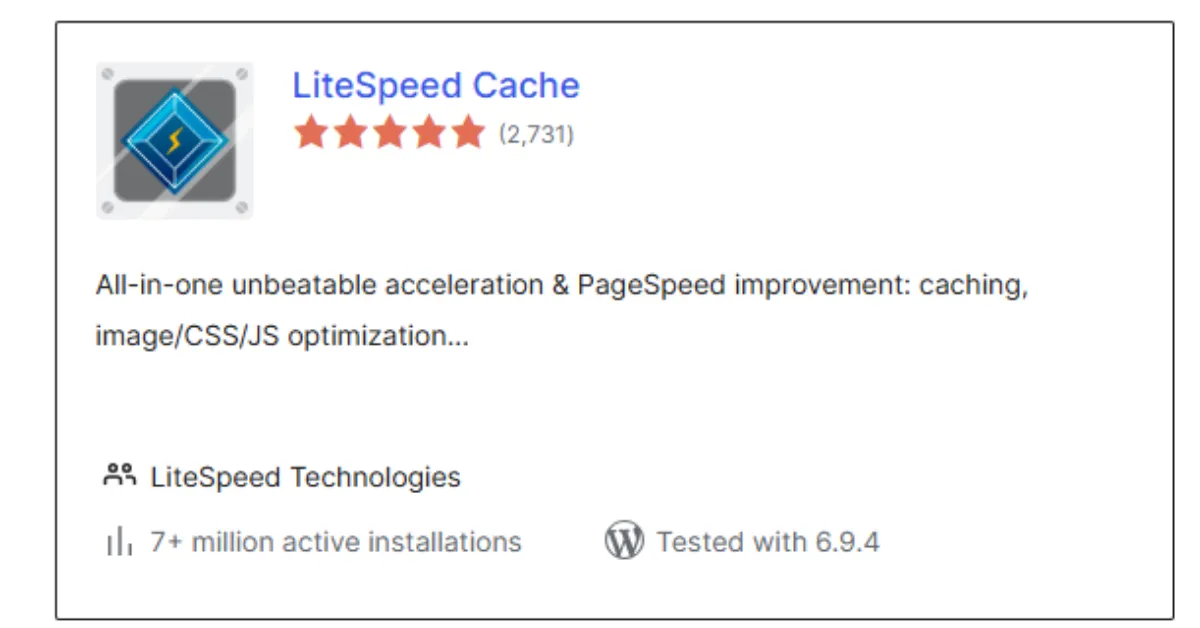
LiteSpeed Cache is one of the most impressive free speed and performance plugins available.
Most plugins improve how your site looks to a visitor’s browser. LiteSpeed Cache also runs on the server that hosts your site, meaning it starts optimizing your pages before they even reach your visitors’ screens. That is a deeper and often faster improvement.
It also handles image optimization, CSS, and JavaScript tuning. This means it cleans up and shrinks the code your site uses, and it integrates smoothly with most WordPress themes and other plugins.
For site owners who want serious speed without paying for a premium tool, LiteSpeed Cache is hard to beat.
3) W3 Total Cache
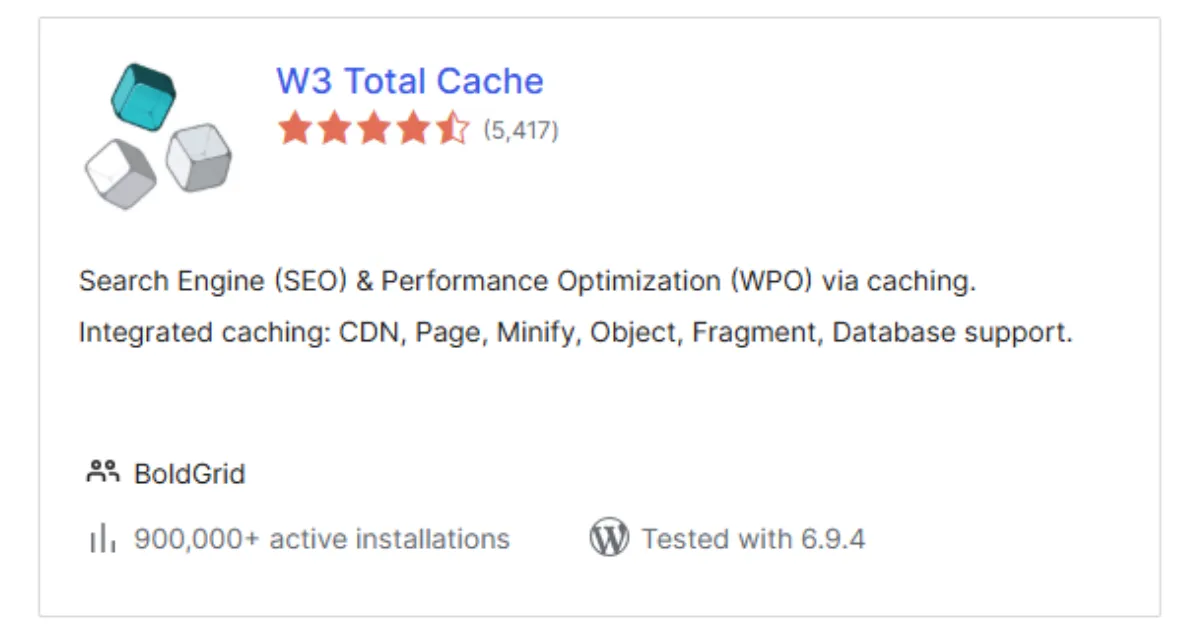
W3 Total Cache has been around for a long time and has remained popular because it is genuinely powerful. It is one of those speed and performance plugins that gives you a lot of control over exactly how your site is cached and delivered.
- Handles browser caching: When a visitor’s browser saves parts of your site locally, pages load even faster on their next visit.
- Connects with CDNs
- Optimizes your database: the part of your site that stores all your content.
- Improves the overall delivery of your pages.
It is worth noting that W3 Total Cache has more settings than simpler tools. So if you are starting, WP Rocket or LiteSpeed Cache might feel friendlier.
4) NitroPack
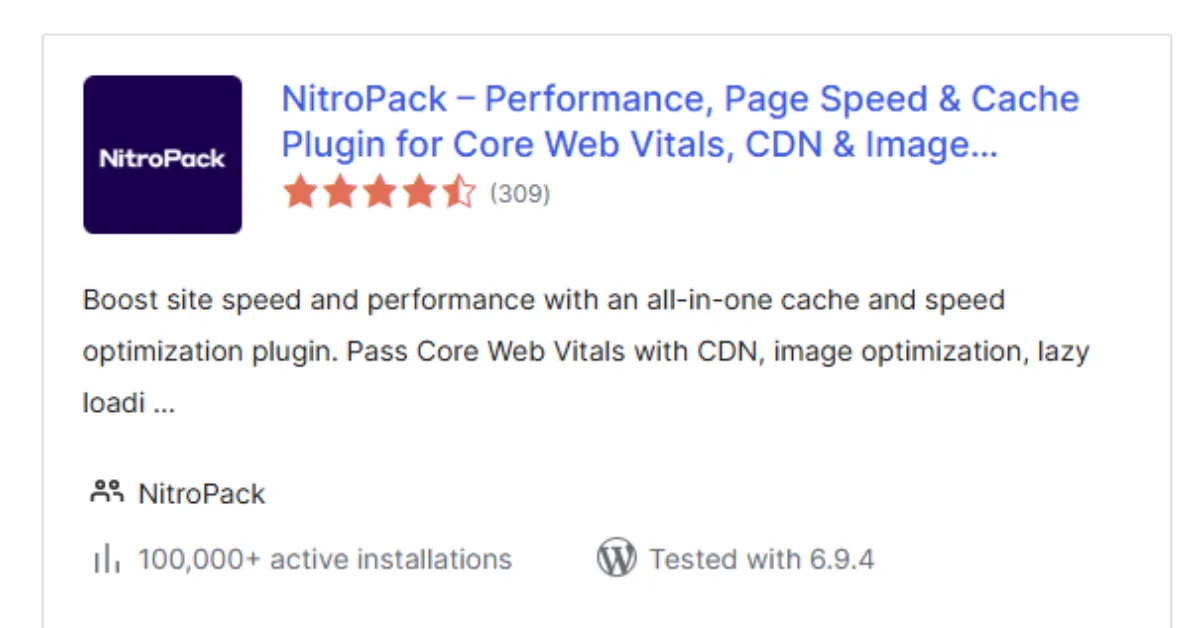
NitroPack takes a different approach from most speed and performance plugins. Instead of tweaking individual settings yourself, NitroPack handles the entire optimization process automatically, using cloud technology to do it from outside your server.
It combines caching, image compression, code minification, and a built-in CDN all in one place. A CDN (Content Delivery Network) is a system of servers spread around the world. When someone visits your site, they receive your pages from the server closest to them, which makes loading much faster, regardless of where they are in the world.
Additionally, NitroPack is built specifically to help sites pass Google’s Core Web Vitals-a set of measurements Google uses to assess how fast and user-friendly your site is.
Passing those tests can directly improve your rankings.
5) Autoptimize
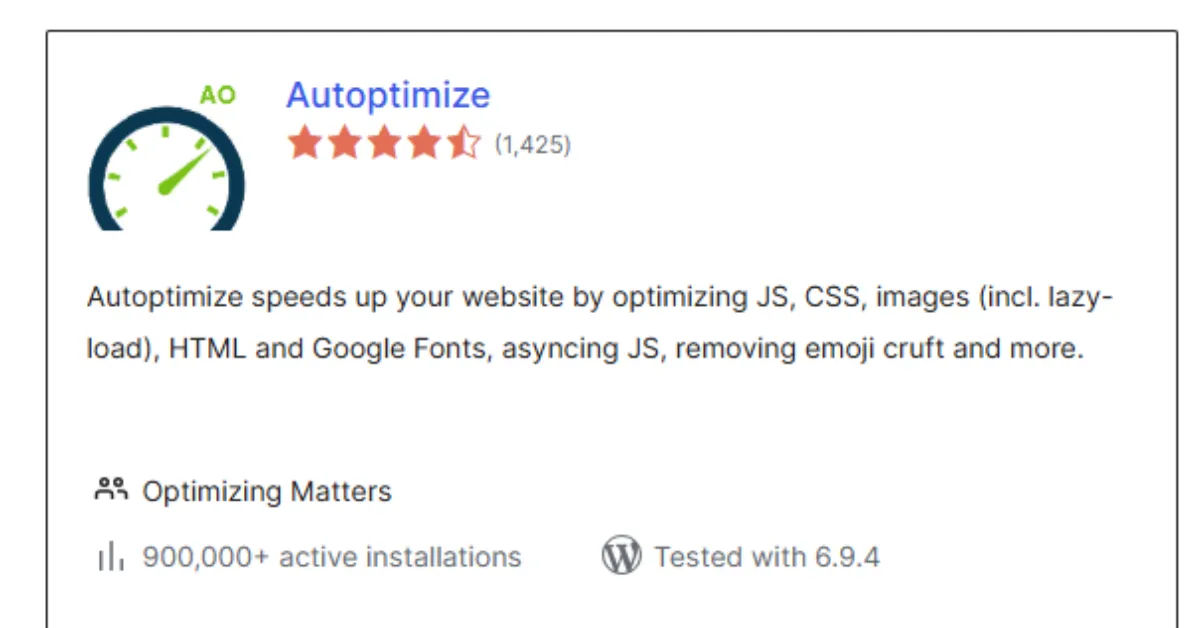
Autoptimize focuses specifically on your site’s code. It is one of the more targeted speed-and-performance plugins on this list, designed to clean up and compress the technical files that run your website.
Every website uses CSS files (which control how things look) and JavaScript files (which control how things behave). Over time, these files can become bloated, full of extra spaces, comments, and inefficiencies that browsers still have to load. Autoptimize minifies and combines these files, making them smaller and faster to deliver.
Furthermore, Autoptimize pairs really well with a caching plugin like WP Rocket or LiteSpeed Cache. One handles the code, the other handles the caching, and together they can produce a noticeably lighter, faster site.
6) Perfmatters
Sometimes the best way to speed up a site is not to add something, but to remove things that should not be there in the first place. That is exactly what Perfmatters does.
WordPress loads many default features your site does not use, such as scripts, stylesheets, emoji support, widgets, and so on. Even if you are not using these features, your site is still loading them in the background every time someone visits.
Perfmatters lets you switch off all the extras you do not need, reducing the number of HTTP requests. These are the number of individual files your server has to load every time a page opens.
Consequently, fewer requests mean faster load times. Perfmatters is a lightweight plugin and works brilliantly alongside other speed and performance plugins in your setup.
7) Smush
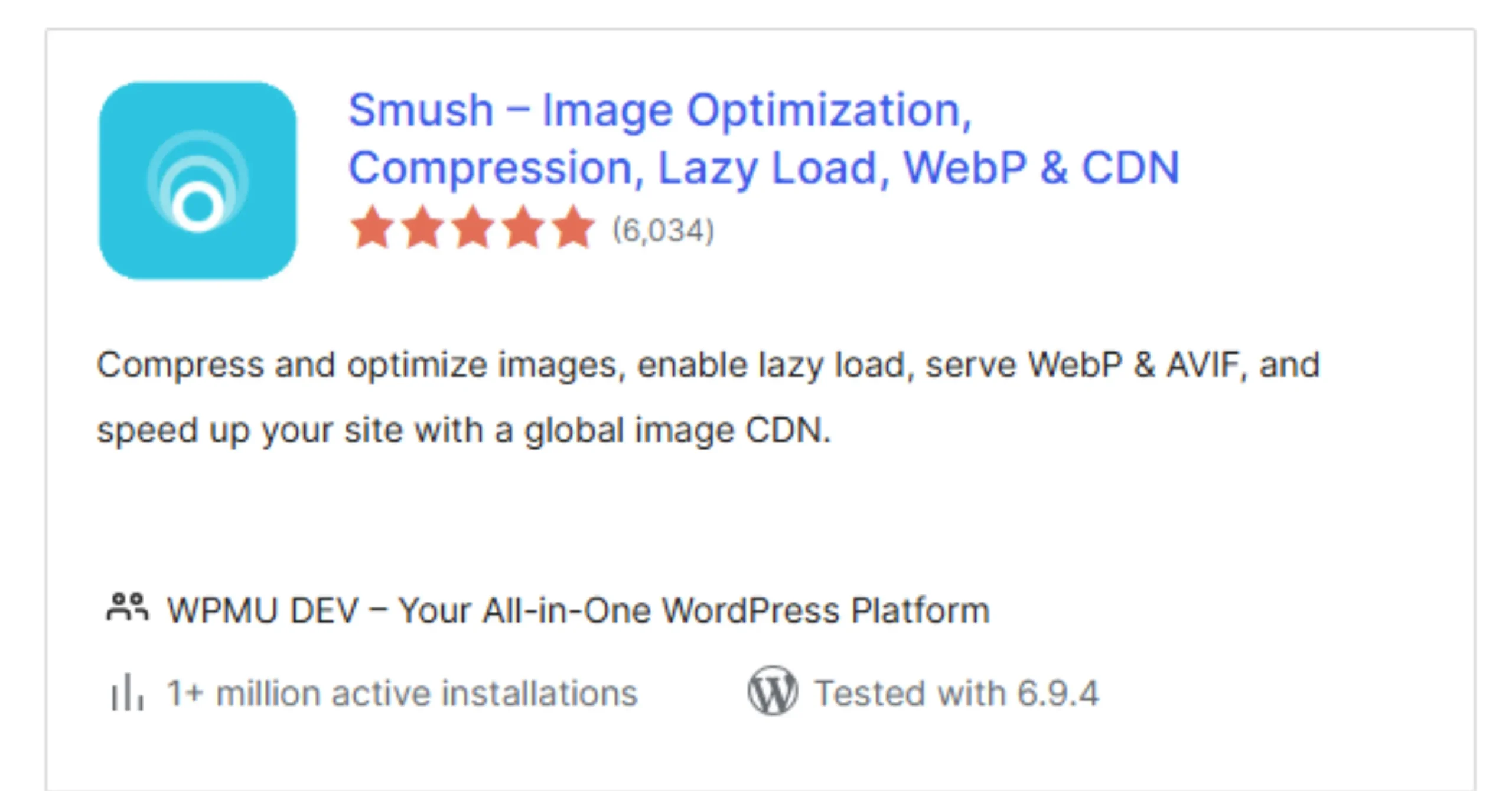
Images are one of the most common reasons websites load slowly. A single large, unoptimized photo can add seconds to your page load time. And most site owners upload dozens of images without ever thinking about their file sizes.
Smush solves this automatically. It compresses every image you upload, reducing file size without making the image look blurry or bad. It also adds lazy loading to your images, so they load only when a visitor scrolls to them, rather than all at once when the page loads.
Smush requires almost no setup, works quietly in the background, and delivers measurable improvements to your page load times immediately.
8) WP Fastest Cache
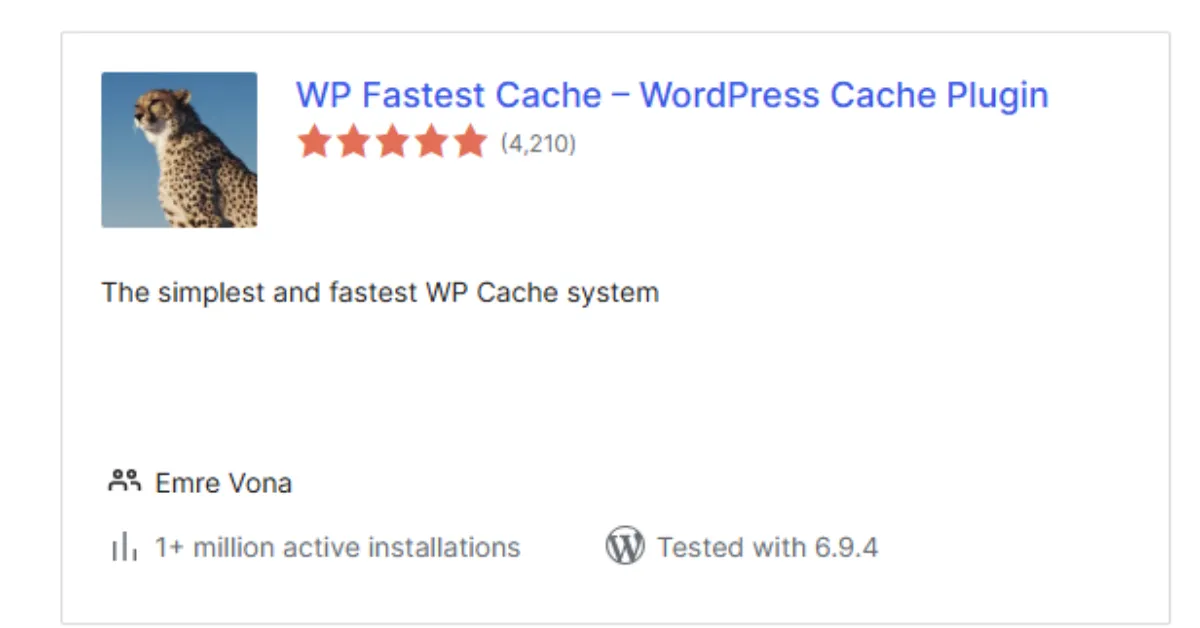
If you are brand new to websites and the idea of caching plugins feels overwhelming, WP Fastest Cache is a great place to start.
It offers page caching, minification, and CDN support, the core features you need, but in a much simpler interface than most other speed and performance plugins. You can get it set up in a few minutes, and the improvement in load time is often immediate.
It is not as feature-rich as WP Rocket or NitroPack, but for beginners who want faster pages without a learning curve, it is a brilliant starting point.
Moreover, a free version is available, making it even easier to try before committing to a paid plan.
9) Cloudflare

Cloudflare is different from most speed plugins. It is not just a plugin. It is a global network that sits between your website and your visitors, making your site faster and safer at the same time.
When you connect your WordPress site to Cloudflare, your pages are stored and delivered from servers close to your visitors, whether they are in Los Angeles, New York, or Chicago. So the data travels a shorter distance, and your site loads faster for everyone.
This is important because speed is not only about compressing files or cleaning code. Distance also slows things down. If your server is far away, your site will still feel slow. Cloudflare fixes that gap.
Even the free plan delivers strong performance benefits at no extra cost.
Do Not Stack Too Many Speed and Performance Plugins Together
This is a mistake that catches a lot of beginners out, so we want to be very clear about it.
More speed and performance plugins do not mean more speed. In fact, running multiple caching plugins simultaneously is one of the most reliable ways to break your website. They will conflict with each other, fight over settings, and, in some cases, slow your site or cause pages to display incorrectly.
The smart approach is simple;
- One caching plugin: WP Rocket, LiteSpeed Cache, or WP Fastest Cache. Pick one and stick with it
- One code optimization tool: Autoptimize or Perfmatters to handle your scripts and files
- One image plugin: Smush for image compression, running quietly alongside everything else
Keep it lean and let each plugin do what it was built for.
Boost Your Site Speed With Truehost

Speed and performance plugins can only do so much. They work on top of your hosting. If your hosting is slow, no plugin, no matter how good, can fully compensate.
Think of it this way: plugins are like a high-performance engine. But if the road beneath is broken, even the best engine still gets stuck. Truehost gives you the road.
Fast servers that reduce load times at the source, stable performance that holds up during traffic spikes, and built-in optimizations that work hand in hand with your speed and performance plugins.
You also get reliable uptime. A site that loads fast but goes down regularly still loses rankings and visitors.
Start with Truehost today and give your speed and performance plugins the foundation they need to deliver results in 2026.