Domain RegistrationFind and register the perfect domain for your website.
 .COM DomainChoose a widely recognized domain to build global credibility.
 Domain TransferSeamless domain transfers with zero downtime and complete control.
 All TLDsFind and register your perfect domain. Choose from local and global extensions.
 SSL CertificatesKeep your website safe with reliable SSL Certificates that protect customer data and build trust.
 whoisCheck domain ownership details, expiration dates, and registrar information.
 US DomainRegister a .US domain and build trust in the USA.
 Web HostingEverything your website needs to run smoothly
 WordPress HostingWordPress hosting that just works
 Windows HostingReliable hosting for Windows environments
 Reseller HostingTurn hosting into your business
 Email HostingEmail that looks professional and works anywhere
 cPanel HostingFull control of your hosting with cPanel
 Affiliate ProgramJoin as a partner and earn commissions on every referral you send our way.
 Vps HostingScalable virtual servers that expand as you need.
 Dedicated ServersGet complete access and full control over your dedicated physical server.
 Managed vpsNot tech-savvy? We will take care of everything with our fully managed VPS hosting for you.
 AI Website BuilderCreate stunning websites in seconds with AI.
 Online ShopSet up a professional online store. No coding required.
 Web design serviceGet a tailored website designed to match your brand and support your goals.
 BlogFind helpful guides on web hosting, online selling, digital marketing, and more.
 Contact USYou can reach us anytime, day or night, through chat or email.
 SupportBrowse helpful guides and answers for all of our services.
Have you just built your website? You spent time adding content, setting up pages, and getting your first visitors. Things are finally moving.
Then one day, something goes very wrong.
Your site redirects to a dodgy page you did not create. Visitors get a warning from Google telling them your site is dangerous. Or worse, you log in one morning, and everything is gone. Your content, your settings, your data. All wiped.
This is not a rare horror story. It happens to thousands of websites every single day.
In 2026, website attacks are faster, more automated, and more common than ever before. But here is the good news: you do not need to be a tech expert to protect yourself. You just need the right security plugins and a solid setup to back them up.
This guide breaks down nine of the best security plugins available in 2026 and explains what each one does.
We will cover:
- Wordfence Security
- Sucuri Security
- iThemes Security
- All In One WP Security and Firewall
- MalCare Security
- WP Activity Log
- Jetpack Security
- Shield Security
- UpdraftPlus
Before we get into the security plugins themselves, it helps to understand what you are actually up against.
How Bad Is the Threat? Let the Numbers Tell You
In 2025, security researchers discovered 11,334 new vulnerabilities in the WordPress ecosystem, a 42% jump compared to 2024. That means threats are accelerating, not slowing down.
Around 13,000 WordPress websites are attacked every single day. That works out to one attack roughly every 22 minutes, around the clock.
41% of WordPress sites that get hacked are compromised through a vulnerability in their hosting platform, not just their plugins. Which is why your security has to go deeper than just installing security plugins.
So yes, this is real. But it is also very manageable if you take the right steps.
Let us start with the security plugins.
1) Wordfence Security
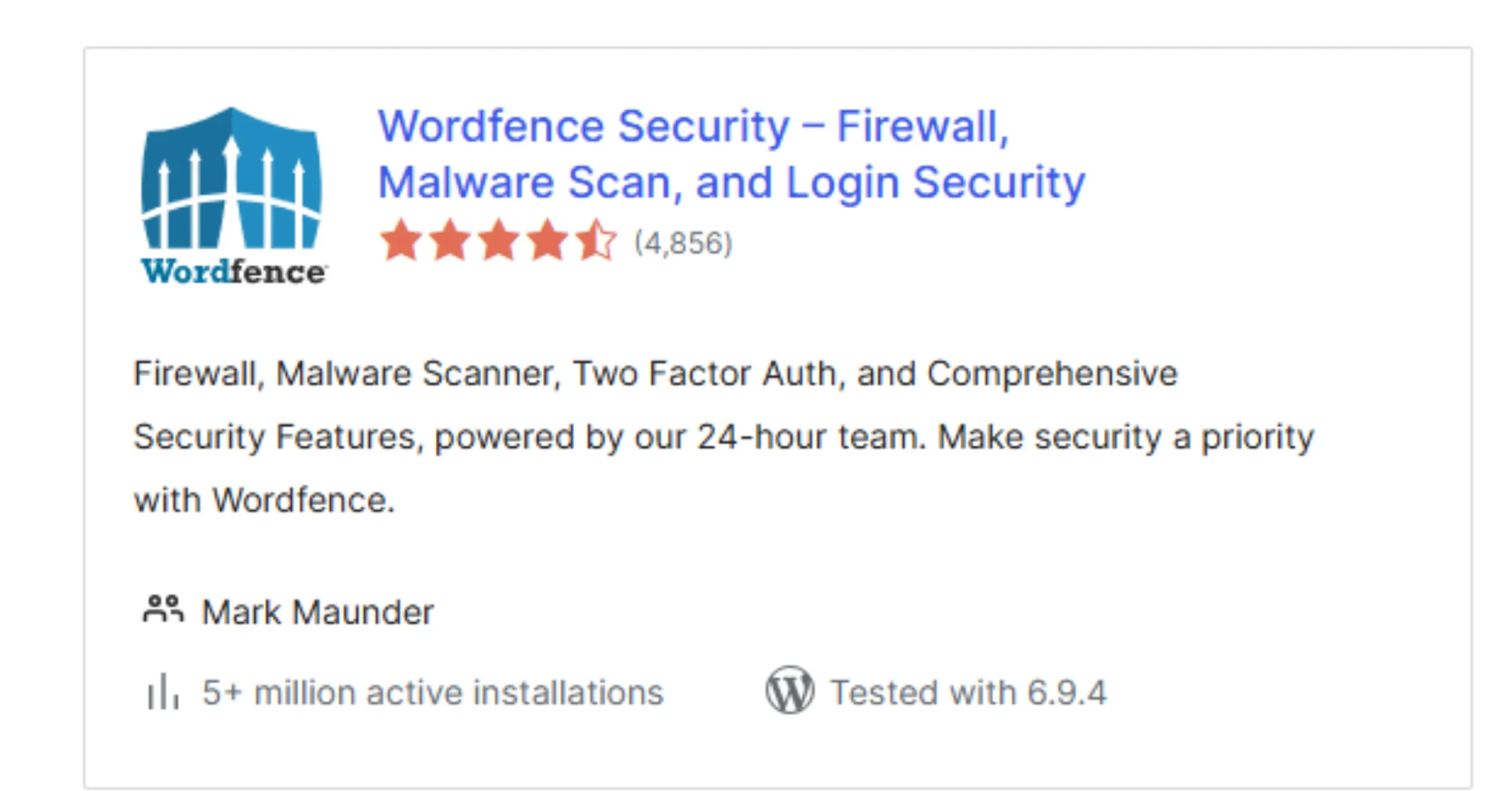
If you have heard of any security plugin before reading this, it is probably Wordfence. It is one of the most complete security plugins you can get.
Wordfence works by running a firewall in front of your website. What is a firewall, though? Think of it like a security guard at the door that blocks suspicious visitors before they can even get inside your site.
It also scans your website’s files regularly to look for malware. Malware is harmful code that attackers try to hide on your site to spy on visitors, steal data, or redirect people elsewhere.
On top of that, Wordfence limits how many times someone can try to log into your site. This stops a brute-force attack. The attack is where a hacker uses a bot to guess your password thousands of times per second.
2) Sucuri Security
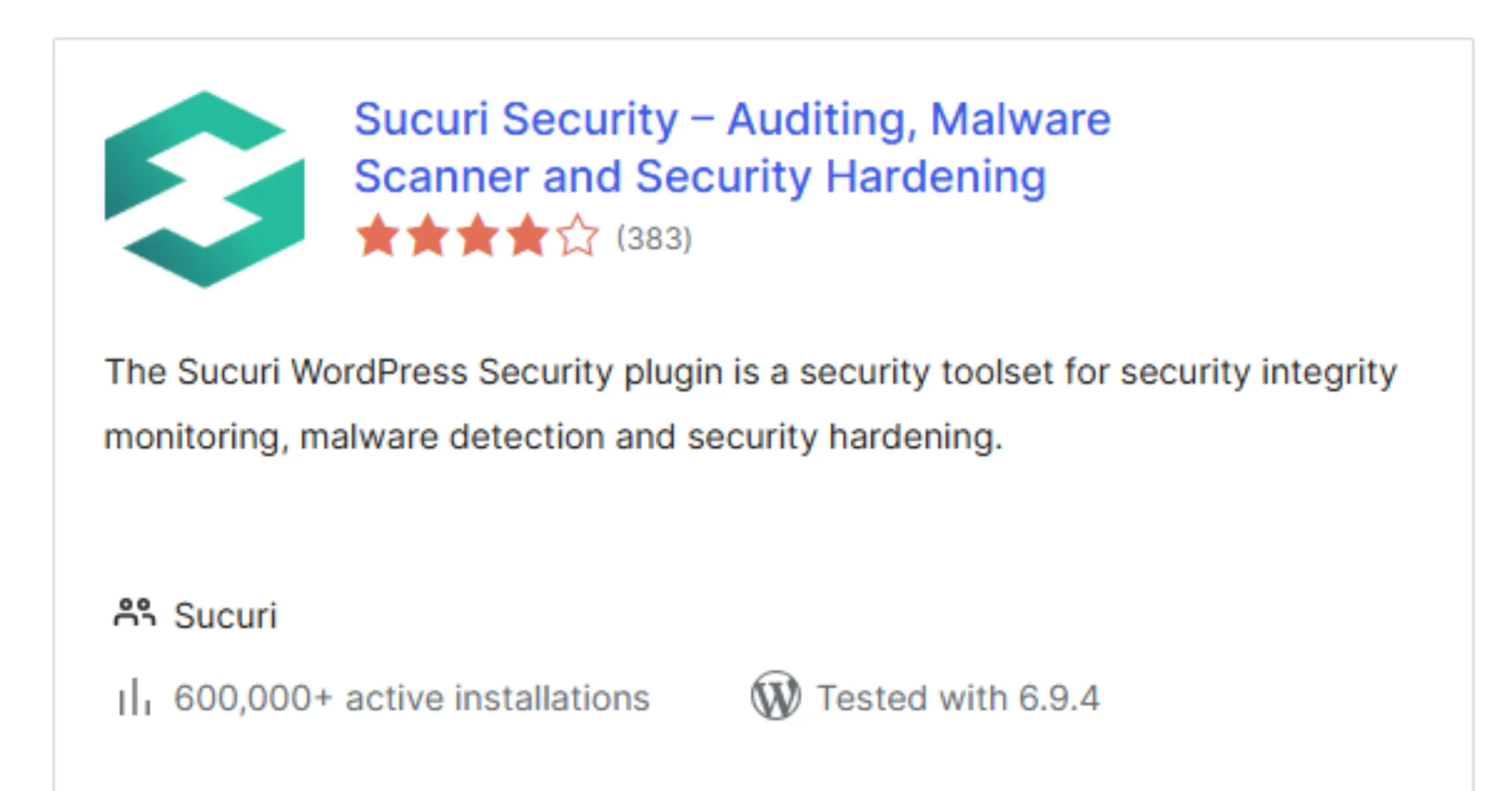
Sucuri has been protecting websites for years, and it is especially popular among business owners who take security seriously.
These security plugins perform a process called file integrity monitoring. That means they keep track of all the files on your website and alert you the moment anything changes unexpectedly. If a hacker sneaks a harmful file onto your site, Sucuri notices it almost immediately.
It also handles something called security hardening, which just means tightening up areas of your site that are commonly targeted. Think of it like locking your back door and windows, not just the front door.
3) iThemes Security (Solid Security)
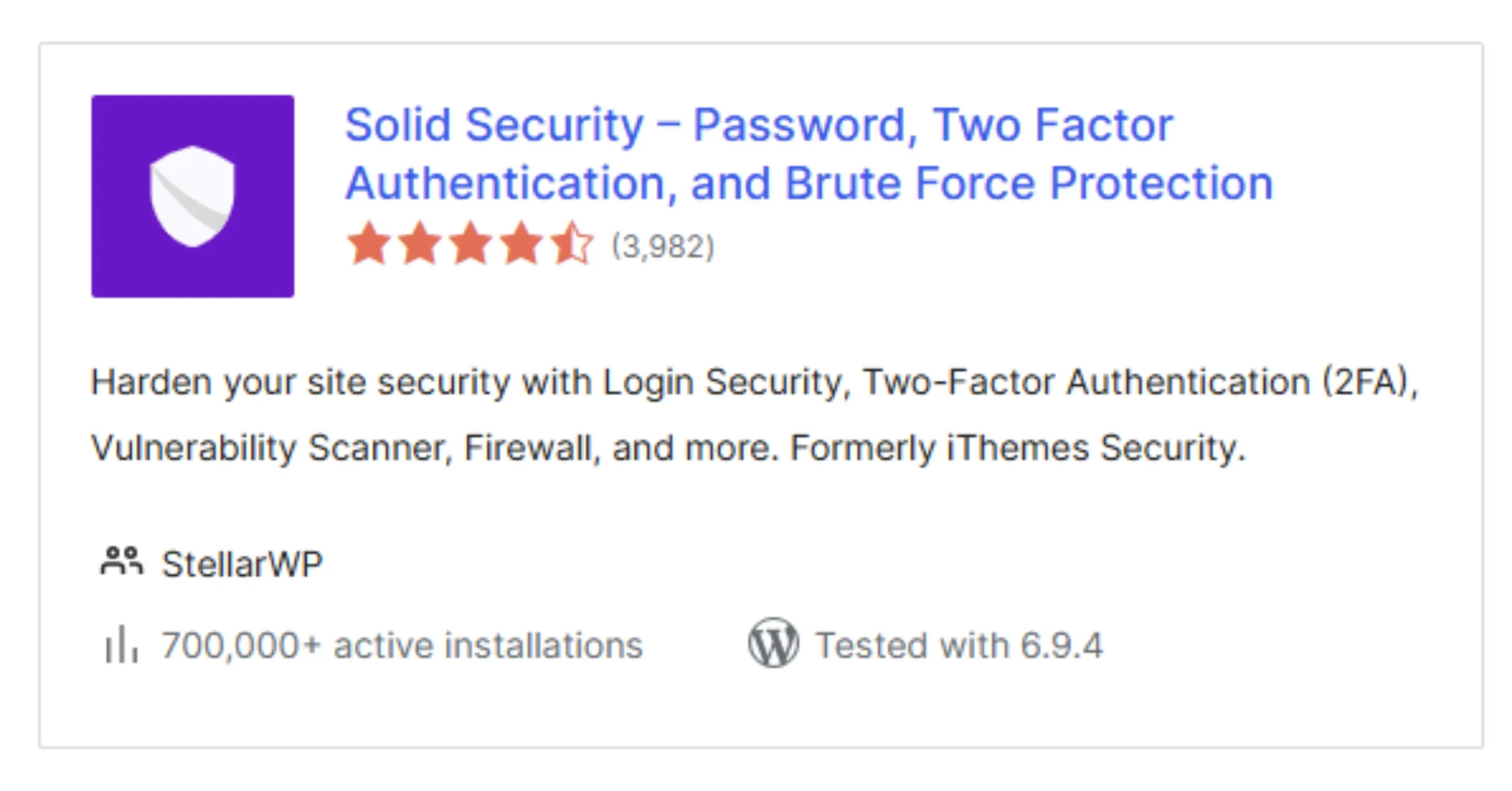
A lot of security problems on WordPress sites come from weak login setups. People use simple passwords like “password123” or leave the default admin username in place. Hackers know this and target it constantly.
iThemes Security rebranded to Solid Security is built to close those gaps quickly. It lets you set limits on how many failed login attempts are allowed before an account gets locked. It checks your site for known weak spots and tells you exactly what to fix.
And it offers two-factor authentication. That is when logging in requires not just a password but also a code sent to your phone, making it much harder for anyone else to get in.
4) All In One WP Security and Firewall
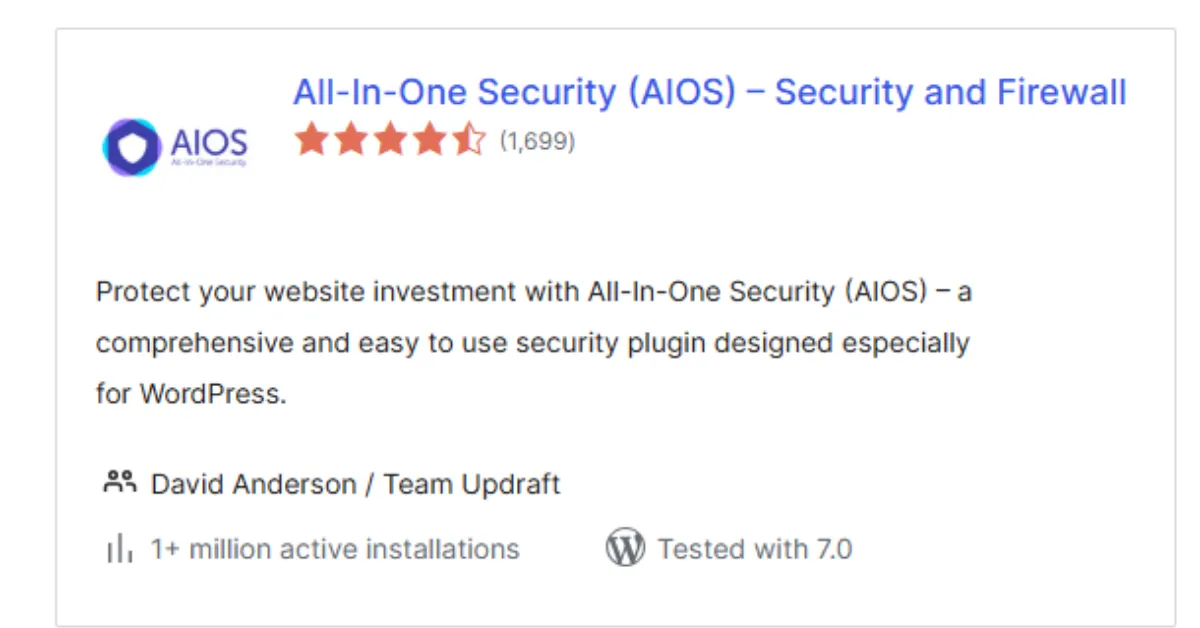
If budget is a concern, this is one of the best free security plugins available. All In One WP Security and Firewall covers a surprisingly wide range of threats without costing you anything.
It gives you firewall rules that block known attack patterns, protection for your user accounts, and even basic database security. Your database, by the way, is where all your website’s content is stored, your posts, your settings, your customer information. Protecting it is non-negotiable.
Additionally, it uses a visual scoring system to show you how secure your site is right now and what you can do to improve it.
5) MalCare Security
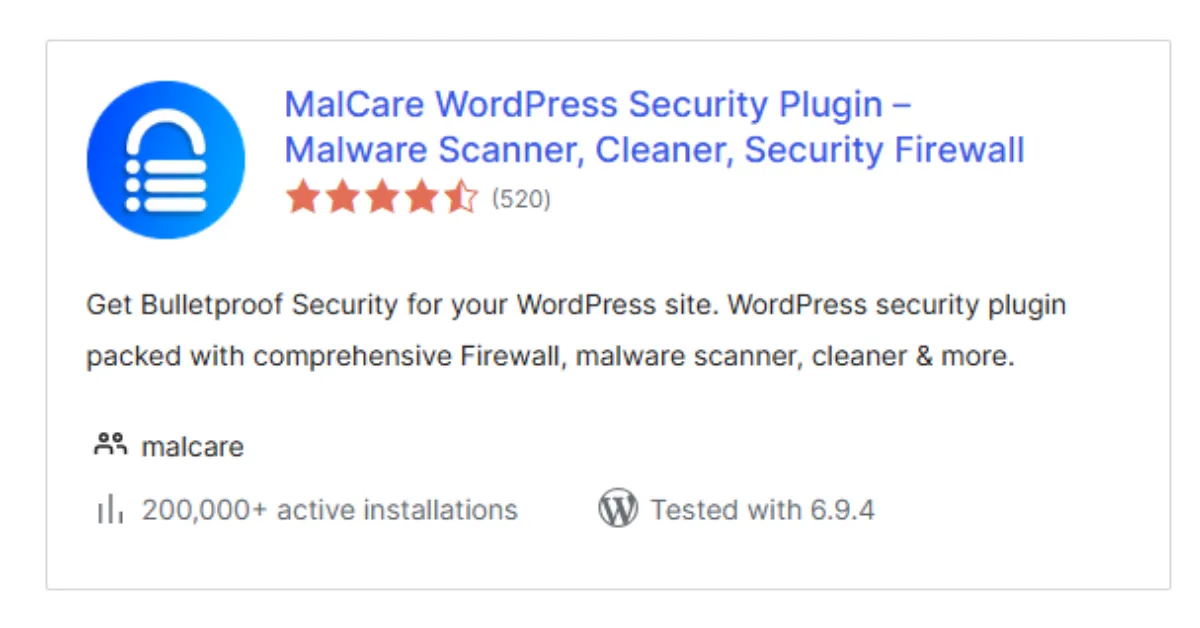
Most security plugins are built to prevent attacks. MalCare is built for when prevention was not enough, and your site has already been compromised.
MalCare does a deep scan of your entire website, deeper than most other security plugins go, to find malware that might be hiding in unusual places. And critically, it can remove that malware with one click, without you needing to touch a single line of code yourself.
6) WP Activity Log
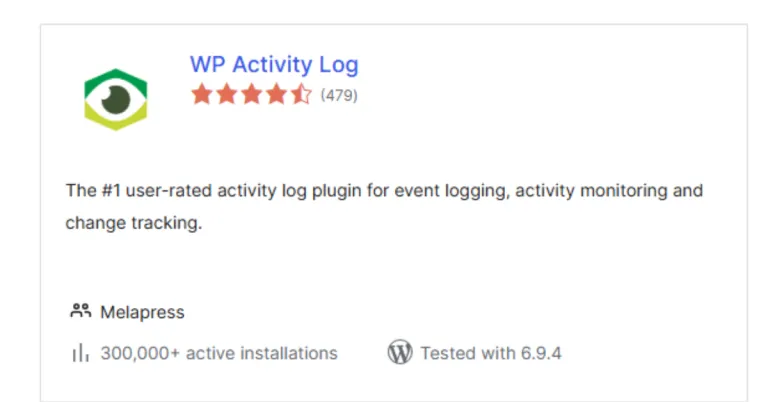
One of the best ways to spot a security problem is simply to know what is happening on your site at all times.
WP Activity Log keeps a detailed record of every action taken on your website.
- Who logged in?
- When they logged in.
- What they changed.
- Which pages did they visit?
- If something suspicious happens, like a new admin account being created that you did not create, you will see it immediately.
These kinds of security plugins are sometimes called audit logs. They do not block attacks on their own, but they give you the visibility to catch problems early, before they spiral into something much bigger.
As a site owner with multiple users or team members, this plugin is especially valuable.
7) Jetpack Security
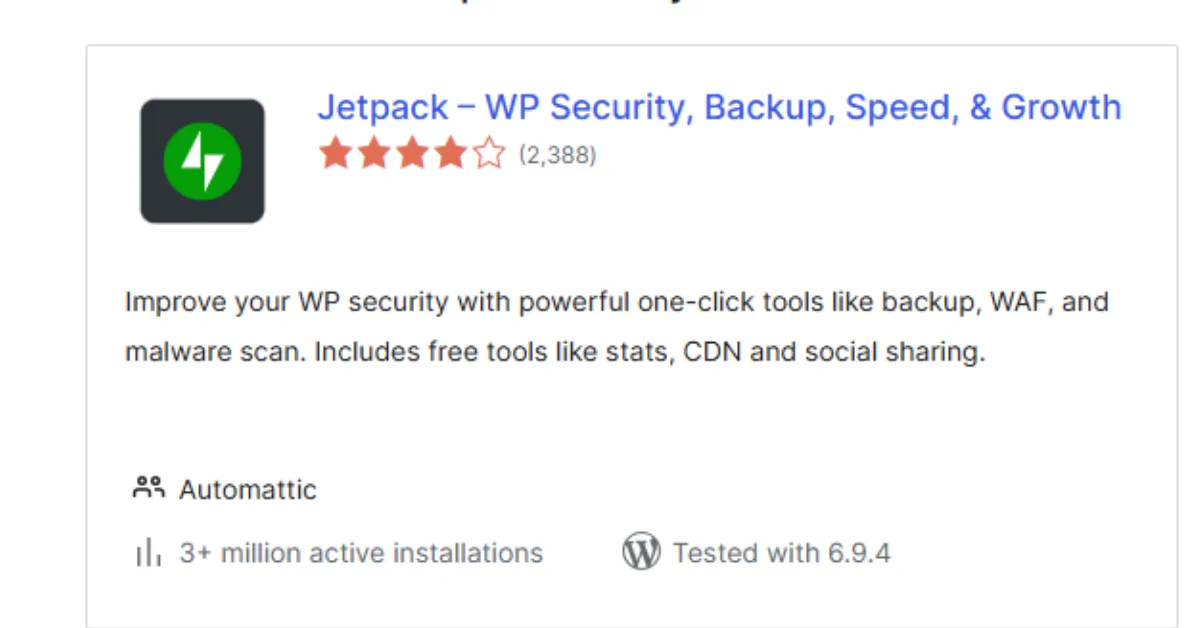
Jetpack is made by Automattic, the same company behind WordPress itself. So you know it integrates cleanly without causing conflicts.
Jetpack Security combines several things into one plugin:
- Automated backups (copies of your site saved regularly in case you need to restore it)
- Malware scanning
- Spam protection.
Spam comments and form submissions can be used to inject harmful links or code into your site.
Consequently, if you want security plugins that handle multiple layers without needing separate tools for each, Jetpack Security is a very convenient choice.
8) Shield Security
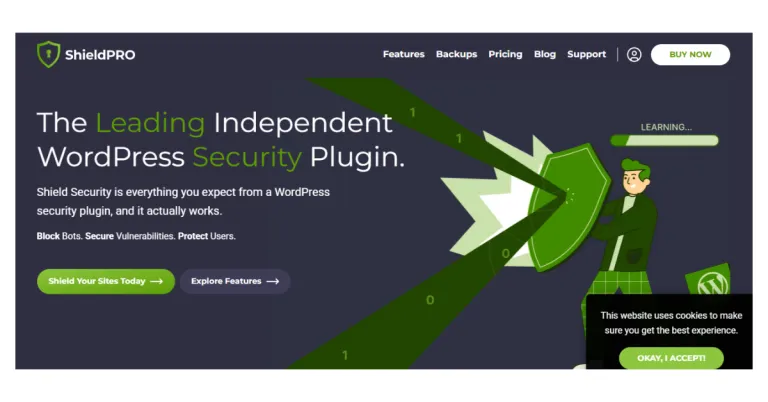
Shield Security is a quiet type of security plugin. Shield runs silently in the background of your WordPress site, blocking bots, protecting your login page, and handling basic security checks without you having to do much at all.
A bot, by the way, is an automated program that hackers use to scan millions of websites at once, looking for weak spots. Shield blocks these before they can find anything useful.
Moreover, Shield is built to be lightweight, meaning it does its job without slowing your site down.
9) UpdraftPlus
UpdraftPlus is technically a backup plugin, not a security plugin. But it earns its place on this list because backups are your final safety net when everything else fails.
Even with the best security plugins in place, no website is completely invincible. If a hacker does manage to break in and cause serious damage, a recent backup means you can restore your site to exactly how it was before the attack, in minutes, not weeks.
UpdraftPlus lets you schedule automatic backups and store them safely in places like Google Drive or Dropbox. So even if your website itself is compromised, your backup is sitting safely somewhere else, ready to bring everything back.
It is the parachute you hope you never need, but you will be very glad it is there if you do.
You Do Not Need Every Security Plugin; Pick the Right Ones
Just because there are nine security plugins on this list does not mean you need to install all nine. In fact, doing that could cause more problems than it solves.
Too many security plugins can slow your site down, clash with each other, or create duplicate settings that confuse everything. Two plugins, both trying to run a firewall at the same time, for example, can break your site entirely.
Keep it simple. A good starting setup looks like this:
- One main security plugin: Wordfence, Sucuri, or iThemes Security works well
- One backup tool: UpdraftPlus is the most trusted option
- One extra if needed: WP Activity Log if you have multiple users, or MalCare if your site has already been attacked
That is genuinely enough to build strong, layered protection without overloading your site.
Protect Your Website Better With Truehost
Security plugins will only protect what happens inside your WordPress site. They cannot control what happens at the server level, and that is where 41% of successful hacks actually begin.
That is why the foundation counts as much as the plugins you install on top of it. Truehost gives you;
- Secure servers that block threats before they even reach your site
- Strong uptime so your site stays online and visible
- Regular backups to protect your data at the infrastructure level
- Built-in protections that support and strengthen every security plugin you install.
When your hosting is secure, your security plugins work better. And when everything works together, your site becomes genuinely difficult to break into.
Start with Truehost today, and protect your website the right way from the ground up.