Domain RegistrationFind and register the perfect domain for your website.
 .COM DomainChoose a widely recognized domain to build global credibility.
 Domain TransferSeamless domain transfers with zero downtime and complete control.
 All TLDsFind and register your perfect domain. Choose from local and global extensions.
 SSL CertificatesKeep your website safe with reliable SSL Certificates that protect customer data and build trust.
 whoisCheck domain ownership details, expiration dates, and registrar information.
 US DomainRegister a .US domain and build trust in the USA.
 Web HostingEverything your website needs to run smoothly
 WordPress HostingWordPress hosting that just works
 Windows HostingReliable hosting for Windows environments
 Reseller HostingTurn hosting into your business
 Email HostingEmail that looks professional and works anywhere
 cPanel HostingFull control of your hosting with cPanel
 Affiliate ProgramJoin as a partner and earn commissions on every referral you send our way.
 Vps HostingScalable virtual servers that expand as you need.
 Dedicated ServersGet complete access and full control over your dedicated physical server.
 Managed vpsNot tech-savvy? We will take care of everything with our fully managed VPS hosting for you.
 AI Website BuilderCreate stunning websites in seconds with AI.
 Online ShopSet up a professional online store. No coding required.
 Web design serviceGet a tailored website designed to match your brand and support your goals.
 BlogFind helpful guides on web hosting, online selling, digital marketing, and more.
 Contact USYou can reach us anytime, day or night, through chat or email.
 SupportBrowse helpful guides and answers for all of our services.
Have you ever wished you had one helper that could handle your:
- Mornings
- Emails
- Smart lights
- AND your side project, all at the same time?
Well, that is exactly what OpenClaw does.
OpenClaw is an AI assistant that connects to the apps and gadgets you already use. It acts for you right inside a simple chat window. So instead of hopping between five different apps like a confused kangaroo, you just type one message, and OpenClaw takes care of the rest.
Here is why it works so well for everyday personal use:
- It links all your tools together in one spot
- It remembers stuff you told it earlier
- It keeps working around the clock, even when you are asleep
So if you are searching for OpenClaw personal assistant ideas to try, you are in the right place. Below are twelve fun and useful ideas that show what a real OpenClaw personal setup can look like once everything is hooked up.
1) A Daily Briefing Sent Straight to Your Chat

Instead of checking five different apps before you even eat breakfast, OpenClaw can send you one neat summary on a schedule. This is called a “heartbeat trigger,” which is just a fancy way of saying it wakes itself up at a certain time every day. Then it grabs your weather, your calendar, and your top emails, and drops it all into one single chat message.
That means you start your day already knowing what is going on, without lifting a finger or opening a single extra app. Pretty neat, right?
2) Inbox Triage and Auto-Drafted Replies
This is one of the most popular OpenClaw personal assistant ideas to try, especially if your inbox never seems to slow down. OpenClaw flags the urgent emails first, so you always see the important stuff right away. Then, for the boring, routine emails, it writes a draft reply for you so all you have to do is check it over and hit send.
Over time, this one trick alone can save you hours every single week. That is a lot of extra time to do things you enjoy.
3) Smart Home Control From One Chat Window
If your house already has smart gadgets like Philips Hue lights, Elgato gear, or a Home Assistant setup, you probably switch between a few different apps just to turn on one lamp. That is kind of annoying, right?
OpenClaw fixes this by bringing everything into one chat window through WhatsApp or Telegram. So one simple message can dim your lights, check a sensor, or lock a smart plug, without you opening anything else at all. Since you likely already own at least one of these devices, setting this up only takes a few minutes.
4) Expense and Spending Tracker
You can forward your receipts, or just type your purchases straight into the chat, and OpenClaw logs everything for you automatically. It keeps a running record of what you spend, and it flags anything that looks weird or unusual.
That way, small leaks in your budget do not slip by unnoticed month after month.
5) Personal Research Assistant
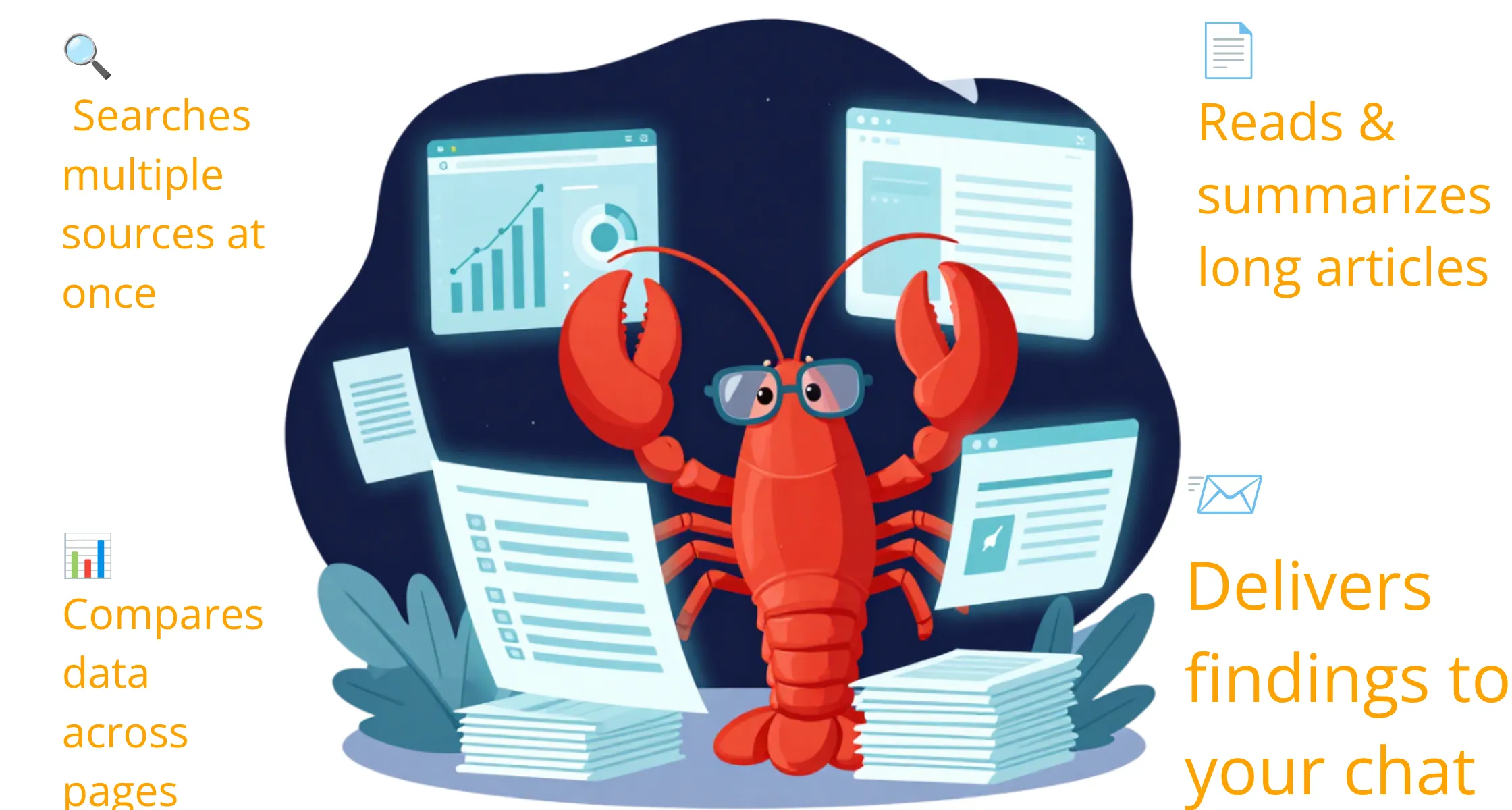
Sometimes you need a real, solid answer instead of ten browser tabs open at once. OpenClaw can use a tool called Brave Search, along with another tool called Firecrawl, to pull together a proper deep dive on almost any topic you throw at it.
Firecrawl is a tool that reads whole web pages rather than just short snippets, so the answers you get feel much more complete and less choppy. It does need its own API key to work, which is just a private code that lets OpenClaw connect to the Firecrawl service and use it on your behalf. You will need to sign up for one and add it to your setup before this tool becomes available.
Without a Firecrawl key, OpenClaw falls back on a built-in tool called web fetch. This works fine for simple pages, but it only sends a plain request to a website and grabs whatever text comes back right away. It does not run any of the page’s JavaScript, so on sites that load their content dynamically, you might end up with a mostly empty page instead of the full article.
Once you add a Firecrawl API key, you get a real browser fallback instead. This means Firecrawl opens the page the way an actual browser would, letting all that JavaScript run before it grabs the content, so you end up with the complete page every time.
6) Habit and Health Check-Ins
If you want a little gentle nudge without downloading yet another health app, this idea is for you. If you wear a fitness tracker, OpenClaw can pull that data and check in with you through chat about your sleep, your steps, or how much water you drank. It is like having a friend who cares, minus the awkward small talk.
7) Task and Project Manager Across Tools
Whether your to-do list lives in Notion, Trello, or Apple Reminders, OpenClaw can sync all three together into one running list. So you never have to wonder which app has the task you need, because everything funnels into a single thread you can check right from your phone.
8) Social Media Draft and Schedule Helper
Here is another one of the OpenClaw personal assistant ideas to try that saves a ton of time. OpenClaw can draft your social media posts, line them up to post later, and remind you to double-check them before anything goes live.
Before you hand over any real posting power, it is worth starting small. Set OpenClaw up with read-only access first, where it can look at your accounts and pull information but cannot make any changes or send anything on its own.
Once you are comfortable with how it behaves, move on to draft-only replies, where OpenClaw writes posts and saves them for you to review, but does not have permission to actually publish them. This way, nothing goes out into the world without you personally checking it first. It is a simple safety step, but it counts a lot when you are letting a tool loose on accounts with your name attached to them.
You stay fully in control of what actually gets posted, while all the repetitive typing and scheduling happens quietly in the background. That frees up your evenings for something way more fun.
9) Travel Planning Assistant
Planning a trip usually means twenty browser tabs open and a messy notes app full of half-finished ideas. Sound familiar?
OpenClaw can research flights, build a rough itinerary, and track your bookings, all in one single thread. So everything about your trip lives in one place you can always come back to.
10) Developer Watchdog for Side Projects
If you like tinkering with code on the side, this next idea might be your favorite. OpenClaw can watch your GitHub repositories, run tests overnight, and report any issues back to you by morning.
It works like a quiet little helper checking on your project while you sleep. So you wake up already knowing what needs your attention, instead of finding out by accident later on.
11) Voice-Controlled Home Journal
Sometimes typing is not very convenient, especially when your hands are busy doing something else. OpenClaw has a talk mode that lets you add quick notes using your voice instead of your keyboard. It is worth knowing that this is not a full voice assistant like Google Assistant, one you can just talk to hands-free and get answers back from on the spot. It is more of a chat interface that happens to accept voice input, so you are still speaking into an app rather than commanding a device across the room.
These notes get saved automatically and stay searchable later. So it works great as a running journal you can add to anytime, without ever opening a notebook or typing a single word.
12) Shopping List That Watches Prices
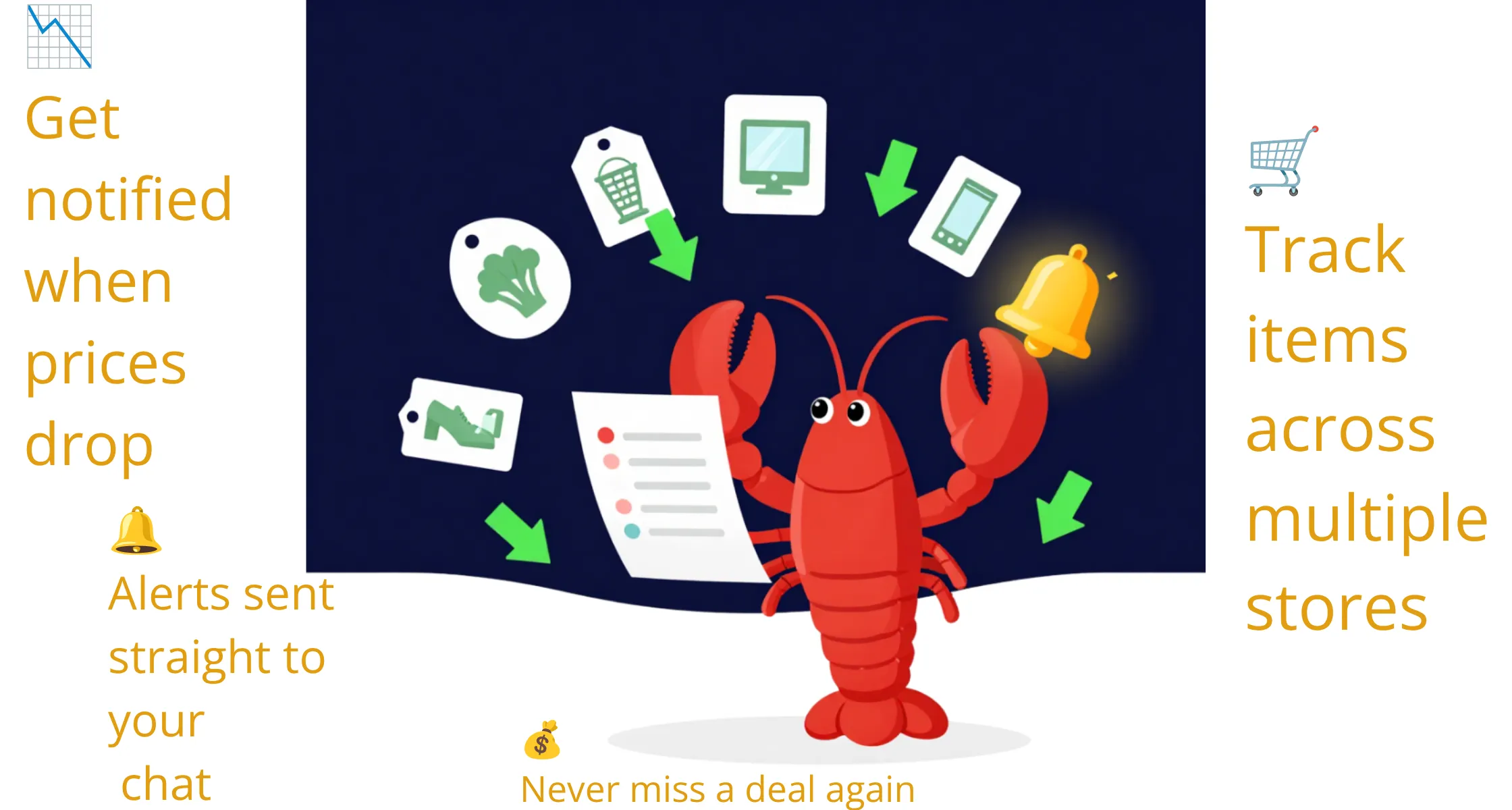
Last but not least on our list of OpenClaw Personal assistant ideas to try, you can tell OpenClaw what you are hoping to buy, and it will keep a close eye on the price for you. As soon as it drops, you get a message right away. So you never have to check manually, and you never miss out on a good deal again.
Get Your OpenClaw Personal Assistant Running Now
OpenClaw is an AI assistant that connects your apps and devices into one chat window, so you can manage things without jumping around. We have covered 12 OpenClaw personal assistant ideas to try from:
- Daily briefings
- Inbox triage with auto-drafted replies
- Smart home control
- An expense tracker
- A research assistant
- Health check-ins
- A task manager that syncs across apps
- A social media scheduler
- A travel planner
- A GitHub watchdog for code projects
- A voice-controlled journal
- And a shopping list that tracks prices
But here is the thing that ties every single one of these OpenClaw personal assistant ideas together: uptime. Uptime just means how long something stays up and running without crashing or going offline. And honestly, none of these ideas work very well if the server keeps falling asleep at the wrong moment.
A daily briefing means nothing if the server is down at 6 a.m. A developer watchdog is basically useless if it stops running in the middle of the night while you are asleep.
So, once you start putting these ideas into action, you’ll need something steadier than a shared hosting plan. That is where a Truehost OpenClaw VPS comes in. Instead of sharing space with a bunch of random websites, OpenClaw gets its own steady, always-on environment to:
- Send briefings
- Watch your repos
- And track prices, all without random interruptions.
Truehost OpenClaw VPS hosting offers you fast response time. That stable ground is exactly what keeps every scheduled task on OpenClaw firing right on time, day after day.
OpenClaw Personal Assistant Ideas to Try FAQs
OpenClaw itself is free and open source, so you never pay a license fee or subscription just to install it. The catch is that you still need an AI model behind it, such as Claude, and most of those models charge based on how much you use them.
The best AI for a personal assistant depends on what you want it to do and how much you want to spend. Claude and GPT models tend to give you the strongest results.
People are using OpenClaw for a wide range of everyday tasks, from managing email and calendars to tracking prices and drafting social posts. Others connect it to smart home devices or use it as a coding assistant.
OpenClaw itself stays free since it is open-source software. What you pay for is AI model usage, and that usually runs $10 to $50 a month for typical personal use, climbing past $300 for a heavy, always-on setup with a premium model.
Local models like Llama or Qwen, run through a tool like Ollama, cost you nothing beyond electricity since they run on your own machine. Google’s Gemini also offers a free API tier with generous limits, making it a solid no-cost option for lighter OpenClaw tasks.
No, you do not need any coding skills at all to set up OpenClaw for personal use. Most integrations connect through simple chat commands and guided setup steps, not custom scripts you have to write yourself.
Yes, definitely. Each task runs on its own in the background, so your morning briefing and your price tracker can both stay active at once without bumping into each other.
If your OpenClaw goes offline, scheduled tasks like briefings or overnight checks just pause until the server comes back up. This is exactly why reliable hosting is a must for keeping everything consistent.