Domain RegistrationFind and register the perfect domain for your website.
 .COM DomainChoose a widely recognized domain to build global credibility.
 Domain TransferSeamless domain transfers with zero downtime and complete control.
 All TLDsFind and register your perfect domain. Choose from local and global extensions.
 SSL CertificatesKeep your website safe with reliable SSL Certificates that protect customer data and build trust.
 whoisCheck domain ownership details, expiration dates, and registrar information.
 US DomainRegister a .US domain and build trust in the USA.
 Web HostingEverything your website needs to run smoothly
 WordPress HostingWordPress hosting that just works
 Windows HostingReliable hosting for Windows environments
 Reseller HostingTurn hosting into your business
 Email HostingEmail that looks professional and works anywhere
 cPanel HostingFull control of your hosting with cPanel
 Affiliate ProgramJoin as a partner and earn commissions on every referral you send our way.
 Vps HostingScalable virtual servers that expand as you need.
 Dedicated ServersGet complete access and full control over your dedicated physical server.
 Managed vpsNot tech-savvy? We will take care of everything with our fully managed VPS hosting for you.
 AI Website BuilderCreate stunning websites in seconds with AI.
 Online ShopSet up a professional online store. No coding required.
 Web design serviceGet a tailored website designed to match your brand and support your goals.
 BlogFind helpful guides on web hosting, online selling, digital marketing, and more.
 Contact USYou can reach us anytime, day or night, through chat or email.
 SupportBrowse helpful guides and answers for all of our services.
Unmanaged VPS plans look cheaper, and on the invoice, they are. Truehost, for example, lists unmanaged plans starting at $4.56 per month and managed plans starting at $12.00 per month.
However, that gap shrinks once you count your own hours. Someone has to patch the OS, monitor the logs, test the backups, and respond to the 3 a.m. alert. On an unmanaged plan, that someone is you.
A managed VPS hands those jobs to the host’s engineers. For most site owners and small businesses, that trade is worth the higher fee.
This guide covers the main benefits of managed VPS hosting, a worked cost example, and what you give up.
What a Managed VPS Hosting Plan Includes

Both tiers give you the same virtual server, with dedicated CPU, RAM, and storage. The difference is who runs it.
With a managed VPS, the provider handles setup, updates, security, monitoring, and backups. With an unmanaged VPS, you receive a blank server and root access. Everything else is your job.
| Task | Managed VPS | Unmanaged VPS |
|---|---|---|
| Server setup | The host configures it | You configure it |
| OS updates | The host applies them | You apply them |
| Firewall | The host sets the rules | You write the rules |
| Monitoring | The host watches the server | You install the tools |
| Backups | Host schedules them | You schedule and test them |
| Support | Engineers on call | Forums and documentation |
In short, a managed VPS arrives ready to use. An unmanaged VPS arrives as a blank slate.
Security Patching and Hardening Done for You
Security is the strongest argument for managed hosting. Vulnerabilities in Linux, web servers, and control panels surface regularly. Attackers scan for unpatched servers soon after a public disclosure.
A managed host applies patches on a set schedule. It also configures the firewall, scans for malware, and watches for intrusion attempts.
On an unmanaged server, you own every one of those tasks. As a result, a single missed update can leave a door open for months. The tasks people most often skip are kernel updates, firewall reviews, and removing unused services.
Managed security is not magic, but it is consistent. Someone is responsible for it every day.
Round-the-Clock Monitoring and Quicker Incident Response
Managed hosts watch CPU, memory, disk space, and service health around the clock. When a service crashes, an engineer often restarts it before you notice.
Take a 3 a.m. outage as an example. Your database service stops on a Saturday.
On a managed plan, monitoring flags the problem, and an engineer restores service. You read a summary in the morning.
On an unmanaged plan, nothing alerts you unless you build the alerts yourself. The site stays down until a visitor emails you or you check it. Meanwhile, every hour of downtime costs sales, trust, and search visibility.
Search engines also notice repeated outages. Reliable monitoring protects your rankings and your revenue.
Backups You Can Actually Restore
Having backups and being able to restore them are different things. Managed plans usually automate the schedule and keep several restore points.
The host also knows how to run a restore. A job that takes you an afternoon may take an engineer much less time.
Unmanaged servers often fail at this step. Owners set up a backup script once, then never test it. They discover the problem during a real failure.
Expert Support When Something Breaks
When something breaks on a managed plan, you open a ticket or start a chat. An engineer who knows the platform answers.
On an unmanaged plan, you search forums and documentation. Resolution times depend on whether someone replies.
Managed support usually covers problems like these:
- Crashed services and failed restarts
- Misconfigured web servers
- Email delivery problems
- SSL certificate errors
- Resource spikes that slow the site
Check the support terms before you buy. Look for 24/7 availability and a stated response time. This helps most if you have no sysadmin on staff.
Managed VPS Cost vs Unmanaged: The Real Math
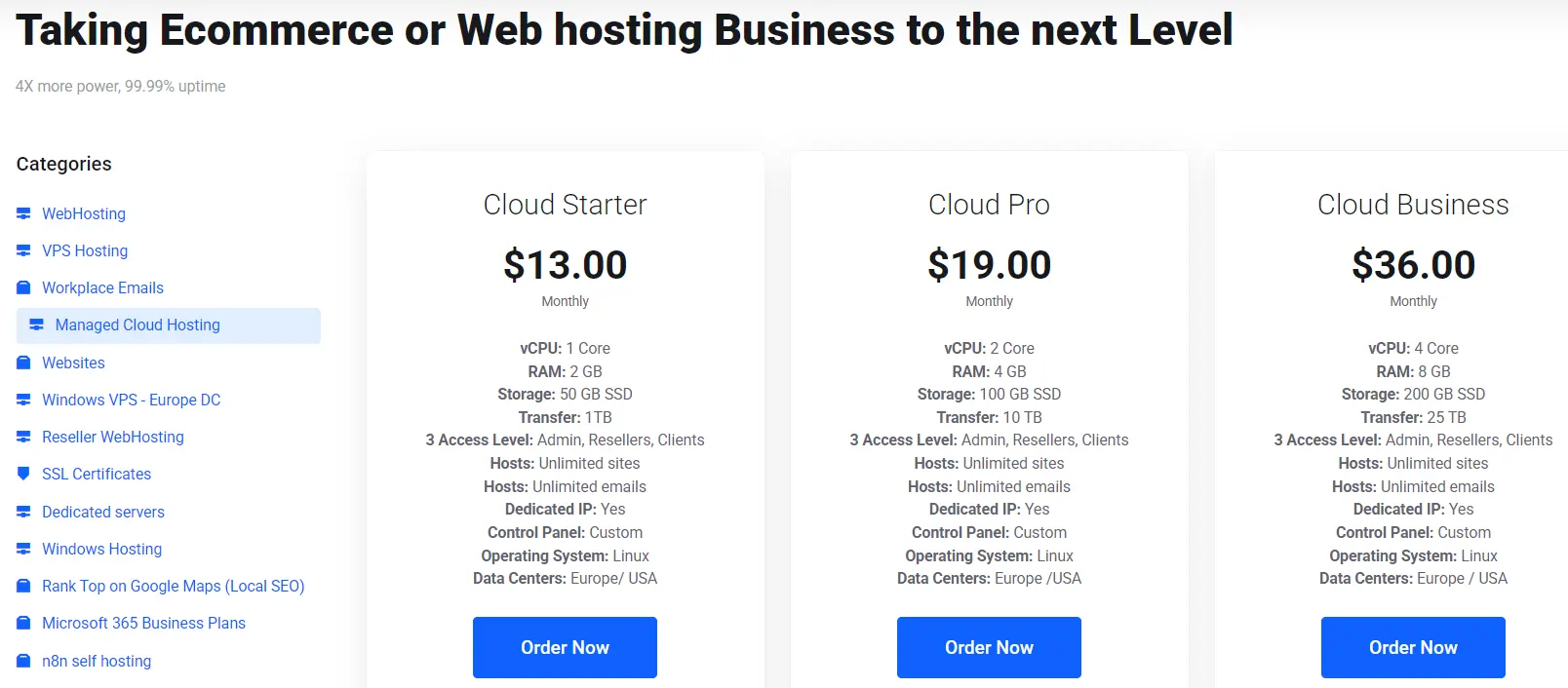
The monthly price tells only half the story. Here is a simple example with assumed numbers. Replace them with your own.
- Unmanaged VPS: $12 a month
- Managed VPS with similar specs: $40 a month
- Your time is worth $30 an hour
- Upkeep: 4 hours a month unmanaged, 1 hour a month managed
| Monthly cost | Unmanaged VPS | Managed VPS |
|---|---|---|
| Hosting fee | $12 | $40 |
| Your time | $120 | $30 |
| Total | $132 | $70 |
The managed plan costs $62 less each month in this example. The fee gap is $28, and you save 3 hours. So the break-even point sits at about $9 an hour. If your time is worth more than that, managed costs less.
Now add one incident. A single breach or a long outage can cost far more than a year’s worth of fees. Emergency sysadmin help is also rarely cheap.
Unmanaged still wins in some situations. If you enjoy server work and have spare hours, the math changes. If you already employ a sysadmin, it changes, too.
So, is managed VPS worth it? For a revenue-generating site run by a non-specialist, yes.
Performance Tuning Without the Learning Curve
Raw resources are identical on both tiers. A 4 GB plan has 4 GB of RAM. The difference is how well the server is configured.
Managed hosts tune the web server, database, caching layer, and PHP settings. They do this for common workloads such as WordPress and WooCommerce.
For instance, a tuned PHP worker pool stops traffic spikes from exhausting memory. Object caching can cut database queries on busy WordPress pages. Correct database buffer settings also reduce disk reads.
On an unmanaged server, defaults stay in place until you change them. Most owners never learn which settings to change.
Compliance and Audit Readiness
Some rules reach into server settings. Payment card standards and data protection laws both expect access controls, logging, and patching.
Managed providers usually document patches and keep logs. That paper trail helps during an audit.
An unmanaged server can meet the same standards. However, it takes dedicated expertise and constant attention. Small businesses often lack both.
Ask your host which standards its plans cover. Then match that answer against your own obligations.
Predictable Costs and Easier Upgrades

Managed plans bill a flat monthly fee. You avoid surprise invoices from freelance sysadmins. That makes budgeting simple for non-technical owners.
Upgrading is also easier. On most managed plans, you request more CPU or RAM through support. The host handles the resize and any needed restart.
On an unmanaged plan, you might have to migrate the server yourself. That means planning, testing, and a maintenance window.
What You Give Up With a Managed VPS
Managed hosting has real downsides. The monthly fee is higher. Some plans also restrict root access.
Hosts usually block changes that could destabilize the platform. Examples include custom kernel modules, unusual firewall setups, and unsupported software. Many hosts will approve reasonable requests, so ask before you buy.
Unmanaged hosting still suits system administrators, development labs, and custom stack builders. If you need full control, unmanaged is the right choice.
Managed VPS vs Unmanaged VPS at a Glance
| Factor | Managed VPS | Unmanaged VPS | Better fit |
|---|---|---|---|
| Security | Host patches and monitors | You patch and monitor | Managed |
| Support | Engineers on call | Forums and documentation | Managed |
| Backups | Automated and restorable | Your setup and testing | Managed |
| Monthly price | Higher | Lower | Unmanaged |
| Control | Some limits | Full root access | Unmanaged |
| Time needed | About 1 hour a month | About 4 hours a month | Managed |
| Best for | Business owners and agencies | Sysadmins and developers | Depends on skills |
The time row uses the assumptions from the cost example above.
FAQs
What is the biggest risk of unmanaged VPS hosting?
The biggest risk is an unpatched or misconfigured server. Attackers find those servers quickly. Untested backups come second.
Both risks stay hidden until something goes wrong. A compromised server can also leak customer data or send spam.
Can you switch from unmanaged to managed later?
Yes, though migration takes planning. You copy files, databases, and configuration to the new server. Then you switch DNS and test the site.
Downtime is usually short if you lower your DNS TTL beforehand. Many hosts offer migration help.
Starting on managed is simpler than moving after a security scare. You can still move to unmanaged once your team grows.
Does managed or unmanaged VPS hosting affect SEO?
The server type does not directly affect rankings. However, uptime, page speed, and security do. Frequent outages can hurt crawling and user trust.
A hacked site can also pick up spam links or a warning label in results. Managed hosting reduces these risks through monitoring, tuning, and patching.
Is a Managed VPS Worth It for You?
Unmanaged looks cheaper only until you count your hours. A managed plan costs more per month but often costs less overall.
Run this quick check:
- You have no sysadmin on staff.
- Your site earns revenue or serves clients.
- Your hours are worth more than the fee gap.
- You want a human to call when something breaks.
If you tick two or more, managed is the safer choice.
Ready to hand off the server work? Explore Truehost managed VPS plans and choose the size that fits your site. Already running an unmanaged server? Contact our team to discuss moving it to a managed plan.