Domain RegistrationFind and register the perfect domain for your website.
 .COM DomainChoose a widely recognized domain to build global credibility.
 Domain TransferSeamless domain transfers with zero downtime and complete control.
 All TLDsFind and register your perfect domain. Choose from local and global extensions.
 SSL CertificatesKeep your website safe with reliable SSL Certificates that protect customer data and build trust.
 whoisCheck domain ownership details, expiration dates, and registrar information.
 US DomainRegister a .US domain and build trust in the USA.
 Web HostingEverything your website needs to run smoothly
 WordPress HostingWordPress hosting that just works
 Windows HostingReliable hosting for Windows environments
 Reseller HostingTurn hosting into your business
 Email HostingEmail that looks professional and works anywhere
 cPanel HostingFull control of your hosting with cPanel
 Affiliate ProgramJoin as a partner and earn commissions on every referral you send our way.
 Vps HostingScalable virtual servers that expand as you need.
 Dedicated ServersGet complete access and full control over your dedicated physical server.
 Managed vpsNot tech-savvy? We will take care of everything with our fully managed VPS hosting for you.
 AI Website BuilderCreate stunning websites in seconds with AI.
 Online ShopSet up a professional online store. No coding required.
 Web design serviceGet a tailored website designed to match your brand and support your goals.
 BlogFind helpful guides on web hosting, online selling, digital marketing, and more.
 Contact USYou can reach us anytime, day or night, through chat or email.
 SupportBrowse helpful guides and answers for all of our services.
Still sending client emails from your personal Gmail? You are not alone, but it may be costing you credibility you don’t realize you’re losing.
A custom domain email, think [email protected] instead of [email protected], instantly signals that you run a real operation. Clients notice. And the barrier to getting one is much lower than most people expect. We’re talking anywhere from free to a couple of dollars a month.
Here are four practical ways to get one set up without overspending.

1) Pay a Dedicated Email Host Directly
Some companies exist specifically to host business email. They’re lean, affordable, and easy to get started with — no web hosting package required, just your domain and a small monthly fee.
Truehost is one of the most affordable dedicated email hosts available to US businesses right now. Their professional email hosting plans start at around $1.0/month per mailbox, and include 3GB of storage, antivirus and spam protection, calendar and contacts, and full IMAP/POP3 access, meaning it works seamlessly with Outlook, Apple Mail, Thunderbird, or any email app you already use. There are no ads, no upsells buried in the interface, and 24/7 support if anything goes wrong during setup.
For businesses that want a clean, standalone email setup without tying it to a website hosting plan, this is one of the most straightforward starting points on the market.
Microsoft 365 Business Basic sits at the pricier end at $6/month per user, but it bundles in Outlook, Teams, Word, Excel, and 1TB of OneDrive storage under your custom domain. For teams already deep in the Microsoft ecosystem, the cost is easy to justify once you factor in what you’d otherwise pay for those tools separately.
Before committing to any plan, always check the renewal price, not just the promotional rate and confirm whether SSL is included, what the storage cap is, and whether IMAP/POP3 is supported on the plan you’re considering.
2) Use the Email That Comes With Your Web Hosting
This is the most overlooked money-saver for small businesses: most web hosting plans already include professional email accounts, and a surprising number of people never set them up.
If you’re paying for hosting to run your website, there’s a good chance you can create [email protected] right now at no extra charge. Providers like Bluehost, DreamHost, SiteGround, and HostGator all include email hosting in their base shared hosting plans. Truehost web hosting plans also include email accounts out of the box, which makes it a strong option if you are building a website and need email in the same package.
Setting it up is straightforward: log into your hosting control panel, navigate to the Email Accounts section, and create your address. Most people are done in under ten minutes. If you have never done it before, this step-by-step guide to setting up professional email hosting walks through the full process in plain language, from connecting your domain to configuring your email app.
A few things worth checking on your specific plan: the number of mailboxes allowed, per-mailbox storage limits, and whether IMAP access is supported. Budget-tier plans sometimes restrict these, while mid-range plans are typically more generous.
Bottom line: if you’re already paying for web hosting, this should be your first stop. There’s no reason to pay separately for email when it may already be sitting in your hosting account, unused.
3) Start Free With Zoho Mail
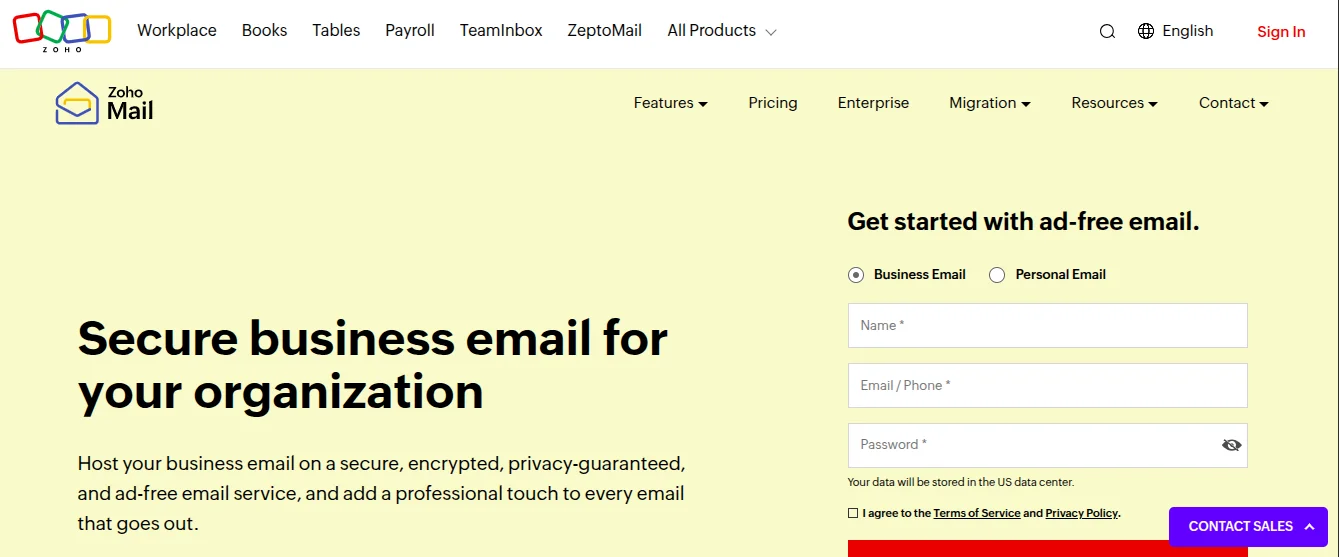
Zoho Mail’s free plan is the most substantive free tier in professional email hosting, and it’s not particularly close.
The free plan covers up to five users, gives each one 5GB of storage, and supports custom domain email (your actual business domain, not a zohomail.com address). The inbox is clean and ad-free, and the plan includes a calendar, contacts, and a mobile app.
The key limitation: no IMAP or POP3 support on the free plan. That means you can’t link Zoho to Outlook, Apple Mail, or Thunderbird, you are working through Zoho’s web interface or their app. For some businesses, that’s perfectly fine. For those who live inside a desktop email client, it’s a dealbreaker.
Google Workspace removed its free tier for custom domains years ago. Microsoft 365 never offered one. Zoho’s free plan is still available, and for freelancers, solopreneurs, and early-stage startups, it’s a serious option worth starting with.
When your team grows beyond five users, or when you need IMAP access or better deliverability tools, it’s a natural time to move to a paid plan. At that point, understanding the full picture of what email hosting involves will help you choose a plan that actually fits where your business is headed.
4) Check What Your Domain Registrar Offers
When you register a domain, many registrars bundle in some form of email access, sometimes a hosted mailbox, sometimes just forwarding.
Email forwarding (offered free by registrars like Porkbun and Cloudflare) routes mail from [email protected] directly into your existing inbox. You don’t get a dedicated hosted mailbox, but for someone who only needs to receive mail under a professional address and reply from their usual account, it works as a temporary setup.
Bundled email hosting is available through registrars like Namecheap and Squarespace Domains, often at a discount when purchased alongside a new domain. These give you an actual mailbox send and receive, with fewer features than dedicated hosts but enough for a solo operator.
This approach makes most sense when you’re registering a new domain and want the simplest possible path to a professional email address in one transaction. Once your business grows, upgrading to a more capable plan is straightforward.
One thing worth doing before you go live, regardless of which route you take: run a deliverability check using MXToolbox to confirm your DNS records are configured correctly. It catches setup errors like missing SPF or DKIM records, that would otherwise cause your emails to land in spam without you knowing.
Which Option Makes Sense for You?
| Situation | Best Starting Point |
|---|---|
| Tight budget, just getting started | Zoho Mail free plan |
| Already paying for web hosting | Check your hosting panel first |
| Want a standalone email setup | Truehost professional email |
| Team already uses Microsoft tools | Microsoft 365 Business Basic |
| Registering a new domain | Ask your registrar what’s bundled |
The right choice depends less on price than on how your business actually operates day to day. A freelancer who works from a browser will be fine with Zoho’s web interface. A small team that uses Outlook daily needs IMAP support and a plan built for it.
Whatever you choose, the goal is simple: stop representing your business with a personal email address. A custom domain email is one of the lowest-cost, highest-impact upgrades you can make, and it takes less than an hour to set up.
Pick a path and start today.